FlexiDome IP Camera Installation | en 29
Bosch Security Systems Installation and Operation Manual AR18-10-B006 | v1.1 | 2010.06
5.2.1 Surface mount
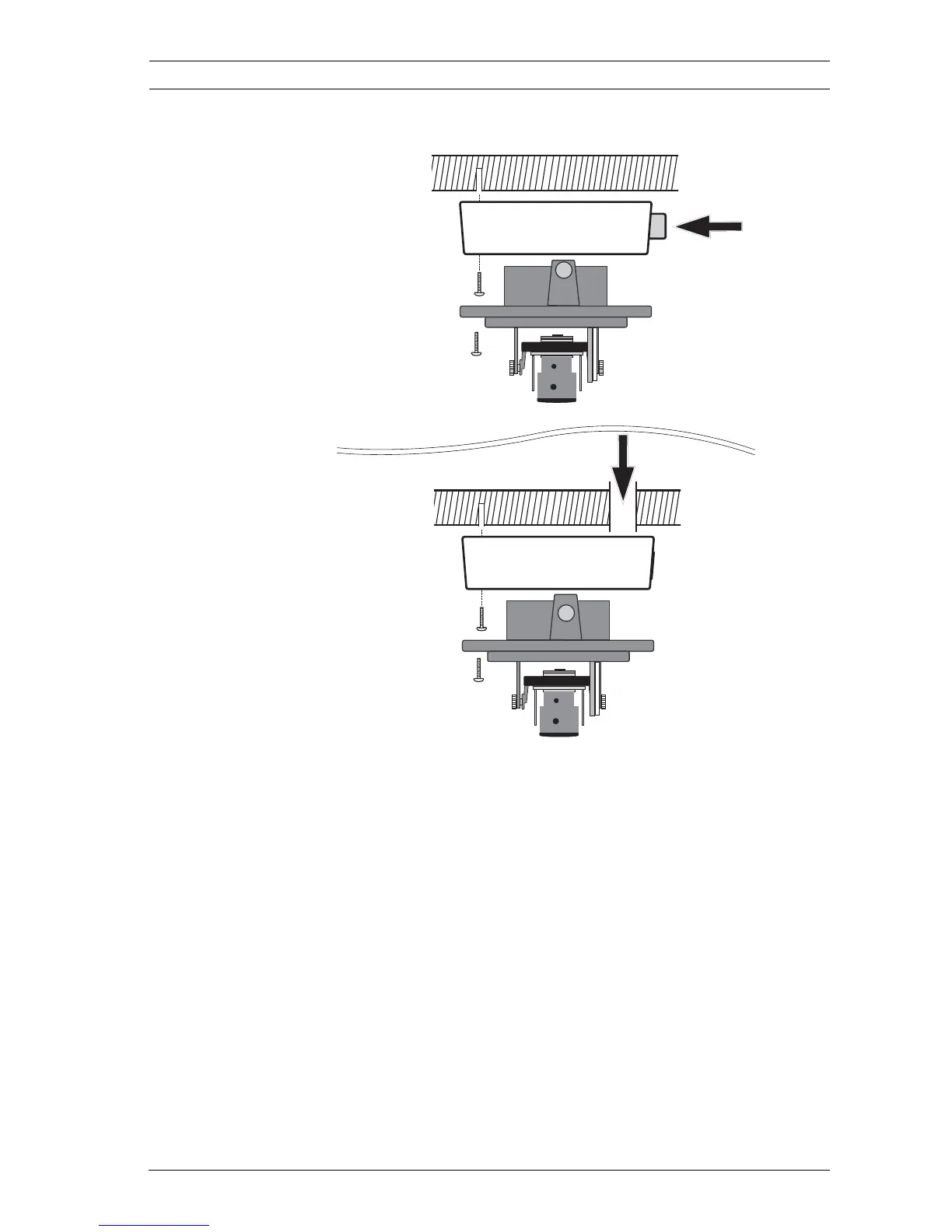
Figure 1 Surface mounting
When using the surface mount box:
1. With a side connection, remove the cap covering the side
entrance.
With a rear connection, leave the cap in place.
2. Attach the conduit to the surface mount box.
3. Attach the surface mount box to the surface.
4. Suspend the camera base from the plastic hook inside the
surface mount box until the connections are made.
Note:
The surface mount box can be attached to a 4S box if required.









 To Next Page