A common question that technicians ask when starting to use the Tech 2 is: “How often or when
should I update the tool?”.
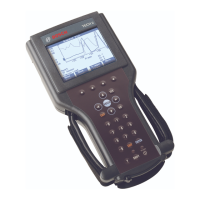
When you power up the Tech 2 the first screen that shows up on the display indicates what
software version is loaded on the tool.
The software download function of TIS 2000 is used to update Tech 2 Scan Tool software to the
latest version. Like all computers, the Tech 2 scan tools each
store software that determine how
they run and what they can do. This software allows the scan tools to perform diagnostic routines
on or for the following vehicle applications: Powertrain, Body, Chassis, and Service Programming.
Scan tool software is regularly updated to reflect changes in vehicle engineering or diagnostics.
Updates can include:
• New vehicle system coverage.
• Improvements to diag
nostic procedures.
• Updates to original application releases.
• The addition of new diagnostic procedures.
Tech 2 software is stored on a Personal Computer Memory Card Industry Association (PCMCIA)
card. The contents of the card are not distinct applications as is the case with certain Tech 1
cartridges.
All of the applications share a single database
of information on the Tech 2's PCMCIA card.
The PCMCIA c
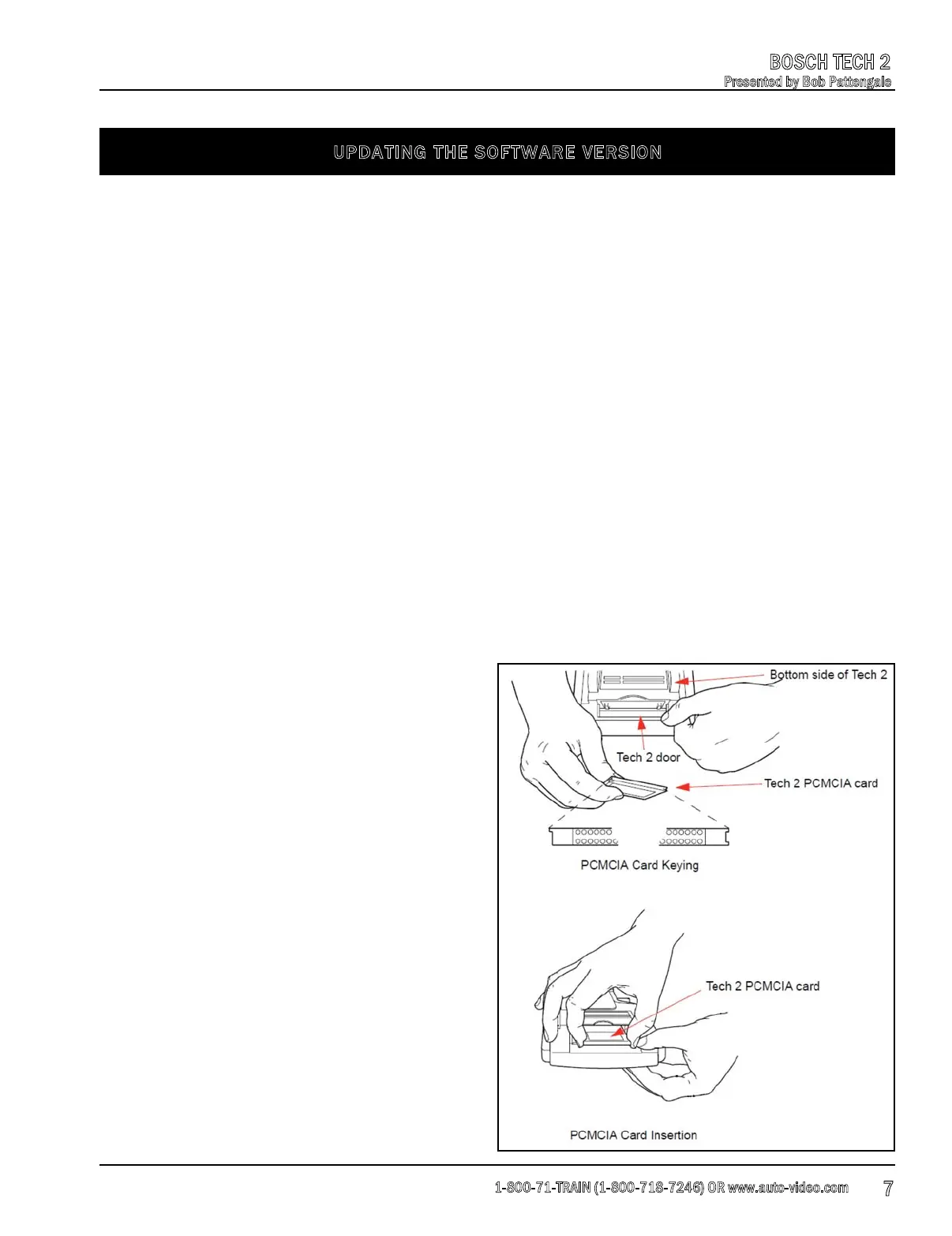
ard is accessed through a door
on top of the unit, and should only be removed
if instructed by the Techline Customer Support
Center.
The card is ejected by pushing the arrow button
pointing to the card to be removed. Cards are
notched to allow insertion only one way. When
reinserting the card make sure that it fully
seats into the Tech 2. The PCMCIA card fits into
slot “zero” which is closest to the scre
en.
A second slot exists for non North American
Operations (NAO) vehicle software. The second
slot is identified as slot “one.”
UPDATING THE SOFTWARE VERSION
1-800-71-TRAIN (1-800-718-7246) OR www.auto-video.com
BOSCH TECH 2
Presented by Bob Pattengale
7











 To Next Page