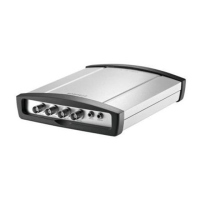
VideoJet XF E Operation | en 97
Bosch Sicherheitssysteme GmbH Installation and Operating Manual DOC | V5.51 | 2012.03
1. Click to start recording. The storage location depends on the configuration of the
VideoJet XF E. A red dot in the icon indicates that recording is in progress.
2. Click to stop recording.
Image resolution
Sequences are saved at the resolution that has been preset in the configuration for the
encoder.
Further topics:
– Section Allow local recording, page 39
– Section Path for JPEG and video files, page 39
– Section 5.21 Advanced Mode: Encoder Profile, page 44
6.5 Running recording program
The hard drive icon below the camera image on the LIVEPAGE changes during an
automatic recording.
A moving graphic will appear to indicate a running recording. If no recording is taking place, a
static icon is displayed.
You can ascertain from the Dual View view (VideoJet X20 XF E) or the Quad View view
(VideoJet X40 XF E) for which camera a recording is running by moving the cursor over the
icon. A message is displayed below the cursor.


 To Next Page
 Loading...