142
Viewing the SD Card Usage
(SD CARD INFORMATION)
Here’s how to view the usage status of the SD card.
1
Press the [MENU] button.
2
Use the CURSOR [ ] [ ] buttons to move the
cursor to “SD CARD,” and press the [ENTER] button.
3
Use the CURSOR [ ] [ ] buttons to move the
cursor to “INFORMATION,” and press the [ENTER]
button.
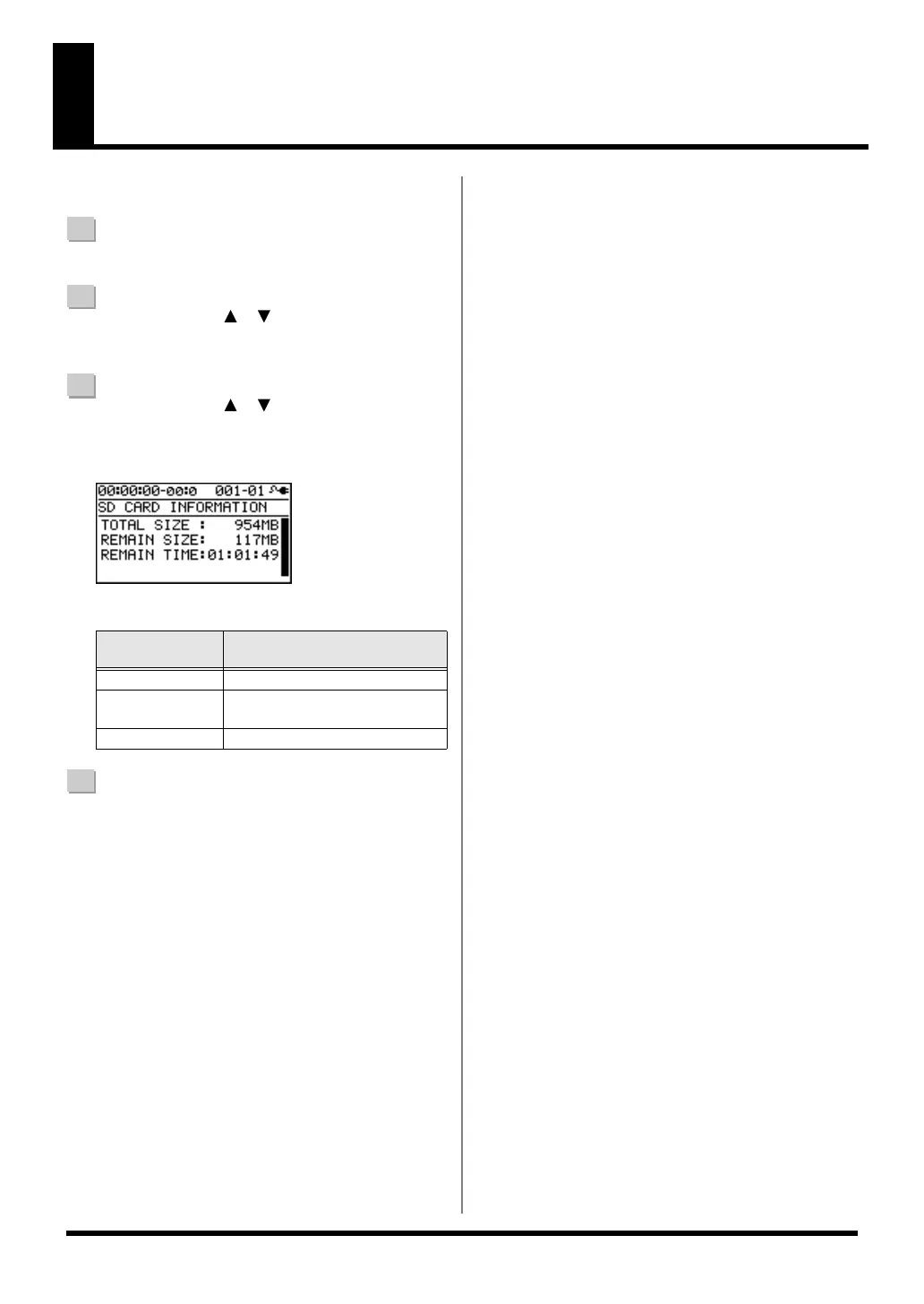
D_SD_Info2.eps
The SD card’s usage status will be displayed.
4
Press the [EXIT] button a number of times to return to
the play screen.
SD CARD
INFORMATION
Explanation
TOTAL SIZE
Total capacity of the SD card
REMAIN SIZE
Free space remaining on the SD
card
REMAIN TIME Remaining recordable time
BR800_e.book 142 ページ 2011年6月6日 月曜日 午後2時14分



 To Next Page