16
Panel Descriptions
fig.FrontPanel.eps
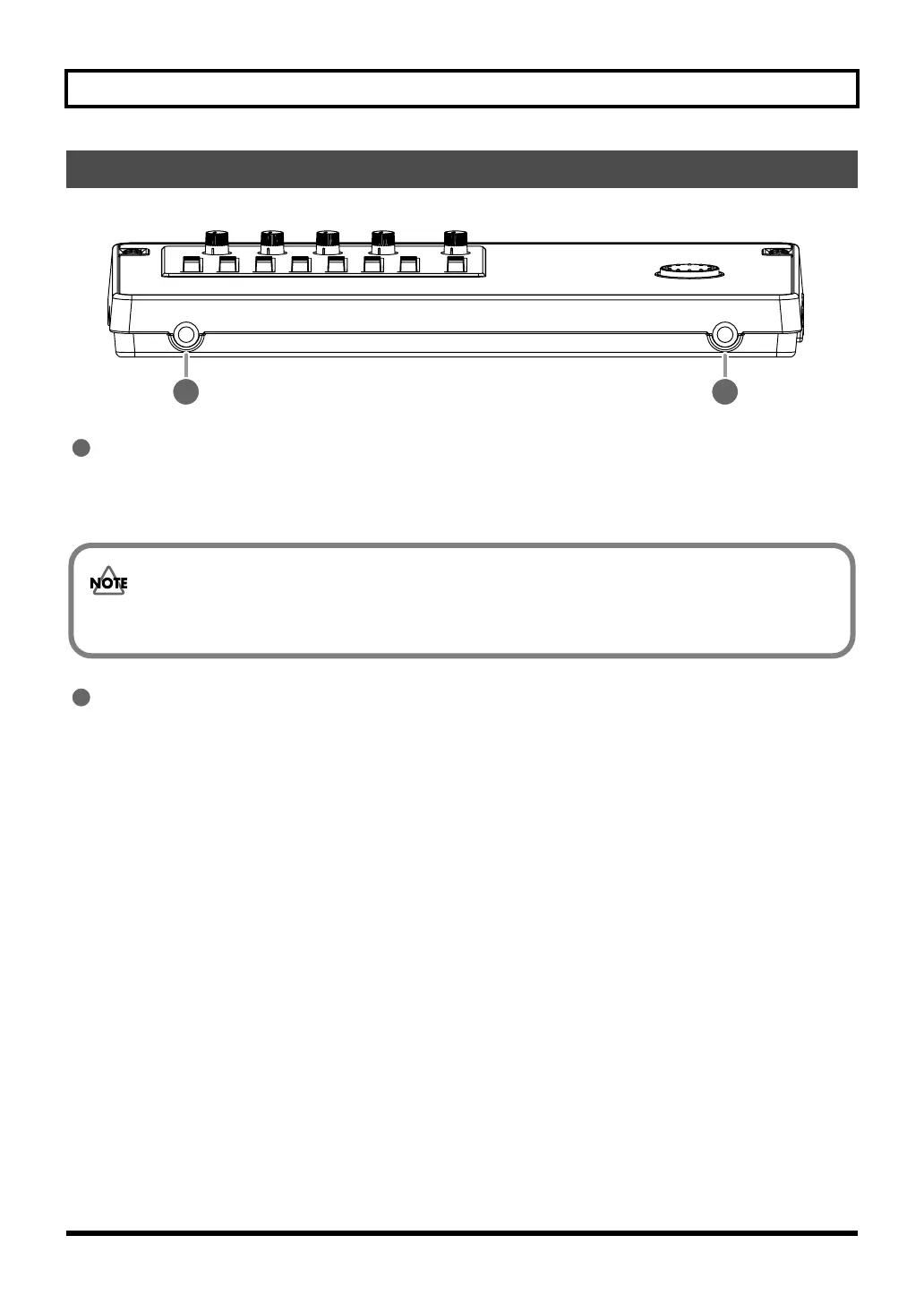
PHONES jack (stereo phone type)
Connect separately sold stereo headphones here. Connecting headphones will allow you to hear the same sound as the
LINE OUT jacks outputs.
Use the [MASTER] fader to adjust the headphone volume.
GUITAR/BASS jack
Connect your guitar or bass here. This is a high-impedance input jack.
Front Panel
1
2
1
If the OUTPUT MODE (p. 137) is set to “SPLIT,” only the sound of the rhythm track will be output from the
PHONES jack.
2
BR800_e.book 16 ページ 2011年6月6日 月曜日 午後2時14分



 To Next Page