44
Playing Back Repeatedly (Repeat)
Normally, the repeat start/end points will be set to the
moments at which you press the [REPEAT] button,
meaning that the repeat region might not be set precisely as
you intended.
In such cases, you can use the “Quantize” feature so that the
repeat region will be set in precise one-measure units
regardless of the timing at which you press the [REPEAT]
button.
To use Quantize, make the following settings.
1
Press the [MENU] button.
2
Use the CURSOR [ ] [ ] buttons to move the
cursor to “SYSTEM,” and press the [ENTER] button.
3
Use the CURSOR [ ] [ ] buttons to move the
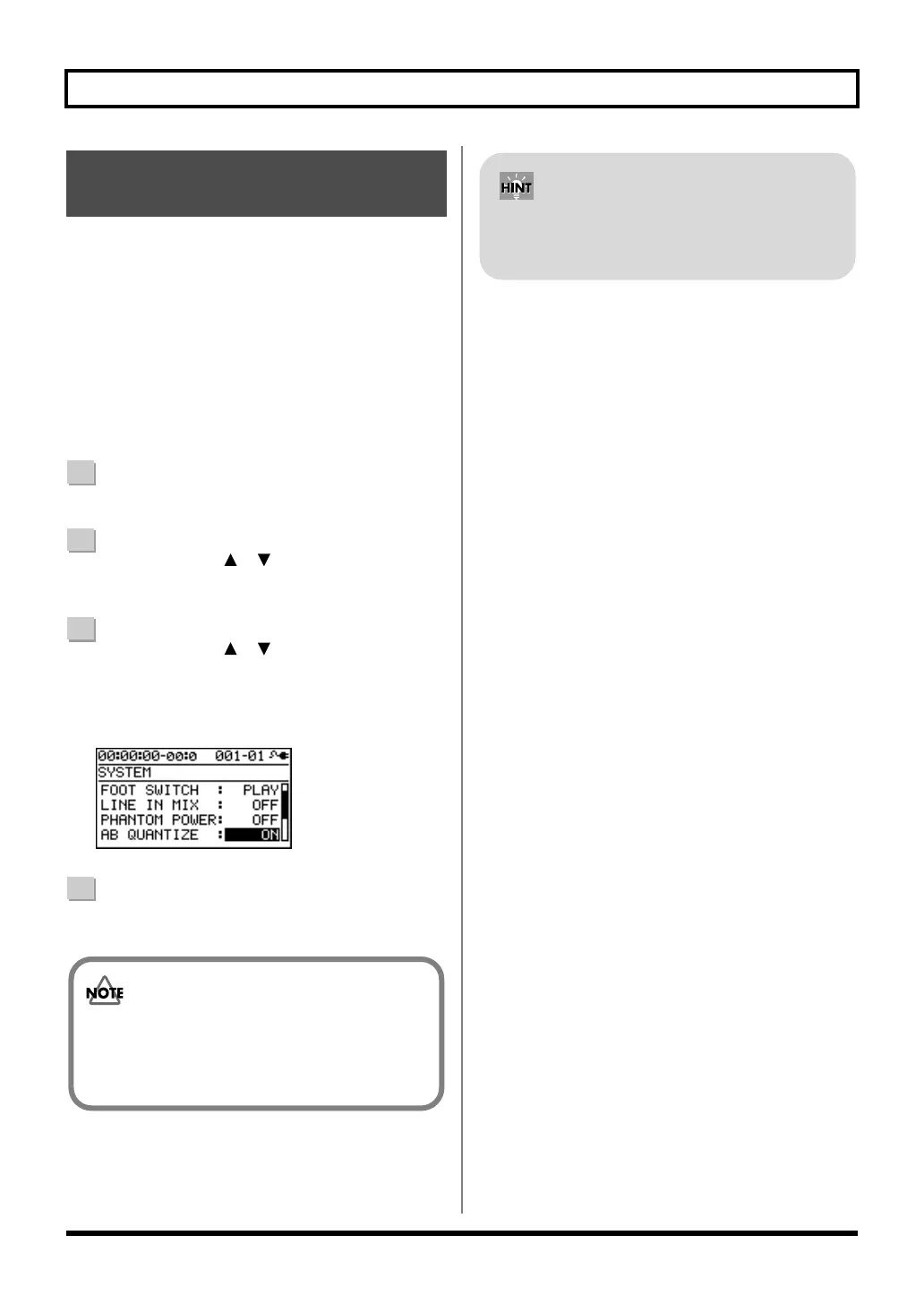
cursor to “AB QUANTIZE,” and use the dial to
change the setting to “ON.”
If this if OFF, Quantize will not be applied.
D_System_AB.eps
4
Press the [EXIT] button a number of times to return to
the play screen.
Setting the Repeat Region to
an Exact Interval
If you use Quantize when specifying the repeat
region, and you change the tempo after making the
setting, the repeat start/end points will no longer
match the beginning and end of the measure.
By pressing the [REPEAT] button twice at the same
location, you can set the repeat region to a single
measure.
BR800_e.book 44 ページ 2011年6月6日 月曜日 午後2時14分



 To Next Page