92
Playing Patterns
Here’s how to change the pattern playback tempo when
you’re in the play screen.
1
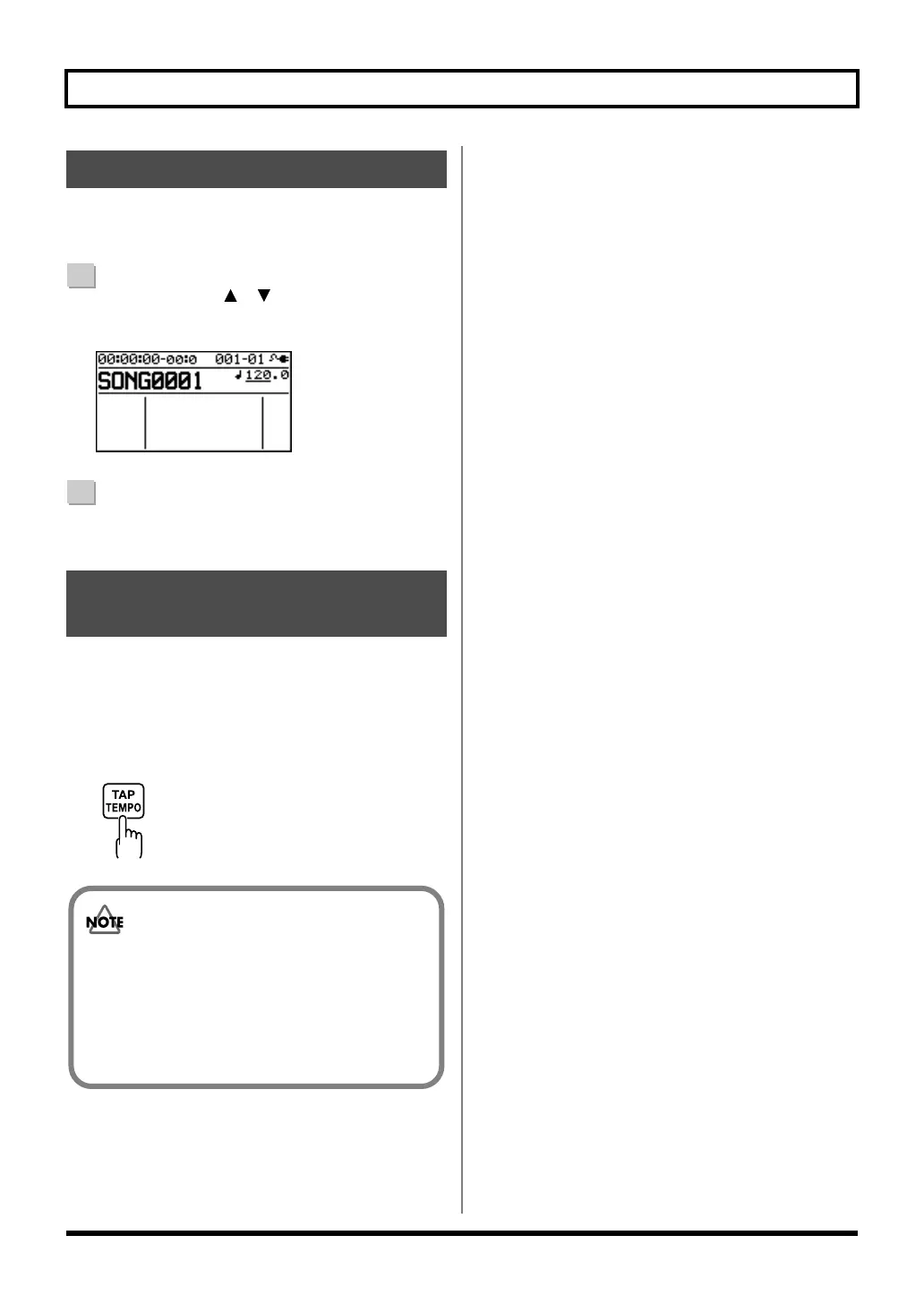
Use the CURSOR [ ] [ ] buttons to move the
cursor to the tempo indication.
D_Play_Tempo.eps
2
Turn the dial to adjust the tempo.
The pattern playback tempo will change.
You can change the pattern playback tempo by pressing the
[TAP TEMPO] button at the desired timing.
Press the [TAP TEMPO] button at least four times in
succession; the tempo will be set to the timing at which you
pressed the button.
fig.04-290.eps
Changing the Tempo
Using [TAP TEMPO] Button
to Set the Tempo
• The pattern tempo will be saved when recording
ends or when you save the song (p. 111).
One tempo setting is saved for each song.
• The tempo is common to all patterns. You can’t
specify a different tempo for each pattern.
• You can adjust the tempo in a range of 25.0–250.0.
BR800_e.book 92 ページ 2011年6月6日 月曜日 午後2時14分



 To Next Page