EditingMasteringUsing USBConvenient
Functions
Appendixes Quick StartGetting Ready
to Record
Recording/
Playback
Using
Effects
Using
Rhythm
23
Listening to the Demo Songs
* You must use the following procedure to turn on the power. Using an incorrect order may cause malfunction or speaker damage.
2. Turn on the Power
1
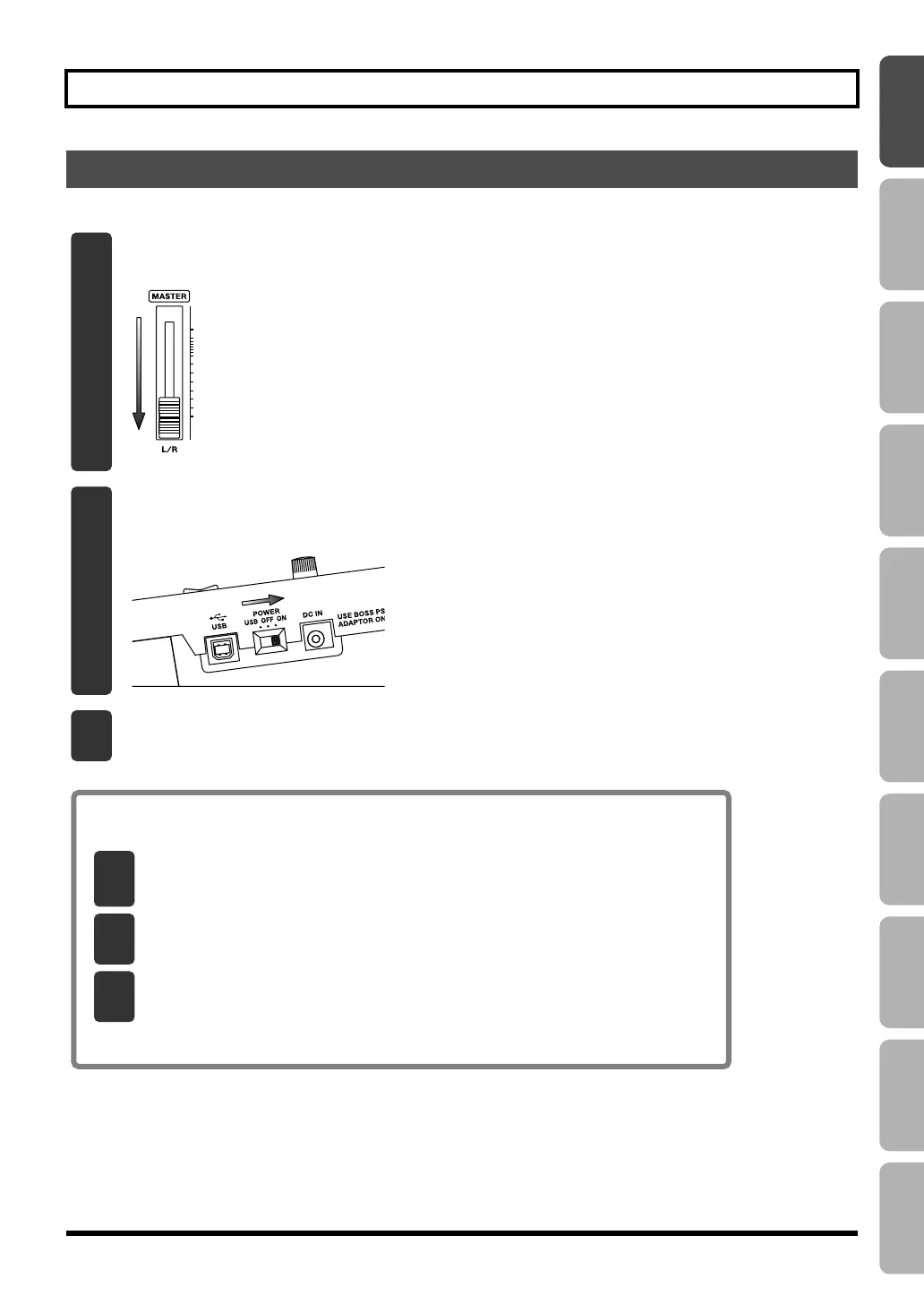
Lower the BR-800’s [MASTER] fader.
fig.Quick_DemoSong2-1.eps
2
Turn on the [POWER] switch.
fig.Quick_DemoSong2-2.eps
3
Turn on the power of your monitor speakers.
Turning the Power Off
* Don’t turn off the power if the “Keep power on!” indication is shown.
1
Make sure that song playback is stopped.
If the song is playing, press the [STOP] button to stop playback.
2
Turn off the power of your monitor speakers.
3
Turn off the [POWER] switch.
BR800_e.book 23 ページ 2011年6月6日 月曜日 午後2時14分


 To Next Page