EditingMasteringUsing USBConvenient
Functions
Appendixes Quick StartGetting Ready
to Record
Recording/
Playback
Using
Effects
Using
Rhythm
29
Recording with the EZ Recording Function
3. Playing Back
1
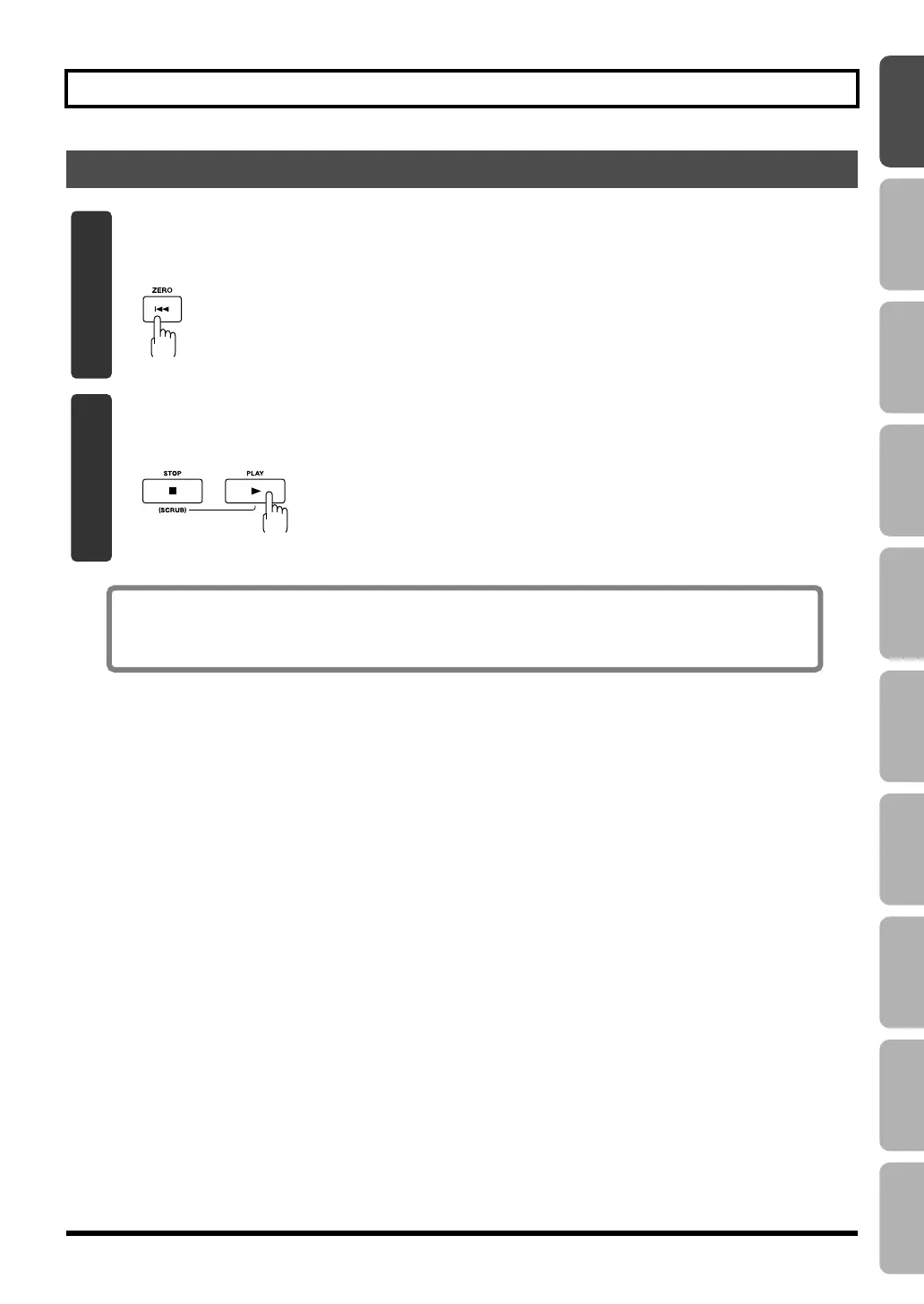
Press the [ZERO] button to return to the beginning of the song.
The current time location will change to 00:00:00-00:0.
fig.Quick_EZ3-1.eps
2
Press the [PLAY] button.
Song playback will start. Use the [MASTER] fader to adjust the playback volume.
fig.Quick_EZ3-2.eps
This completes recording using the EZ Recording function.
Go ahead and try using the same procedure for other instruments or the internal microphones.
BR800_e.book 29 ページ 2011年6月6日 月曜日 午後2時14分



 To Next Page