28
Recording with the EZ Recording Function
3
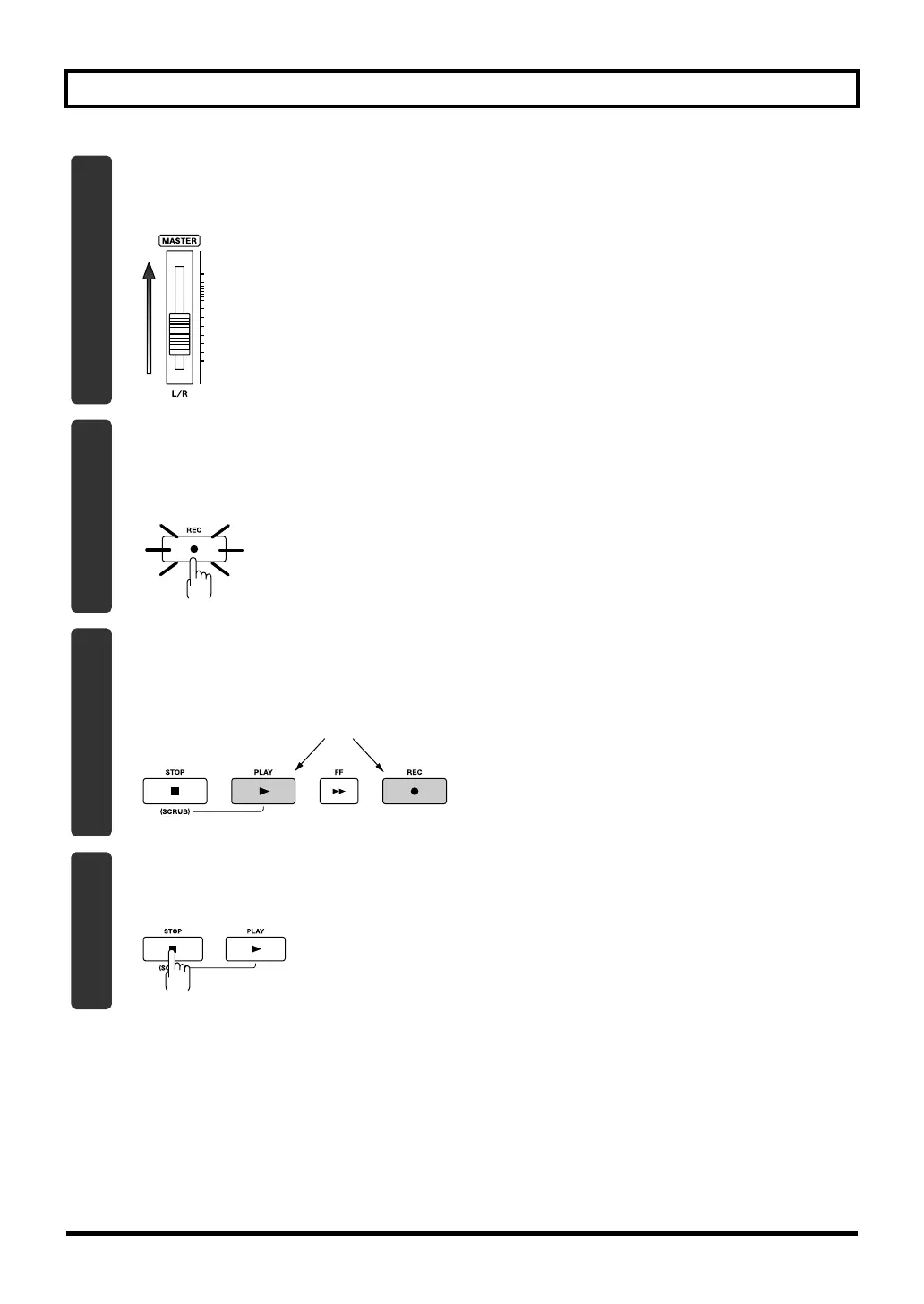
Slowly increase the [MASTER] fader to adjust the volume to the appropriate level for
monitoring.
fig.Quick_EZ2-3.eps
4
Press the [REC] button.
The [REC] button will blink red; the BR-800 is now in recording-standby mode.
fig.Quick_EZ2-4-e.eps
Blinking
5
Press the [PLAY] button.
The [PLAY] button will light green, the [REC] button will light red, and recording will begin.
At the same time that recording begins, the rhythm will start sounding.
fig.Quick_EZ2-5-e.eps
Lit
6
Press the [STOP] button to stop recording.
The track 1 [PLAY] button will light green, indicating that recording has been performed on track 1.
fig.Quick_EZ2-6.eps
BR800_e.book 28 ページ 2011年6月6日 月曜日 午後2時14分



 To Next Page