129
Driver installation and settings (Macintosh)
Installing the driver
Use either OMS or FreeMIDI as the MIDI driver.
The included GT-PRO driver is an add-on module for using the GT-PRO with OMS or
FreeMIDI.
* Either OMS or FreeMIDI must be installed in your Macintosh, as appropriate for the sequencer
software you are using.
Use the following procedure to install the GT-PRO driver.
1
Exit all currently running software (applications).
If you are using a virus checker or similar software, be sure to exit this as well.
2
Prepare the CD-ROM.Insert the CD-ROM into the CD-ROM drive.
3
Double-click the GT-PRO Driver-E Installer icon (found in the Driver E (Mac OS 9) folder of
the CD-ROM) to start up the installer.
4
Verify the Install Location, and click [Install].
fig.12-0210
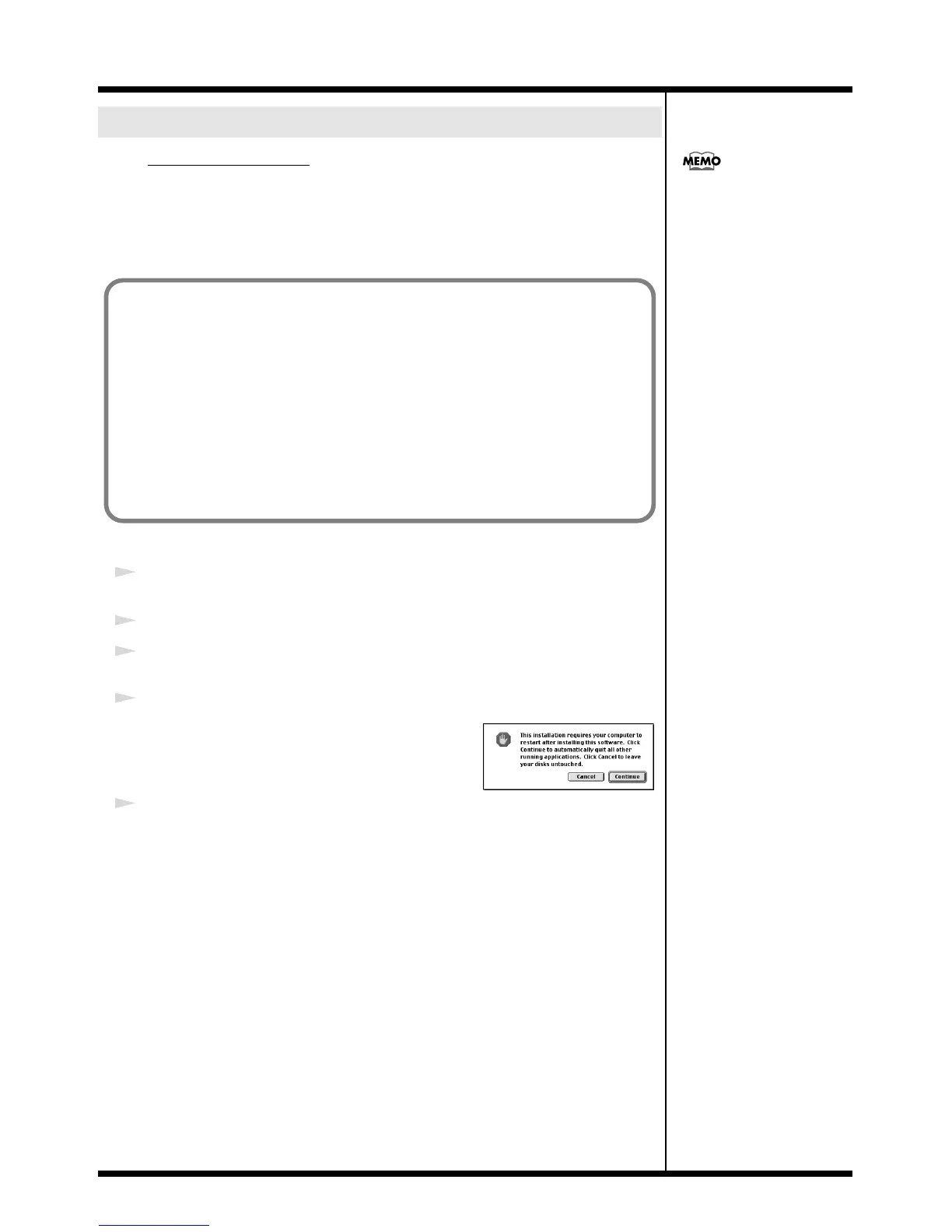
* If a message like the following is displayed, click [Continue].
The other currently running applications will exit, and installation
will continue.
5
A dialog box will indicate Installation was successful.
Click [Restart] to restart your Macintosh.
Mac OS 9 users
OMS can be found in the OMS 2.3.8 E
folder within the OMS (Mac OS 9)
folder of the CD-ROM.
If you would like to know more about
OMS, refer to OMS_2.3_Mac.pdf
which can be found in the same
folder.
Disconnect the GT-PRO from the Macintosh before you perform the installation.
If a GT-PRO is already connected to your Macintosh when you install the driver, a message
like the following will appear when the Macintosh is started up. Perform the steps described
below as appropriate for the message that is displayed.
If the screen indicates:
“Software needed for the USB device “GT-PRO” is not available. Would you like to
look for the software on the Internet?”
→ click [Cancel].
If the screen indicates:
“The software needed to use the USB device “GT-PRO” cannot be found. Please refer
to the device documentation to install the necessary software”.
→ click [OK].


 To Next Page