87
Chapter 8 Using the GT-PRO Connected to the FC-200
Chapter 8
After connecting the FC-200, you will find it convenient to
change the settings without having to disconnect and
reconnect the MIDI cables.
Automatically Setting the FC-200 with the
Corresponding GT-PRO Settings When Turning
On the GT-PRO
You can have the FC-200 automatically programmed with
the corresponding GT-PRO settings by first switching the
GT-PRO’s FC-200 mode on and then turning on the power to
the GT-PRO.
1. First make sure the GT-PRO and FC-200 are connected
with MIDI cables as described in “Connecting” (p. 86).
2. Switch the FC-200’s POWER switch to the “ON” or
“ECONOMY” position to turn on the FC-200.
3. Turn on the power to the GT-PRO.
The FC-200 is automatically programmed with the
corresponding GT-PRO settings.
Manual Mode
When you switch on Manual mode from the GT-PRO’s
control panel, the FC-200 automatically switches to the
settings for Manual mode, without any manual setting of the
FC-200 necessary.
1. In the Play screen, press [SHIFT] so the indicator is lit,
then press PARAMETER [ ] to switch to Manual
mode.
The FC-200 automatically switches to the settings for
Manual mode.
* At this point, the FC-200 is set to Control Change mode.
2. To quit Manual mode, press [EXIT].
The FC-200 automatically returns to the original settings.
* The FC-200 is set to Program Change mode.
* You can also switch Manual mode off by pressing [SHIFT]
and then PARAMETER [ ].
You can use “CC#80 Function” (p. 64) or “Assign” (p. 66)
to switch Manual mode on and off with the FC-200‘s
CTL pedal.
Connecting an External MIDI Device
in FC-200 Mode
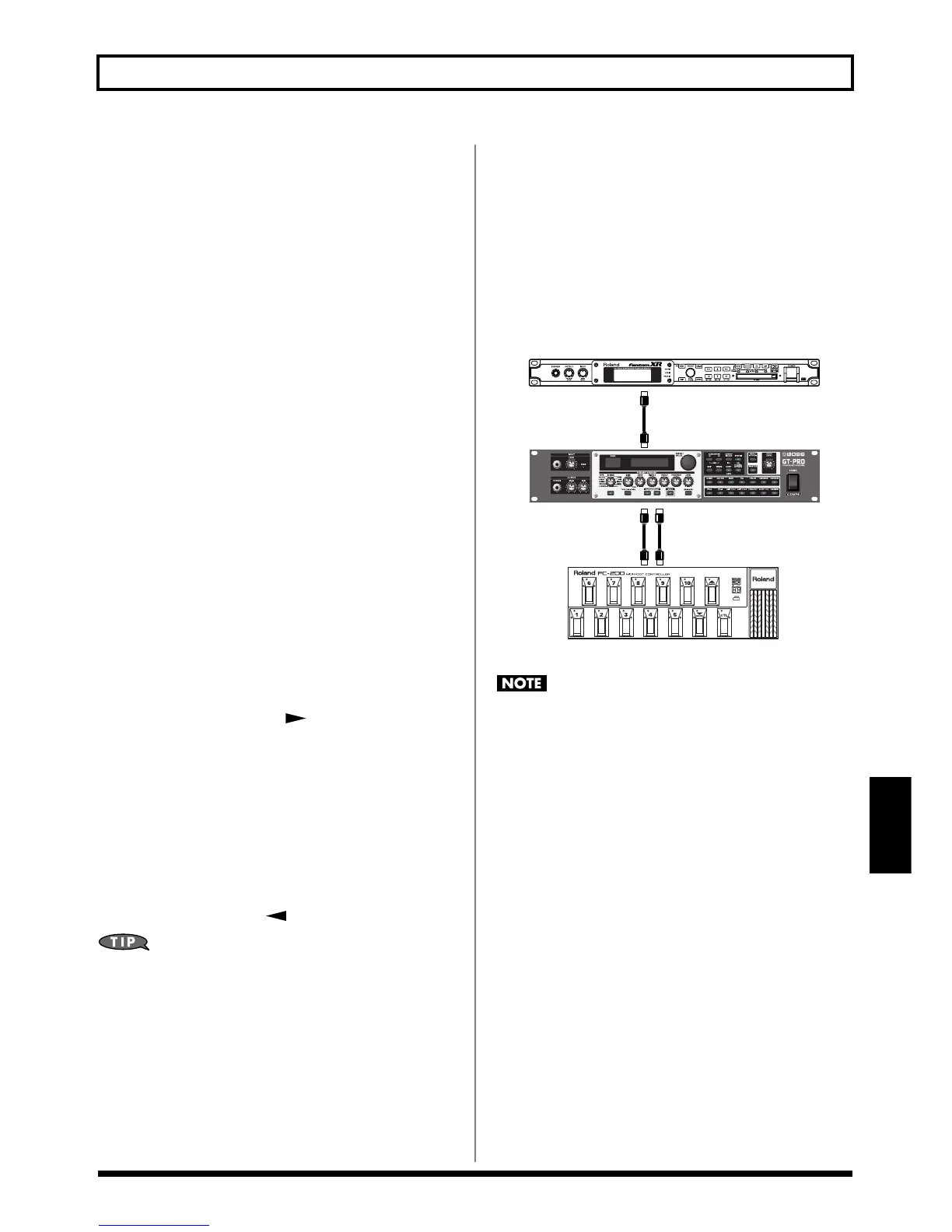
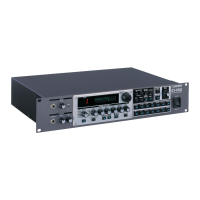
If, while controlling the GT-PRO with the FC-200, you also
want to run an additional MIDI device, connect the MIDI IN
connector on the other external MIDI device to the GT-PRO’s
MIDI THRU connector.
This way, MIDI messages from the FC-200 are transmitted to
the external MIDI device as well as the GT-PRO, enabling
you to control both the GT-PRO and the other external MIDI
device with the FC-200.
fig.08-0180
Control Change messages set for EXP1 OUT, CTL1 OUT,
CTL2 OUT, CTL3 OUT, and CTL4 OUT (p. **) are not
output from the MIDI THRU connector, even when the
external expression pedal or foot switch connected to the
GT-PRO is operated.
If you want to output Control Change messages when an
external expression pedal or foot switch is adjusted,
connect the pedal to the FC-200.


 To Next Page