59
Chapter 5 Creating Original Effects Types (Customize)
Chapter 5
Customizing
Overdrive/Distortion
You can make three different sets of settings, Custom 1,
Custom 2, and Custom 3.
* The sound of any patch that uses Custom 1, 2, or 3 will be
altered if the custom settings are edited.
fig.05-0170
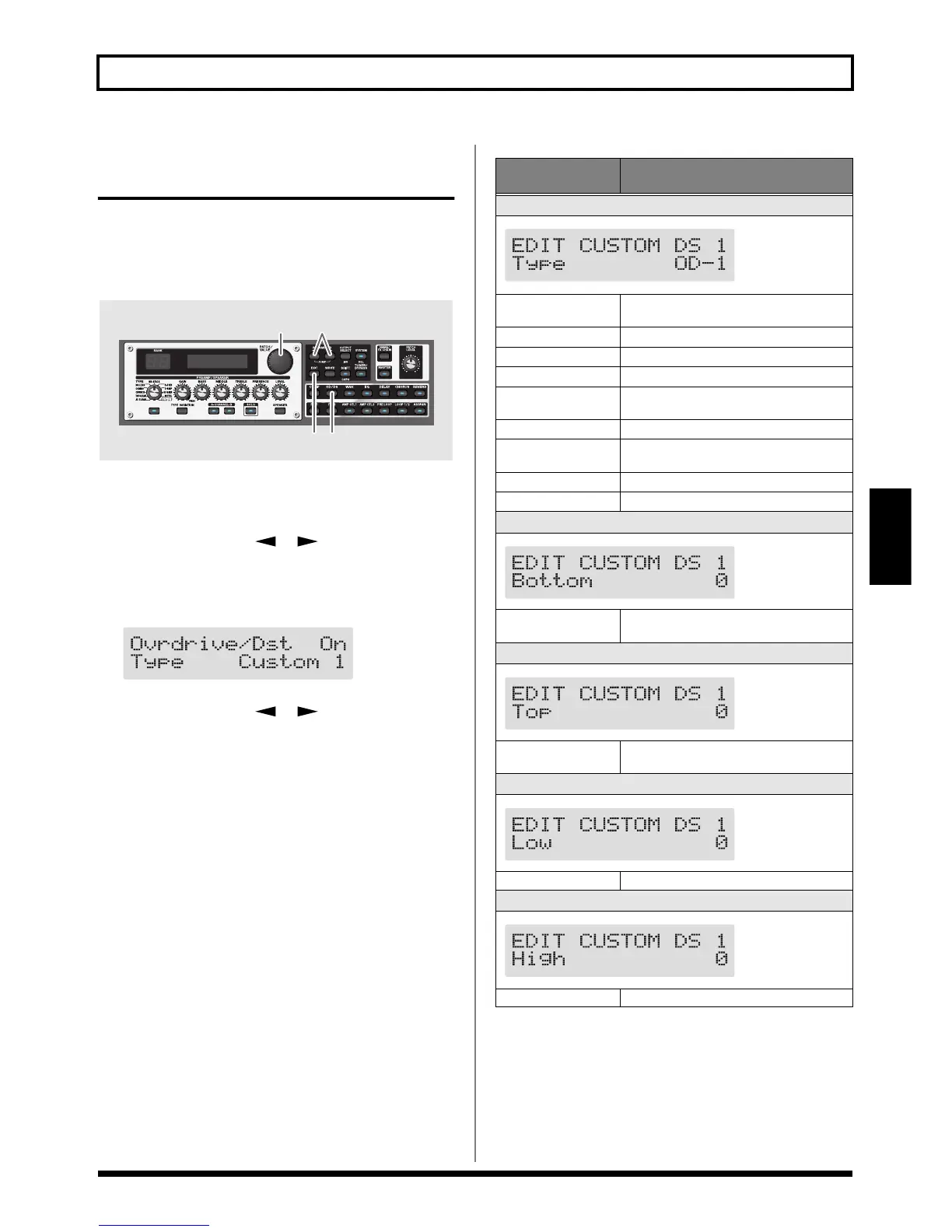
1. Press the OVERDRIVE/DISTORTION On/Off button
to display the OD/DS effect screen.
2. Press PARAMETER [ ] [ ] to call up the Type
parameter.
3. Rotate the PATCH/VALUE dial to call up “Custom 1,”
“Custom 2,” or “Custom 3.”
fig.05-0180d
4. Press PARAMETER [ ] [ ] to show the custom
parameters.
5. Rotate the PATCH/VALUE dial to change the setting’s
value.
6. Repeat Steps 4 and 5 as needed.
7. Press [EXIT] to return to the Play screen.
3,5 2,4
7
1
Parameter/
Range
Explanation
Type
fig.05-0190d
see below
Selects the basic type of overdrive/distor-
tion.
OD-1
This is the sound of the BOSS OD-1.
OD-2
This is a overdrive sound with high gain.
CRUNCH
This is a crunch sound.
DS-1
This gives a basic, traditional distortion
sound.
DS-2
This creates a heavier distortion sound.
METAL-1
This is a metal sound with a characteristic
midrange.
METAL-2
This gives a heavy metal sound.
FUZZ
This gives a basic, traditional fuzz sound.
Bottom
fig.05-0200d
-50–+50
Adjusts the amount of distortion in the low
frequencies.
Top
fig.05-0210d
-50–+50
Adjusts the amount of distortion in the high
frequencies.
Low
fig.05-0220d
-50–+50 Adjusts low-frequency tone.
High
fig.05-0230d
-50–+50 Adjusts the high-frequency tone.


 To Next Page