10
Creating a Loop Phrase
Recording on a Single Track
Here’s how to record and overdub on track 1.
Getting ready to record
1. Connect your guitar or mic.
2. Adjusts the input/output level (p. 8).
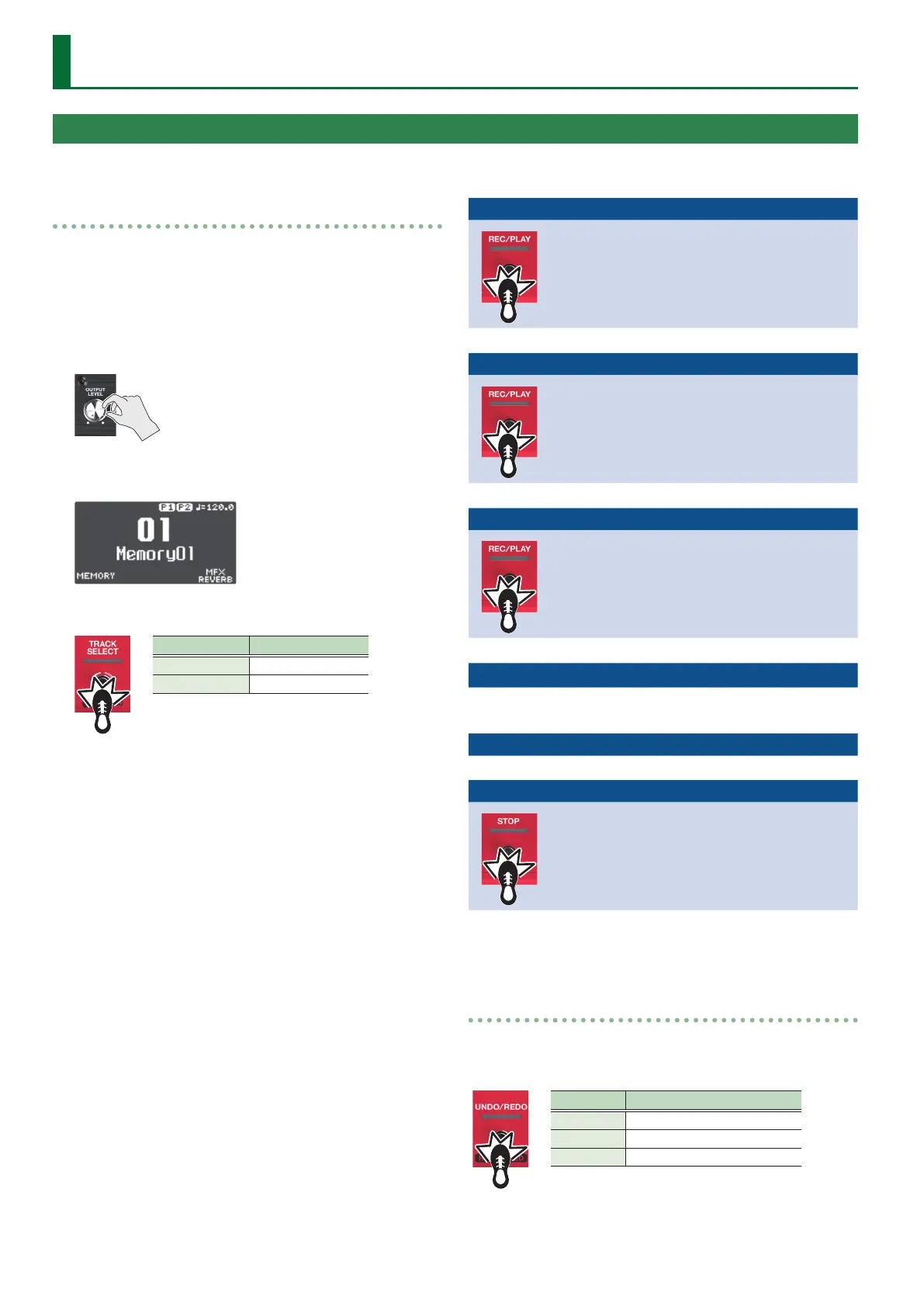
3. Use the [OUTPUT LEVEL] knob to adjust the overall
volume of the RC-600.
4. On the play screen, turn the [1] (MEMORY) knob to
select a memory.
5. Press the [TRACK SELECT] switch to the tracks 1–3.
Indicator Explanation
Lit white Tracks 1–3
Lit red Tracks 4–6
Recording
1. Press the [REC/PLAY] 1 switch to start
recording.
The REC/PLAY indicator is lit red.
2. Play your guitar or vocalize into your mic to
input audio.
%
Playback
1. Press the [REC/PLAY] 1 switch.
The REC/PLAY indicator is lit green.
The recorded phrase plays as a loop.
%
Overdubbing
1. Press the [REC/PLAY] 1 switch to start
overdubbing.
The REC/PLAY indicator is lit yellow.
2. Overdub-record your performance (audio)
onto the phrase that’s playing as a loop.
%
Playback
%$
Repeat as many times
as necessary.
Overdubbing
:
Stopping
1. Press the [STOP] 1 switch.
The REC/PLAY indicator is lit white.
If you want to keep the recorded phrase, save it in
a memory (p. 13).
Undo/Redo
Press the [UNDO/REDO] switch during playback or overdubbing
to Undo.
Press the switch once again to Redo.
Indicator Explanation
Lit green Undo available
Lit red Redo available
Unlit Undo/redo not available


 To Next Page