9
Getting Ready
Pedal Mode
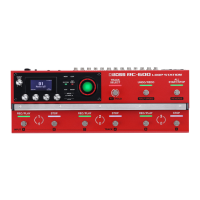
In Pedal mode, you can assign the functions you like to the nine switches on this unit as a set. This lets you eciently operate switches
such as record, playback and overdubbing.
5 Pedal mode features three separate modes, and you can switch between these three modes as sets.
5 You can also assign the function for selecting modes 1–3 to a switch you like.
5 The settings for modes 1–3 can be saved in memory, letting you use dierent settings for each pedal mode in memory.
Examples of settings
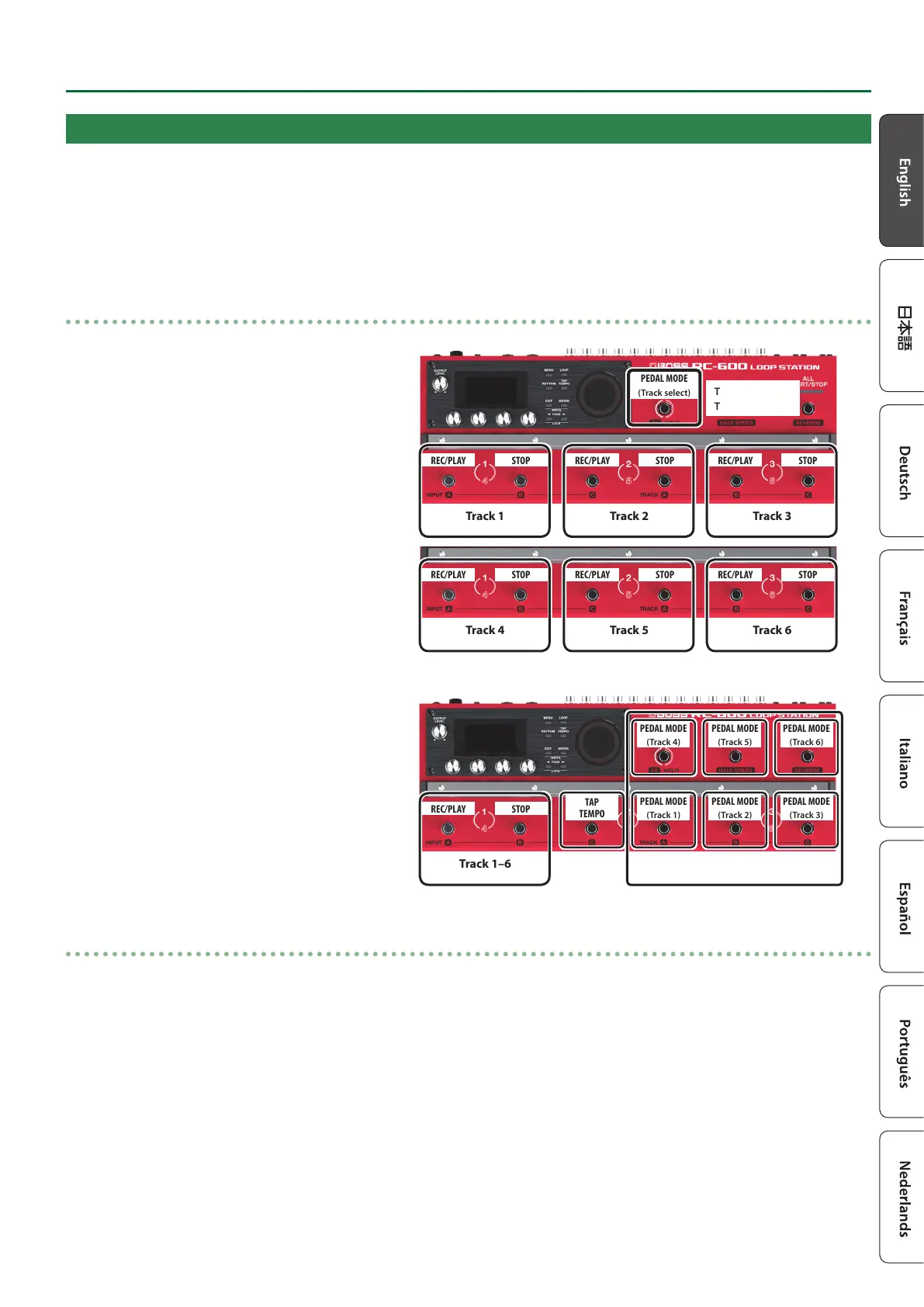
(1)
These are the basic (factory default) settings of the
RC-600.
Tracks 1–3
Tracks 4–6
REC/PLAY STOP
Track 1
REC/PLAY STOP
Track 2
REC/PLAY STOP
Track 3
REC/PLAY STOP
Track 4
REC/PLAY STOP
Track 5
REC/PLAY STOP
Track 6
PEDAL MODE
(Track select)
(2)
These are the settings for quickly selecting a desired
track.
PEDAL MODE
(Track 1)
PEDAL MODE
(Track 2)
PEDAL MODE
(Track 3)
PEDAL MODE
(Track 4)
PEDAL MODE
(Track 5)
PEDAL MODE
(Track 6)
TAP
TEMPO
Track select
REC/PLAY STOP
Track 1–6
Pedal mode settings
Make the Pedal mode settings by selecting the “PEDAL MODE1”–”PEDAL MODE3” parameters from “CTL FUNC” on the MENU screen
(p. 18).
For details on the parameters, refer to “Parameter Guide” (PDF).


 To Next Page