25
Appendix
Restoring the Factory Default Settings
(Factory Reset)
You can restore all of the settings to their factory-set values, and
you can also specify certain items to be reset.
* When you execute “Factory Reset,” the settings you made are
lost. Back up any necessary data to your computer.
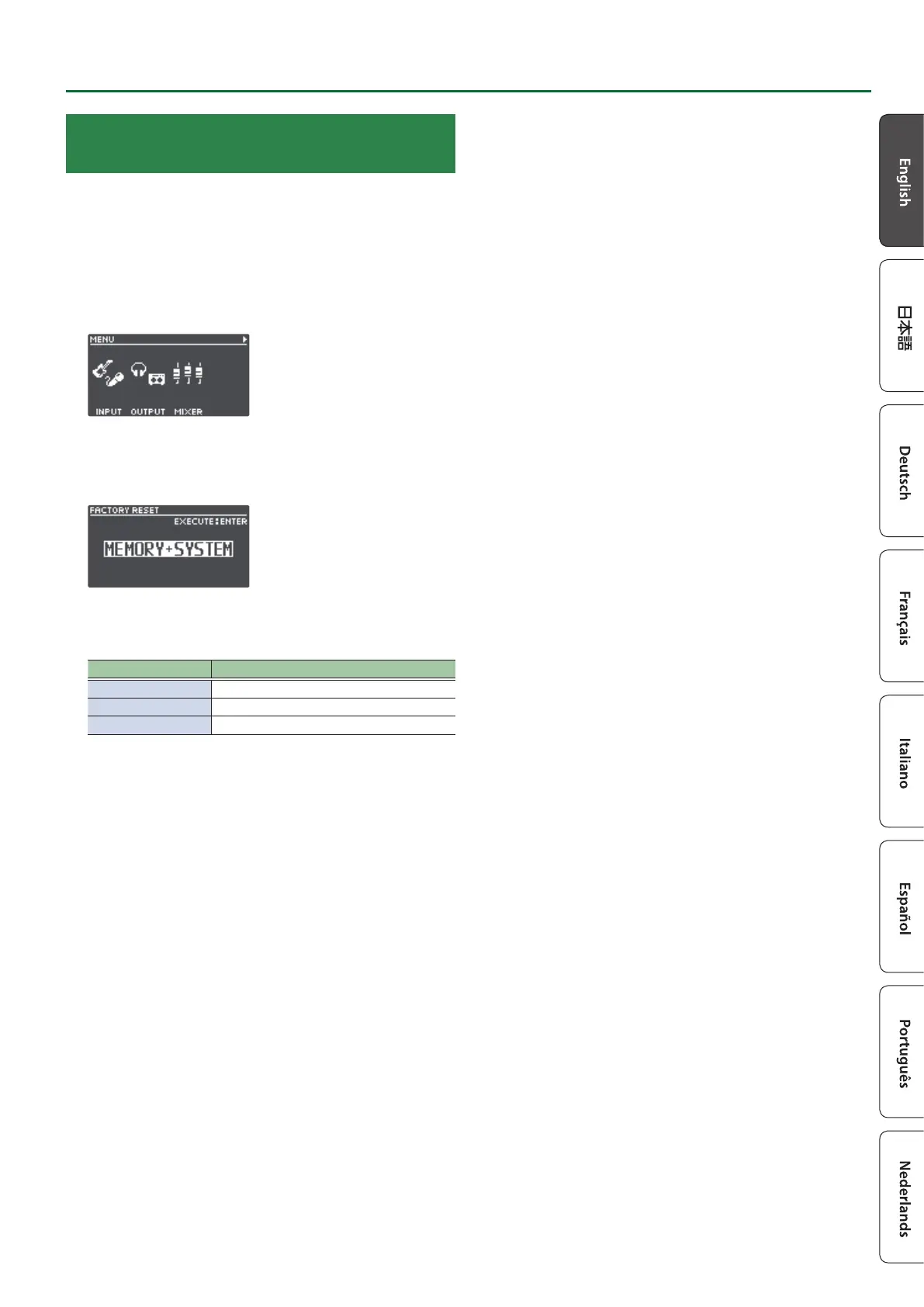
1. Press the [MENU] button.
The MENU screen appears.
2. Use the [K] [J] buttons to switch to the page on
which “FACTORY RESET” is shown, and press the [4]
(FACTORY RESET) knob.
3. Turn the [1]–[4] knobs to select the setting that you
want to restore.
Value Explanation
MEMORY Memory 01–99
SYSTEM System settings
MEMORY+SYSTEM Memory 01–99 and system settings
* If you decide to cancel, press the [EXIT] button.
4. Press the [ENTER] button.
The factory reset is executed.
* Make sure not turn to o the power while the “EXECUTING...”
message is shown.
Once the factory reset is complete, you are returned to the Play
screen.


 To Next Page