14
Editing a Memory
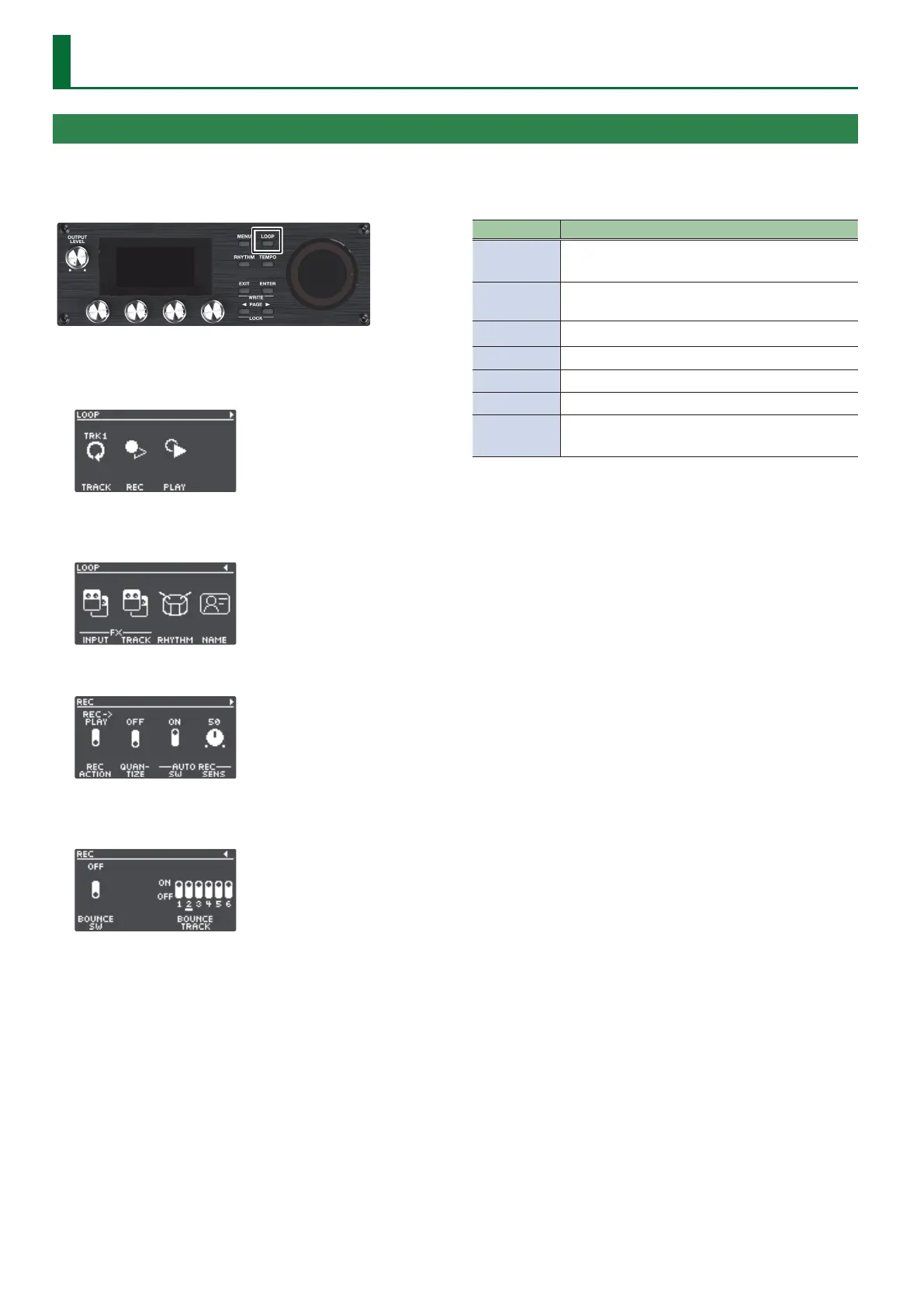
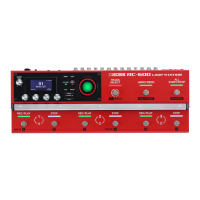
1. Press the [LOOP] button.
The LOOP screen appears.
2. Use the PAGE [K] [J] buttons to switch to the page
containing the item you want to edit.
3. Press the [1]–[4] knobs to select the parameter to edit.
4. Use the PAGE [K] [J] buttons to switch to the page
containing the parameter you want to edit.
5. Turn the [1]–[4] knobs to edit the values.
6. Press the [EXIT] button a number of times to return to
the play screen.
7. If you want to save the edited settings, execute the
Write operation (p. 13).
Item Explanation
TRACK
Congures tracks 1–6.
Turn the [1] knob to select the track to edit.
REC
Congures the settings related to recording/
overdubbing.
PLAY
Species how loop phrases play back.
INPUT FX
Congures the input FX.
TRACK FX
Congures the track FX.
RHYTHM
Congures the rhythm settings.
NAME
Species the memory name.
* Maximum of 12 characters
Editing the Settings of a Memory
Here’s how to edit the settings of each memory.
For details on the parameters, refer to “Parameter Guide” (PDF).


 To Next Page