Selecting Sounds
What is an “eect”?
An “eect” modies a specic component of a sound: volume, tone, pitch, or ambience. The VE-5 contains six
dierent eects. Each can be switched on/o independently and various parameters can be adjusted. For details
on how to edit an eect, refer to “Editing (Menu)” (p. 15) .
Eects Explanation
DYNAMICS Makes the volume more consistent. This is a standard eect often used on vocals.
PITCH CORRECT
Corrects inaccuracies in the pitch. A broad range of eect types are provided, ranging from
subtle pitch correction used in recording, or mechanical-sounding stepwise pitch change used
in pop music.
TONE/SFX
“Tone” lets you use an equalizer to adjust the tone quality.
“SFX” lets you apply special eects such as robot voice or strobe, which slices the sound at brief
intervals.
DOUBLE/HARMONY
“Double” reproduces a technique in which the same person records the identical melody twice
to layer the sound, giving it additional depth.
“Harmony” lets you add a natural-sounding harmony part.
DELAY Produces an echo-like eect.
REVERB Produces the spacious reverberation that is typical of a performance in a room or hall.
What is a “sound”?
On the VE-5, eect settings are organized as “sounds.” You can store up to 50 sounds. When the VE-5 is shipped
from the factory, numbers 01–30 contain thirty types of sounds suitable for vocals. You can instantly obtain an
eect simply by selecting one of these sounds.
Selecting Sounds
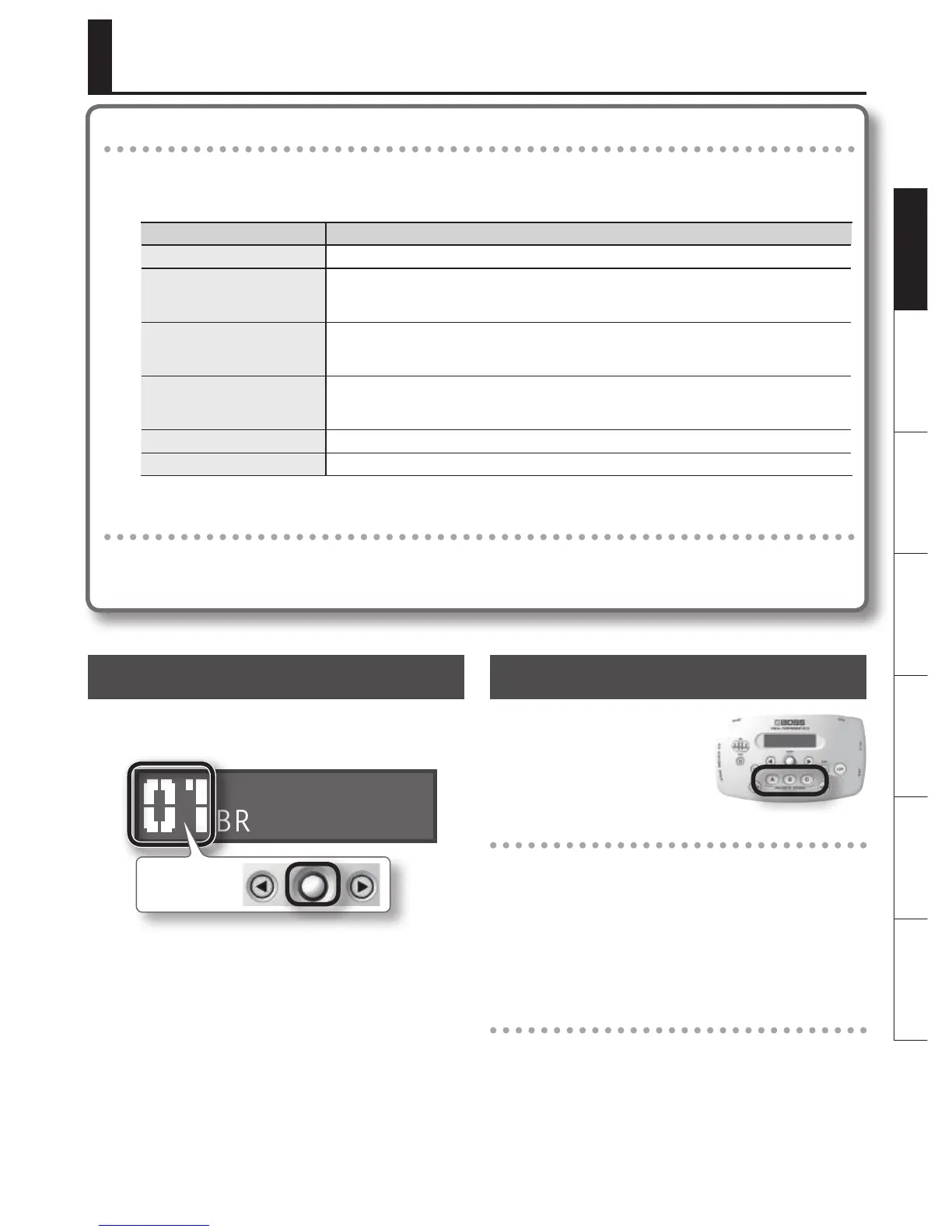
1. In the top screen, turn the [SOUND]
knob to select a sound.
BRIGHT ECHO
Sound number
Storing a Favorite Sound
You can store your
favorite sounds at the
FAVORITE SOUND [A]–[C]
buttons so that they can
be called up instantly.
Storing
1. Select the sound that you want to store.
2. Hold down the button (one of the
buttons [A]–[C]) in which you want
to store the selected sound, until the
screen indicates “STORED!”
Calling up sounds
3. Press one of the buttons from [A]
through [C] to call up the sound you
stored at that button.



 To Next Page