Assembly / Owner’s Manual
35
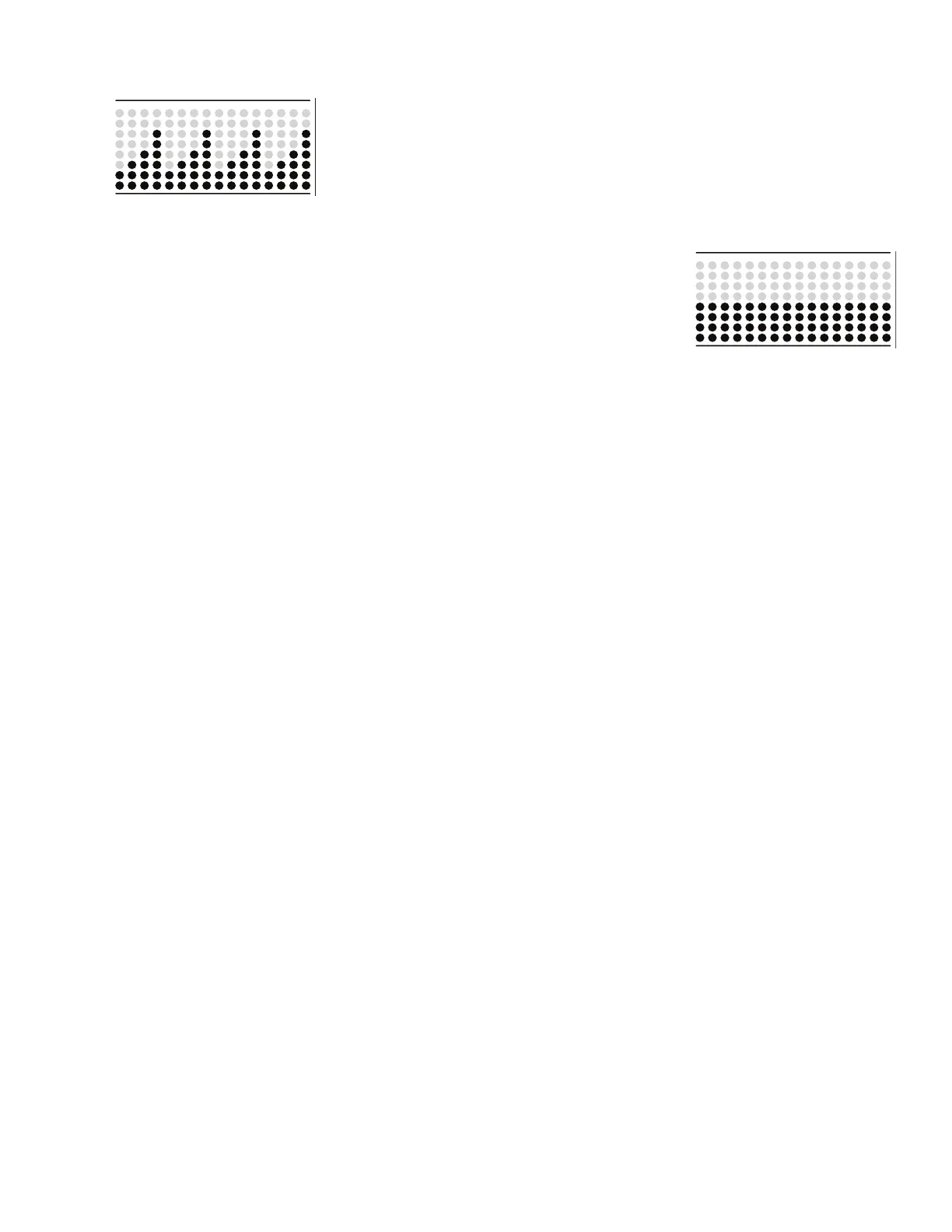
Stairs (4 segments)
Manual
The Manual workout program is an open-ended workout that tracks the total workout time. During a Manual
ZRUNRXWWKH:RUNRXW3UR¿OH'LVSOD\VKRZVWKH5HVLVWDQFH/HYHO
Note: Because of the open-ended design of the Manual workout, the Add Time button is disabled.
To start a Workout Program:
1. Stand on the machine.
2. Push the PROGRAMS button to select the desired Workout Program.
3. Push the ENTER/START button to begin the selected Workout Program.
Paused / Results Mode
To Pause a workout:
1. Stop pedaling and push the PAUSE/STOP button to pause your workout.
:KHQSDXVHGWKH&RQVROHGLVSOD\ZLOOVKRZ³:25.2873$86('´
Note: The Console will automatically pause if there is no RPM signal for 5 seconds.
2. To continue your workout, push ENTER/START or start pedaling.
7RHQGWKHZRUNRXWSXVKWKH3$86(6723EXWWRQ7KH&RQVROHZLOOGLVSOD\³:25.287&203/(7(´VDYHWKHZRUNRXWDQGWKHQGLVSOD\
the workout result values (Total Calories, Total Time, Average Calorie Burn Rate, Average Heart Rate, Average RPM, and Average Resistance
Level).
If there is no input to the Console for 5 minutes, it automatically goes to the Power-Up / Idle Mode.













 To Next Page