25
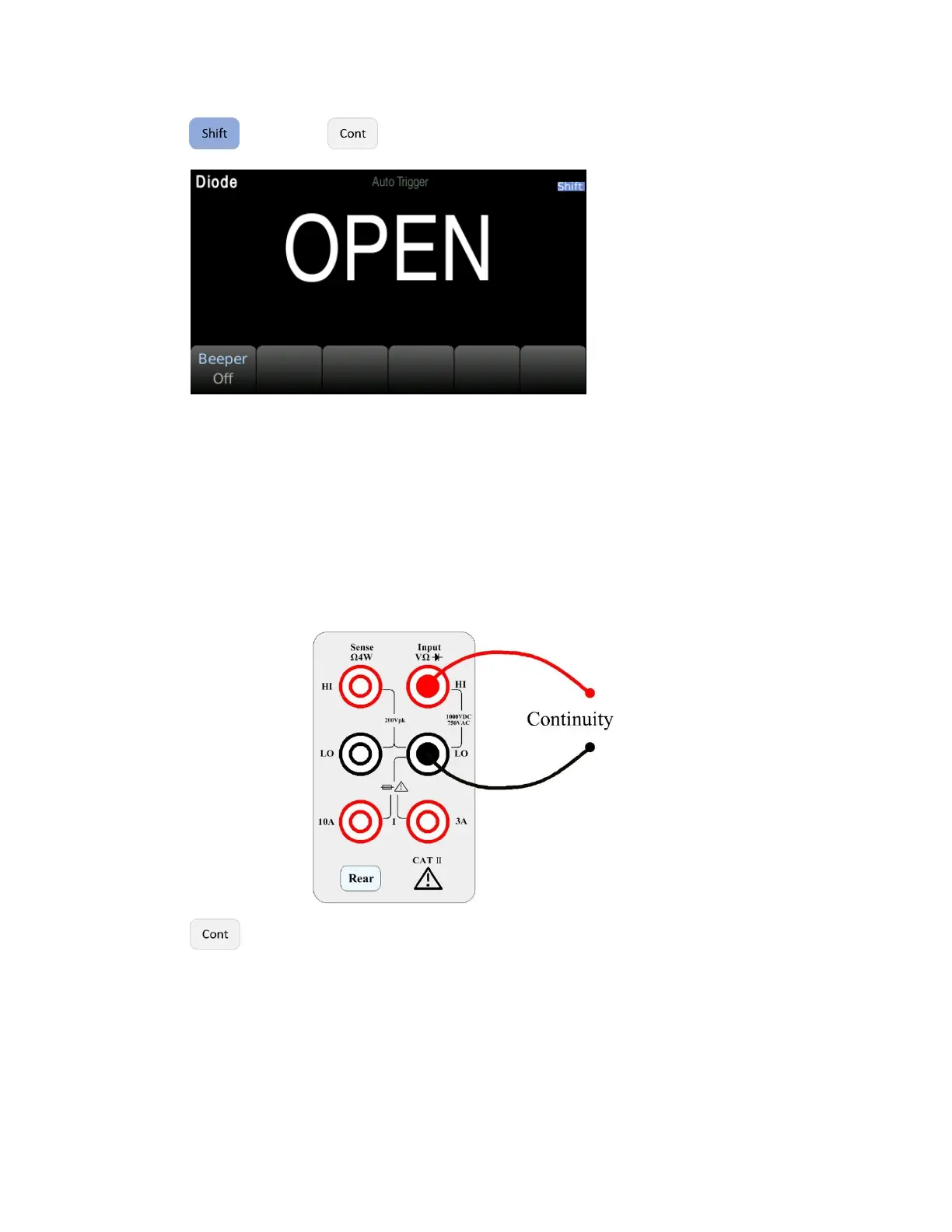
Step 2: Press then press on the front panel to enter the diode test interface.
When converted to a 0.3V to 0.8V threshold, the instrument beeps (if a beep is enabled). A voltage of
0 to 5V is displayed on the front panel. When the measured break-over voltage is greater than 5V, the
front panel will display OPEN.
3.3.10 Continuity
This section describes how to configure the continuity test from the front panel.
Step 1: Configure the test leads as follows:
Step 2: Press on the front panel to open a menu that specifies whether the digital multimeter
will beep to indicate the continuity.


 To Next Page