11
3.2 Display
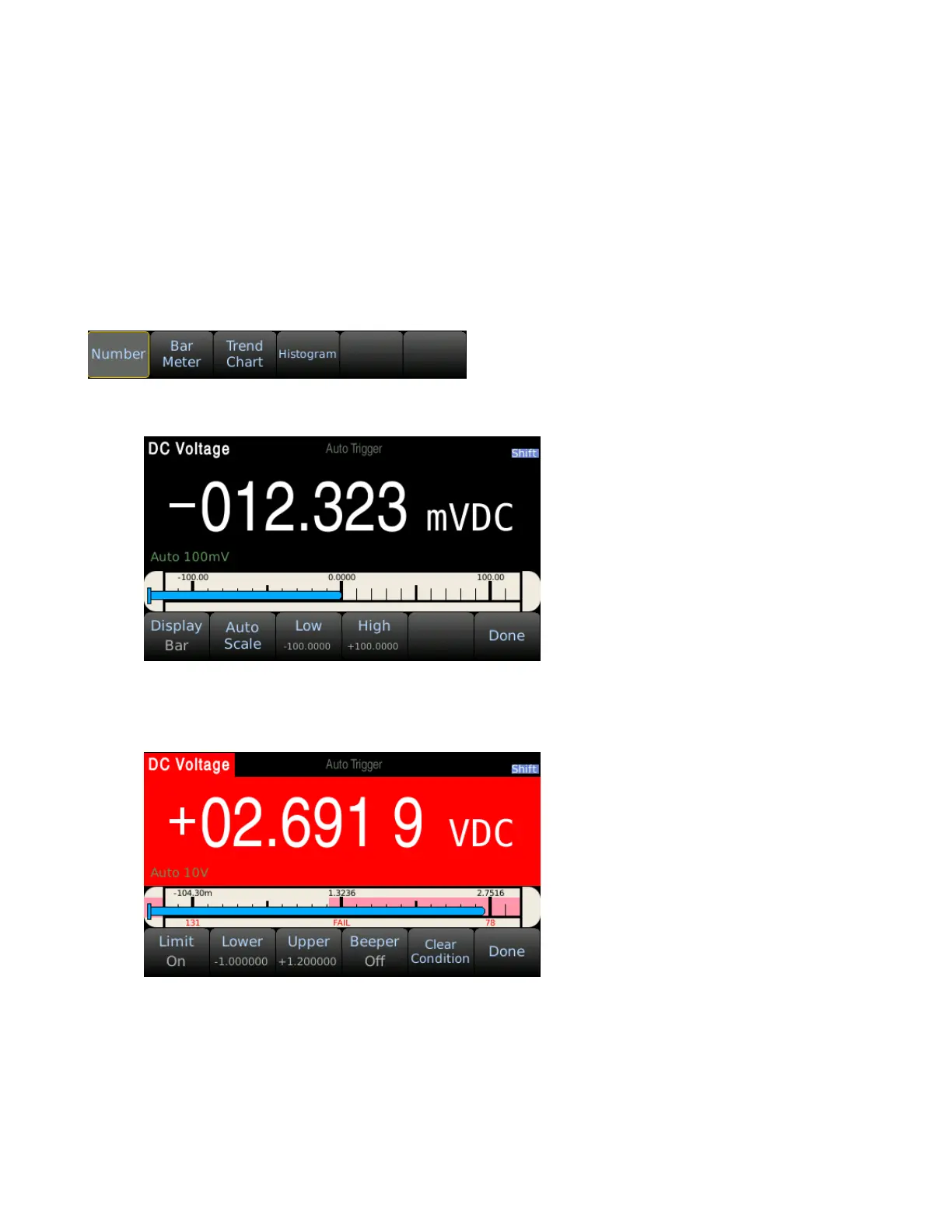
The multimeters display can be set to number, bar meter, trend chart, or histogram. By default, the
meter will be set to number display.
3.2.1 Change Display Mode
To change the display mode, press Menu → Display → Display to access the display options. Use the
softkey to select the desired display mode.
Bar Meter
The bar meter displays live measurements on a horizontal bar graph. Press ‘Auto Scale’ to
automatically adjust the upper and lower limits or set the limits manually using. Use the softkeys and
directional keypad to adjust the Low/High values.
The bar meter display mode can also enabled with Limit mode. The upper and lower limits are
displayed on the bar meter in red.


 To Next Page