34
Interface
8.1 RS232 interface
RS232 standard, also called asynchronous serial communication standard, has already been widely
used for data communication between computers and external equipment.
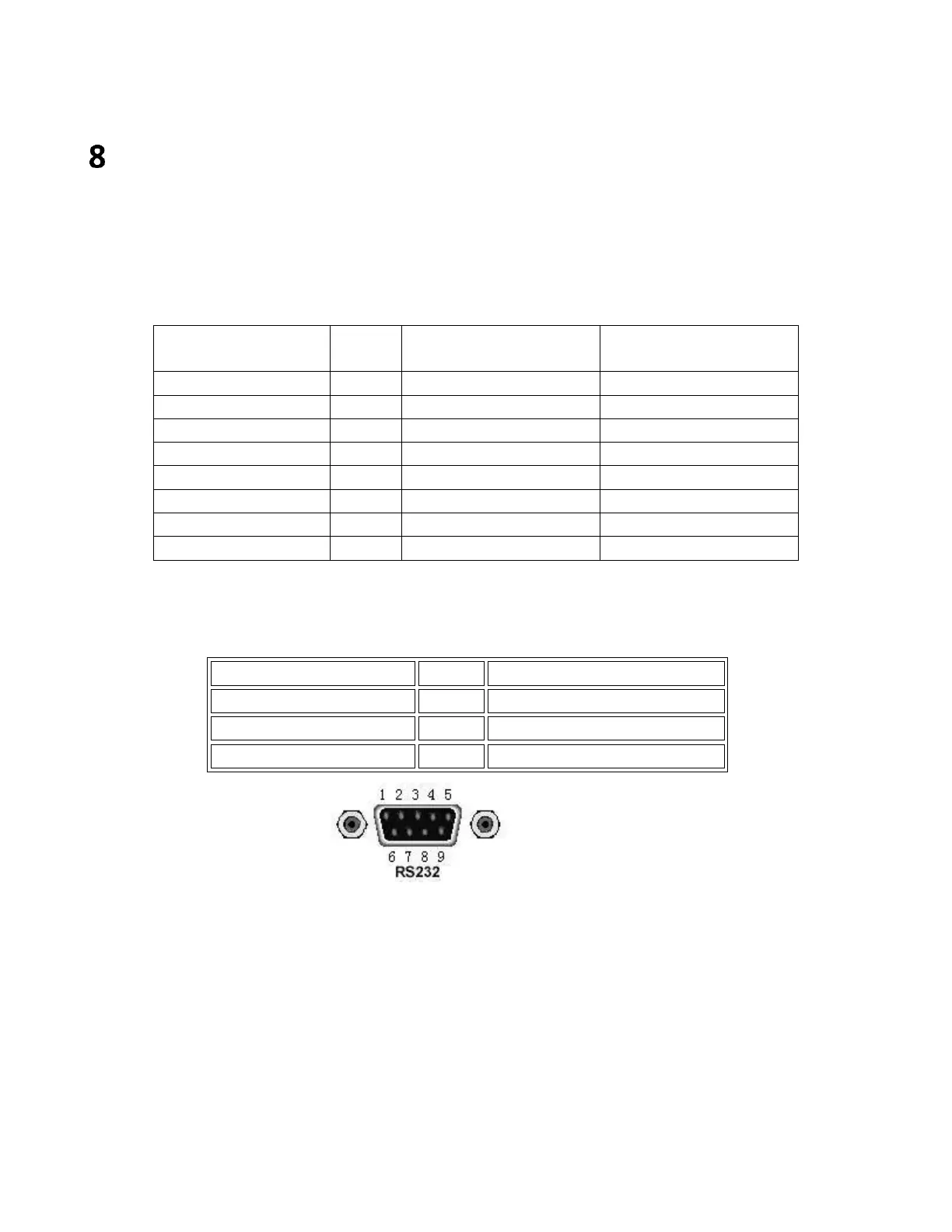
The most commonly used RS232 signals are shown in the table:
25 Pin Connector
Pin number
9 Pin Connector
Pin number
The RS232 interface on the 5490C Series uses a 9-pin DB9 connector. The pinouts are defined in the
table below:
Rear panel connector
It can be directly connected to it using a standard DB type 9-pin plug.
Caution: To avoid electrical shock, turn off the power supply when plugging or unplugging the
connector; do not short-circuit the output terminals or short-circuit the chassis to avoid damage to
the device.
8.1.1 RS232 Interface Operation
(1) Connection
Pin connection diagram between 5492C/5493C and a computer shown in figure:


 To Next Page