15
4.1 - Press the button twice (fig. 13). d 0.2°C
appears on the display and remains there for 10
seconds.
4.2 - Press the button (backwards) or (for-
wards) (fig. 14) until the desired value is reached.
After around 10 seconds or by pressing button
the display will show the time and ambient temper-
ature.
Note. After a reset the thermal differential is pre-
set to ±0.2°C.
5 - SETTING THE CLOCK
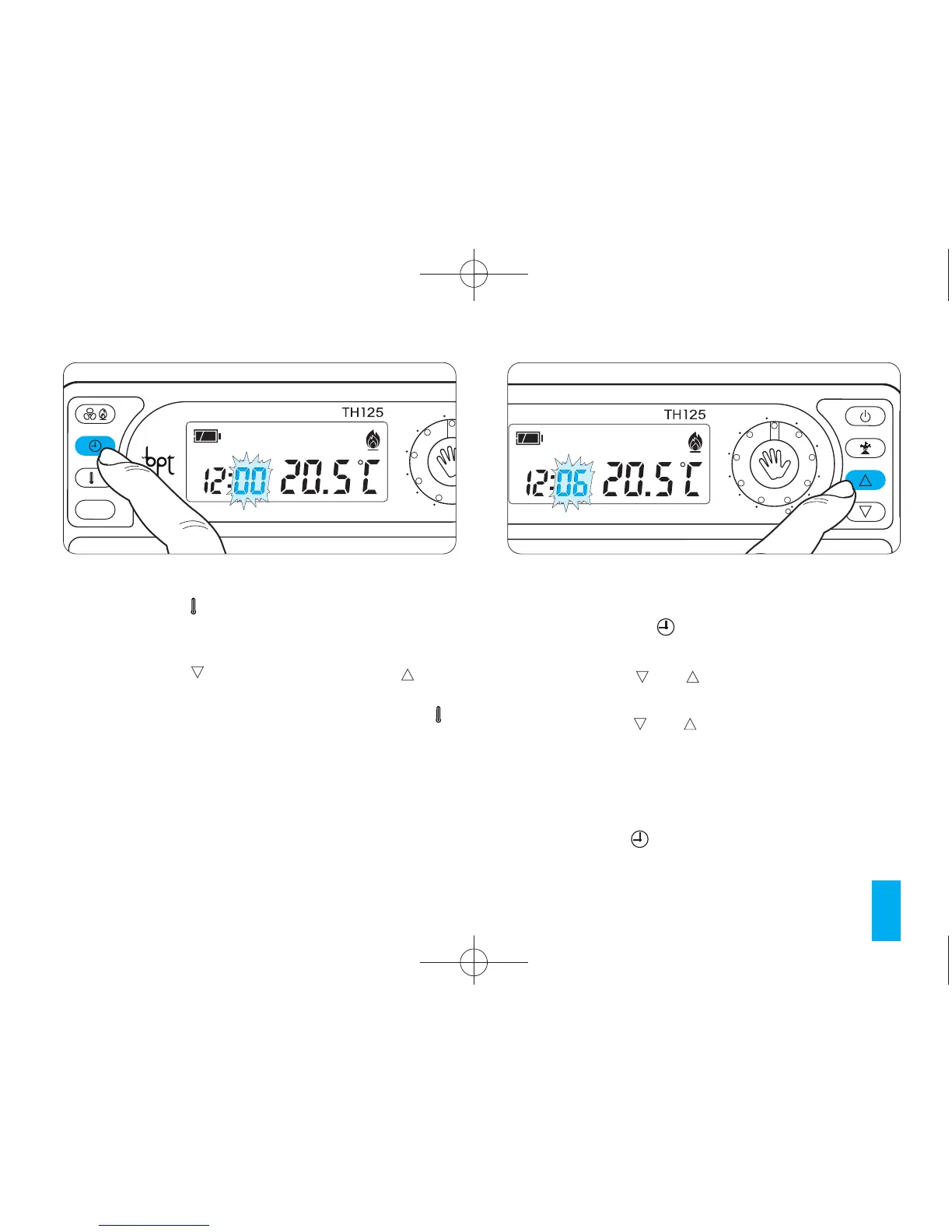
5.1 - Press button (fig. 15).
The minutes digits flash.
5.2 - Press the or button (fig. 16) until the
desired minutes value is reached.
Every time the or buttons are pressed the
number on the display increments by one.
Pressing the same button down causes the num-
ber on the display to scroll slowly for the first 5 sec-
onds and then progressively more quickly.
5.3 - Press the button (fig.17).
The hour digits flash.



 To Next Page