17
7 - AUTOMATIC OPERATION
At initial switch-on the thermostat starts in AUTO-
MATIC operating mode.
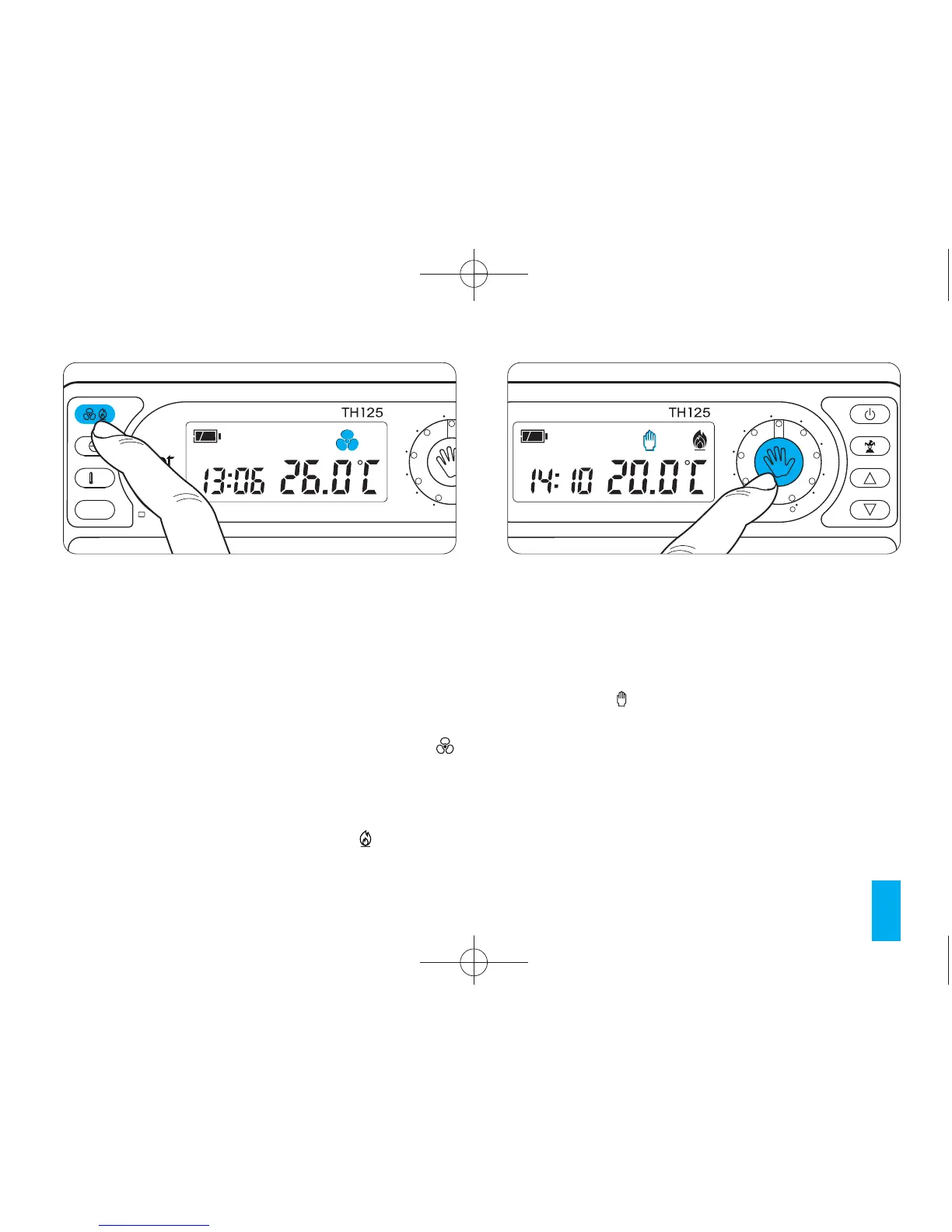
If the thermostat is operating in MANUAL mode
press button (fig. 21) to switch to AUTOMATIC.
Move the sliders 0 ÷ 23 (fig. 22) positioning them in
correspondence with the desired temperature for
each hour of the day.
Each time a slider is moved the display will show the
temperature set by that slider and its position (fig. 23).
Programming can be modified at any time by
simply moving the sliders to the desired position.
mode will be activated. In cooling programme mode
the temperatures that can be selected are in the
range 18°C to 31°C
Selecting a value above 31°C causes the system to
turn off. This will be indicated on the display by the
appearance of the OFF symbol within the temper-
ature field. When operating in cooling mode the
symbol is animated.
In heating programme mode the temperatures that
can be selected are in the range 6°C to 24°C
When operating in heating mode the symbol is
animated.
Fig. 20



 To Next Page