33
ATTENTION. Every time the door is opened
make sure that it is then closed correctly (fig.
60) so as to avoid running the batteries down
unnecessarily.
17 - THERMOSTAT FAULT CONDITION
In the event of an error condition press button R
button (fig 54).
This operation will cause the loss of all saved
settings. They can be restored following the
procedure described in chapter 4 onwards.
18 - DOOR REPLACEMENT
The unit is delivered with 2 different coloured doors
which can be used instead of the one pre-fitted.
Base the choice of colour on the room where the
unit is to be used.
To replace the batteries, proceed as follows:
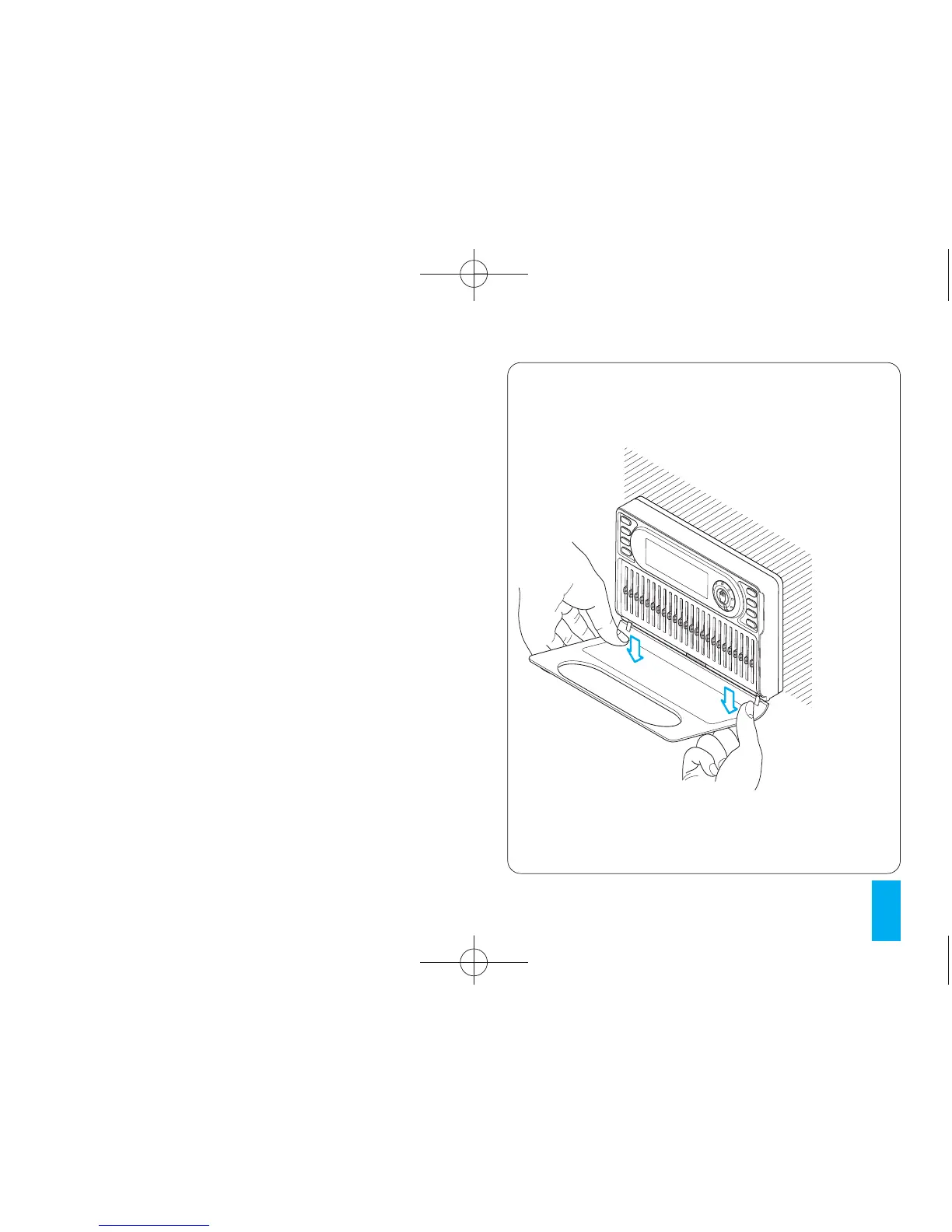
18.1- Open the cover and remove it as shown in
figure 58.
18.2- Insert the new cover as shown in figure 59
and then close it properly (fig. 60).
ATTENTION. Only clean the thermostat with a
soft cloth dampened with water.
Fig. 58



 To Next Page