19
9 - MANUAL TIMED PROGRAMME
If a fixed temperature is to be maintained for a few
hours or a few days (for example, to maintain a
comfortable temperature for a longer period when
unexpected guests arrive, or when an economical
temperature is required during long periods of
absence), MANUAL TIMED programme mode can
be activated. Once the desired duration has been
set, the device starts a countdown. When it reach-
es zero, the unit switches from MANUAL to AUTO-
MATIC mode, resuming the set programme.
Programming by the hour
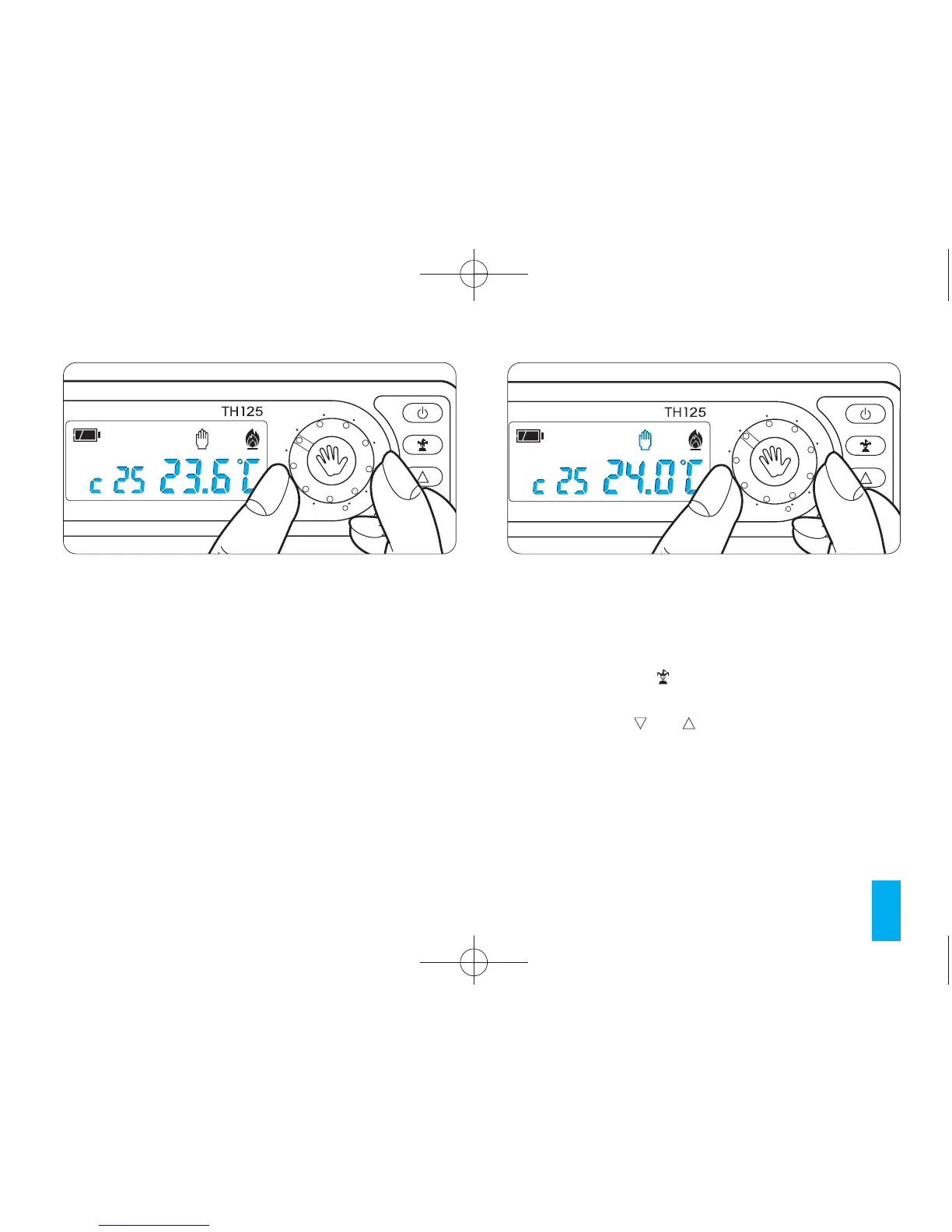
9.1 - Select MANUAL operating mode and set the
desired temperature using the rotary control (fig. 26).
9.2 - Press button (fig. 27).
In place of the current time h01 will appear.
9.3 - Press the or buttons (fig. 28) until the
desired number of hours is reached from 1 to 99.
The hours count includes those when program-
ming is performed. The remaining part of the hour
when the operation is performed is therefore
counted as one hour.
Note. To return to AUTOMATIC operating mode
Fig. 25



 To Next Page