27
14 - SETTING THE SYSTEM START-
UP AND SHUT-DOWN DELAY PERIOD
It is possible to delay system start-up and shut-
down by 15, 30, or 45 minutes. To do so proceed
as follows:
14.1 Make sure that the unit is in AUTOMATIC
mode.
14.2 - Press button (fig. 44).
The display indicates the temperature set for the
hour indicated.
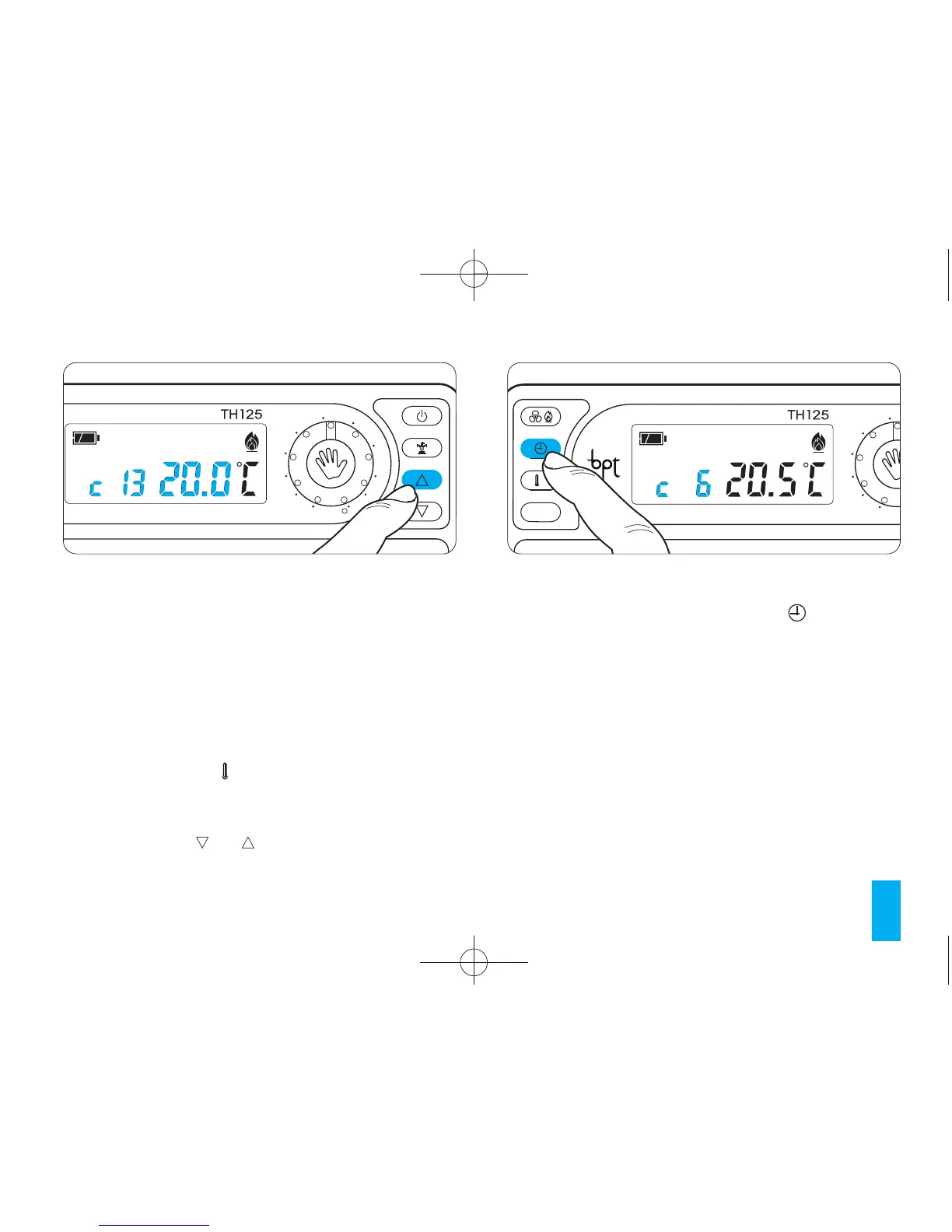
14.3 - Press the or buttons (fig. 45) to select
the hour that the delay is to be applied to.
14.4 - Within 5 seconds press the button (fig.
46) and select a delay period of 15, 30 or 45 min-
utes or else cancel the setting altogether. For exam-
ple, if a comfortable temperature is required for
7:00, the system can be set to start at 6:30.
In this case, we set slider 6 to the comfort temper-
ature with a delay of 30 minutes. THERMOPRO-
GRAM will activate at 6:30, maintaining until that
hour the temperature set by slider 5.
The indication of the inserted delay is shown in
automatic mode during the hour in which the delay
has been programmed.
Fig. 46



 To Next Page