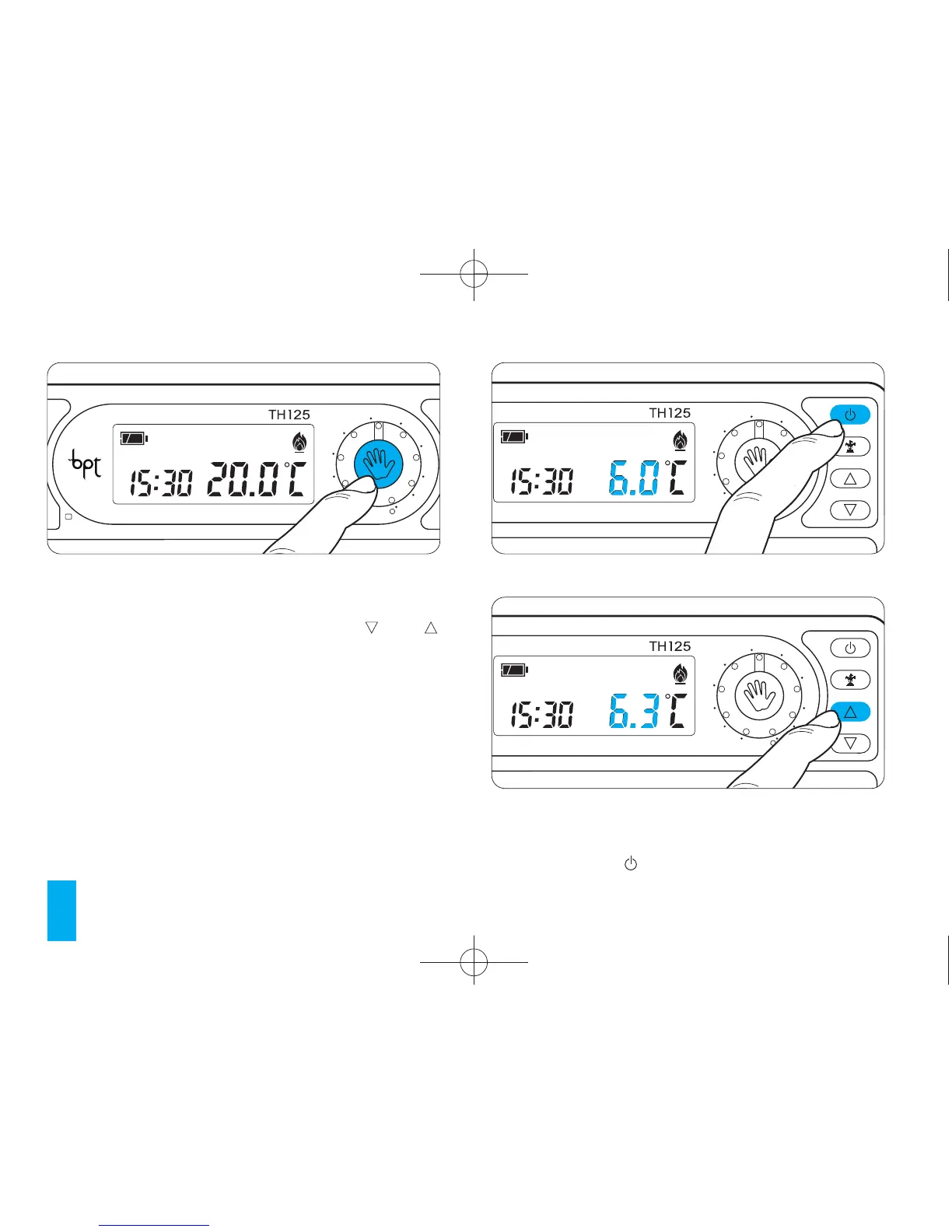
The previously set frost temperature appears on the
display. This value can be altered using the and
buttons (fig. 35).
Any temperature can be chosen between 2°C and
35°C. The newly set temperature will be main-
tained until further adjustments are made or until a
different operating mode is selected.
The preset temperature is 6°C
After about 5 seconds the room temperature
appears on the display.
Fig. 33



 To Next Page