Programming by the hour
12.1 - Make sure that the system is operating in sys-
tem bypass mode (with or without frost protection).
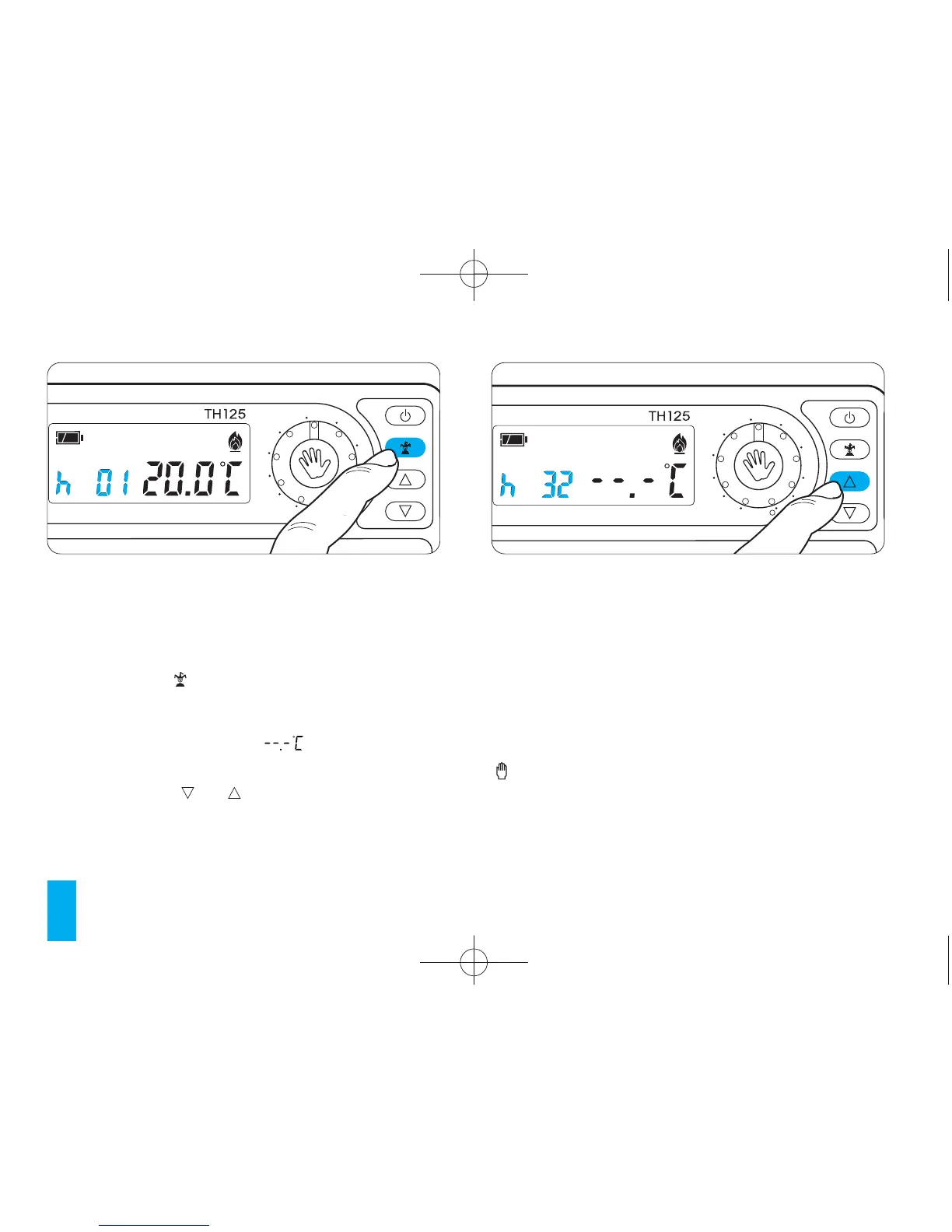
12.2 - Press the button once (fig. 38).
In place of the current time h01 will appear.
For 5 seconds the room temperature reading dis-
appears to be replaced by or the frost pro-
tection temperature.
12.3 - Press the or buttons until the desired
number of hours or days from 1 to 99 is reached
(fig. 39).
The hours count includes those when program-
ming is performed. The remaining part of the hour
when the operation is performed is therefore
counted as one hour.
Once the calculation has completed the thermostat
returns to AUTOMATIC operating mode.
Note. To return to AUTOMATIC operating mode
before the programmed period expires press the
button.
Programming by the day
12.4 - Make sure that the system is operating in sys-
tem bypass mode (with or without frost protection).



 To Next Page