4
Operating manual English
1 Introduction
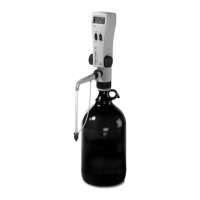
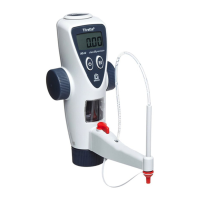
This program is designed to transmit titration data from the Titrette® bottle-top burette to a PC. The titration
data can be transmitted either immediately or later into a spreadsheet program, e.g., into an Excel-file.
The connection between instrument and PC is done with the included connector cable for RS 232 communi-
cation interface (COM-connection).
The program supports the connection of several instruments to one PC according to the number of available
RS 232-ports.
For connection with an USB-interface please use a standard USB/RS 232-adapter (with 1 to 8 RS 232 inter-
faces).
If the instrument should be used distant from the PC e.g., in a production setting, it is possible to bridge up to
20 m with an appropriate RS 232-cable. Also standard RS 232/LAN adapters allow a network connection.
Notes for programmer: The data transmission uses the keyboard buffer. Therefore all programs, which ac-
cept a keyboard input, can receive the titration data. For customized applications and databases is possible
to readout the titration data from the protocol files (.ptk-files). These are files with uncoded clear text (ASCII-
files). Since the RS 232 communication protocol (see data “RS 232 communication protocol Titrette.pdf” at
this CD) is open, it is possible to convert the serial data string directly, e.g., in a database.


 To Next Page