6
Operating manual English
3 Connecting Titrette® and the PC
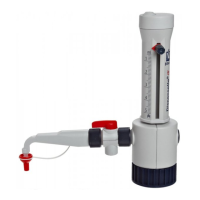
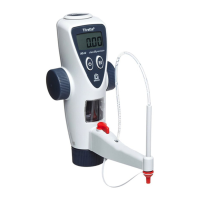
Connect the bottle-top burette Titrette® with the RS 232-port (COM-connection) of your PC using the deliv-
ered cable, respectively use an USB/RS 232-adapter to connect the cable to an USB port.
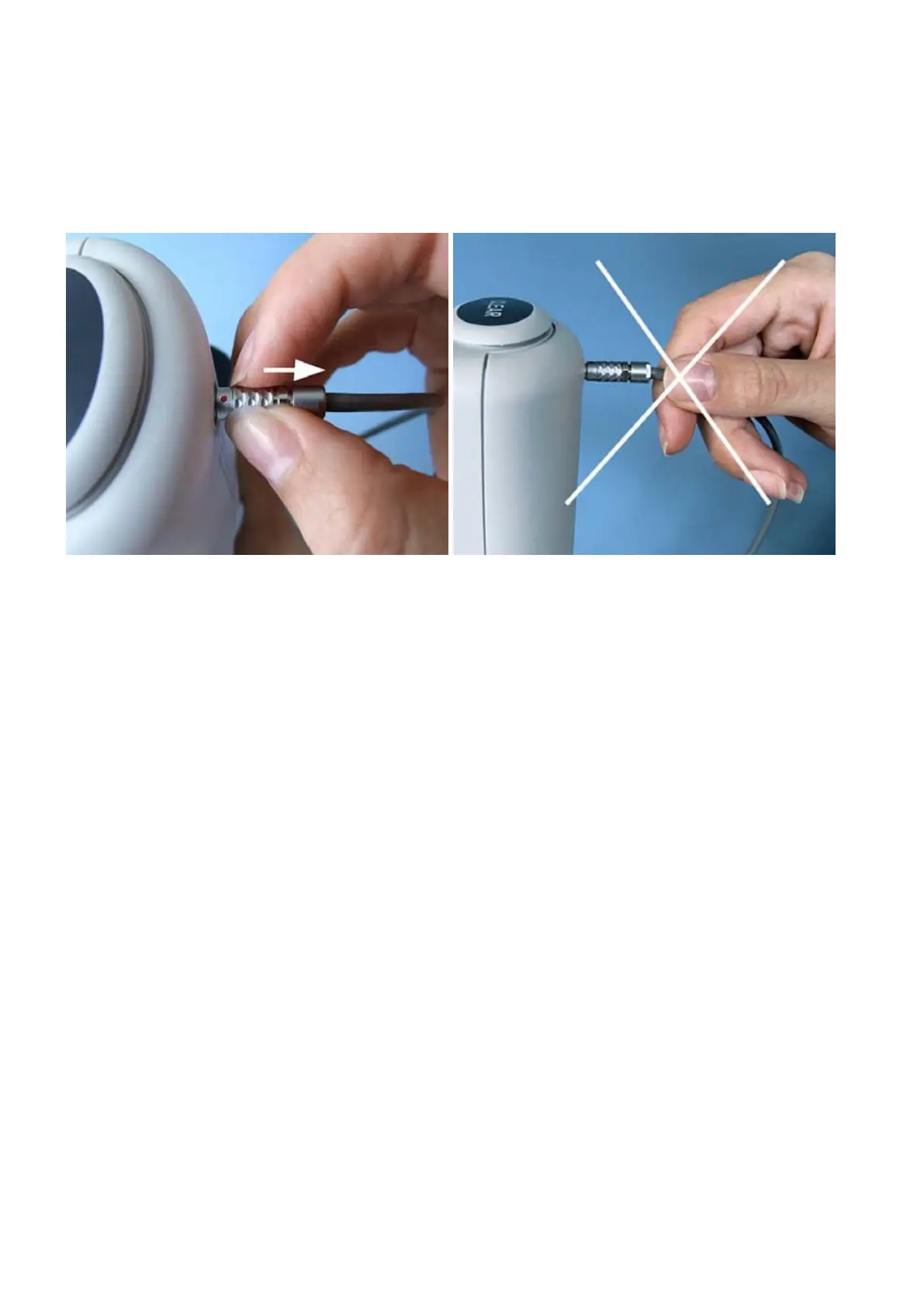
To connect the instrument, plug the cable into the locking socket of the instrument, the red dot facing up-
wards. To disconnect the instrument draw the sliding sleeve backwards to remove the plug. Never pull on
the cable!


 To Next Page