Connecting the instrument (Instrument Window, tab Titrette®)
Operating manual English
9
c. If the instrument is correctly connected, the burette will show the symbol for the computer connection
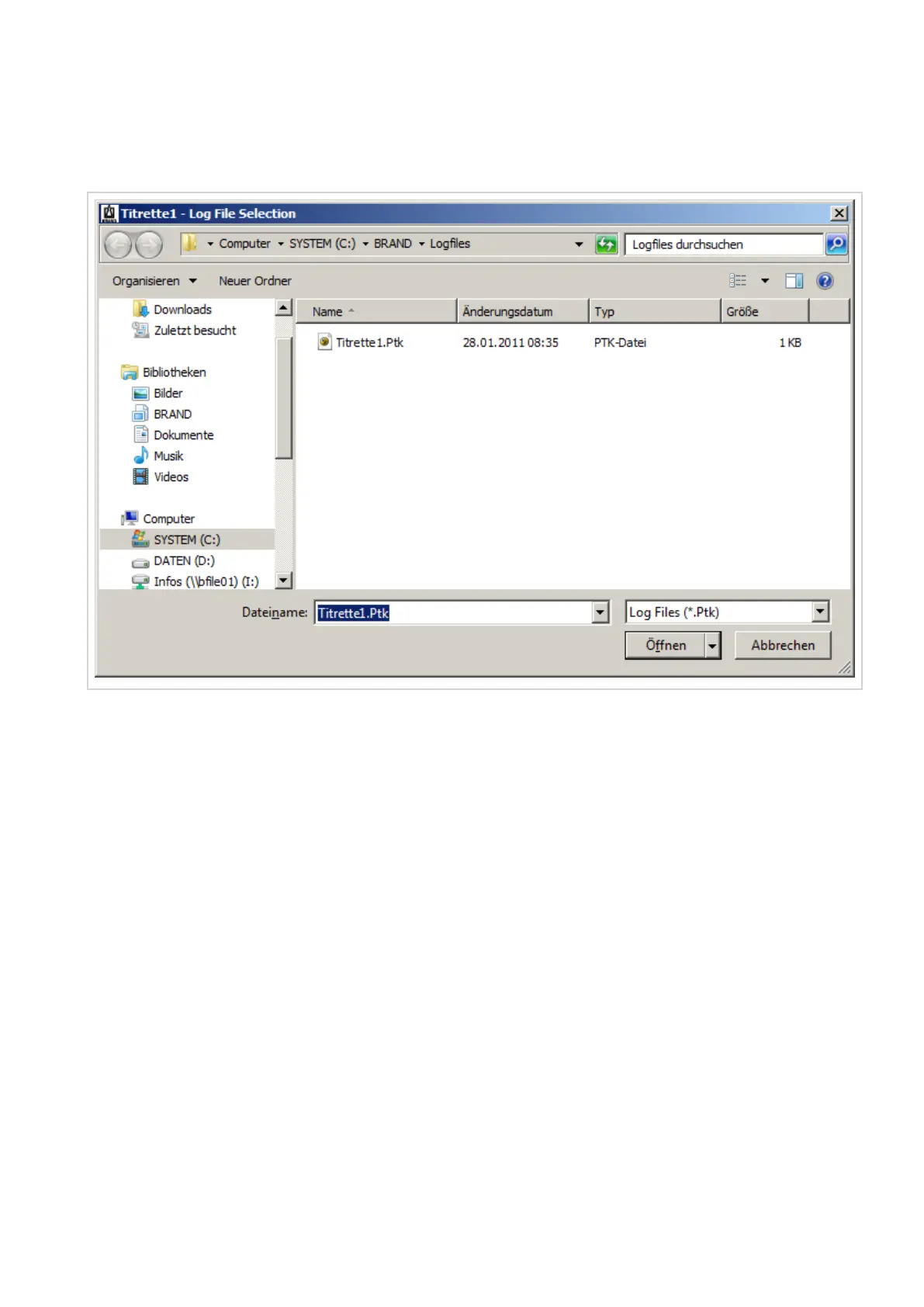
(square with enter sign) in the upper right corner of its LCD and on the PC desktop the dialog window Log
File Selection pops up.
d. In the window Log File Selection, you may enter the file name (example: QS P1) and the folder location
(example: C:\BRAND\Logfiles) for your measurement. QS P1) and the folder location (example: C:
\BRAND\Logfiles) for your measurement. For confirmation click on the button “Open”.


 To Next Page