www.bresser.de
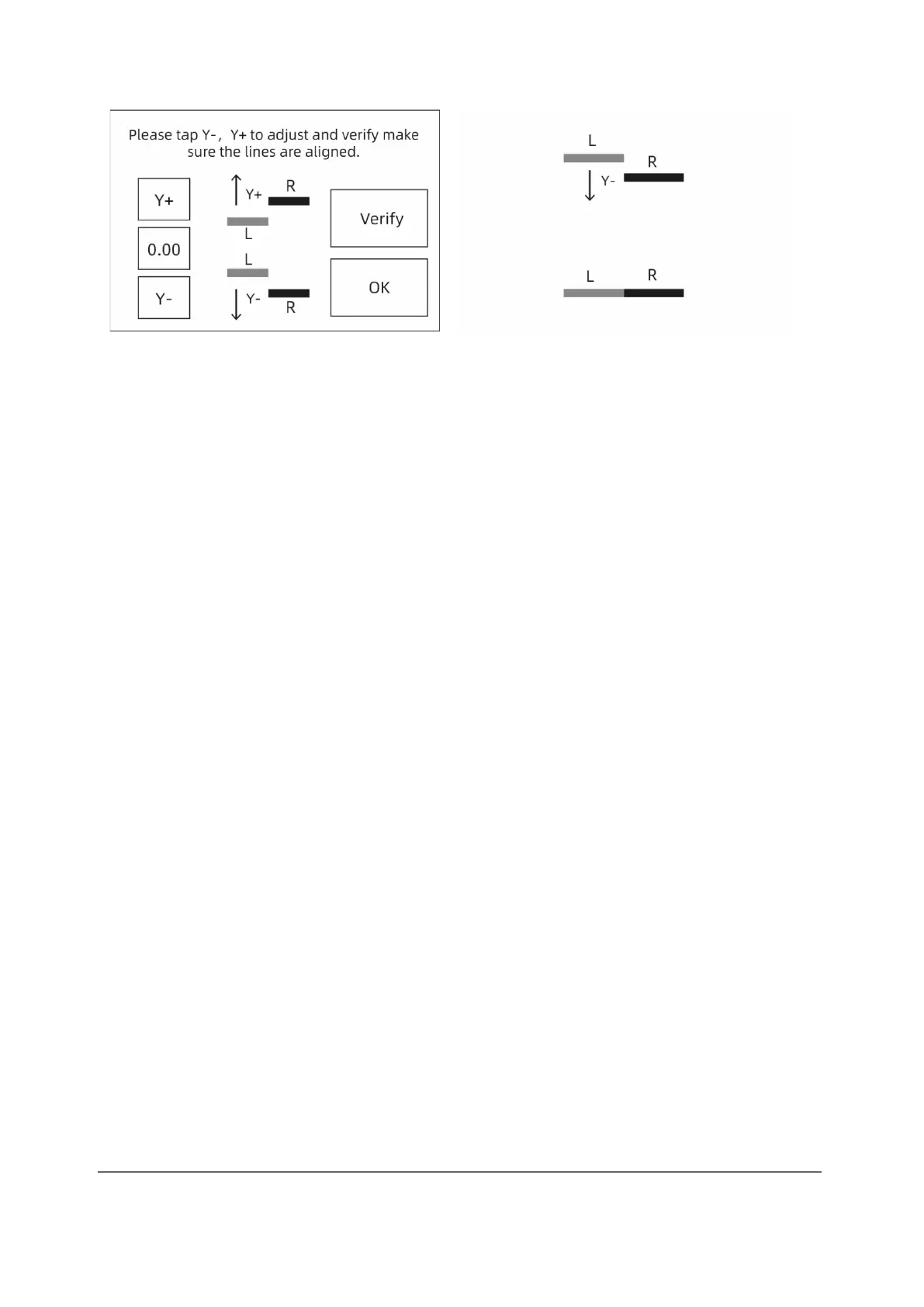
③ Touch "Y-", "Y+" according to the printed lines to adjust the extruder deviations
and remove the printed lines. Then touch the [Verify] button. The two extruders
(left and right) reprint the lines to check that they match. If they match, the Y-axis
calibration is complete. Otherwise, the adjustment must be continued until
conformity is established.



 To Next Page