www.bresser.de
[Manual]
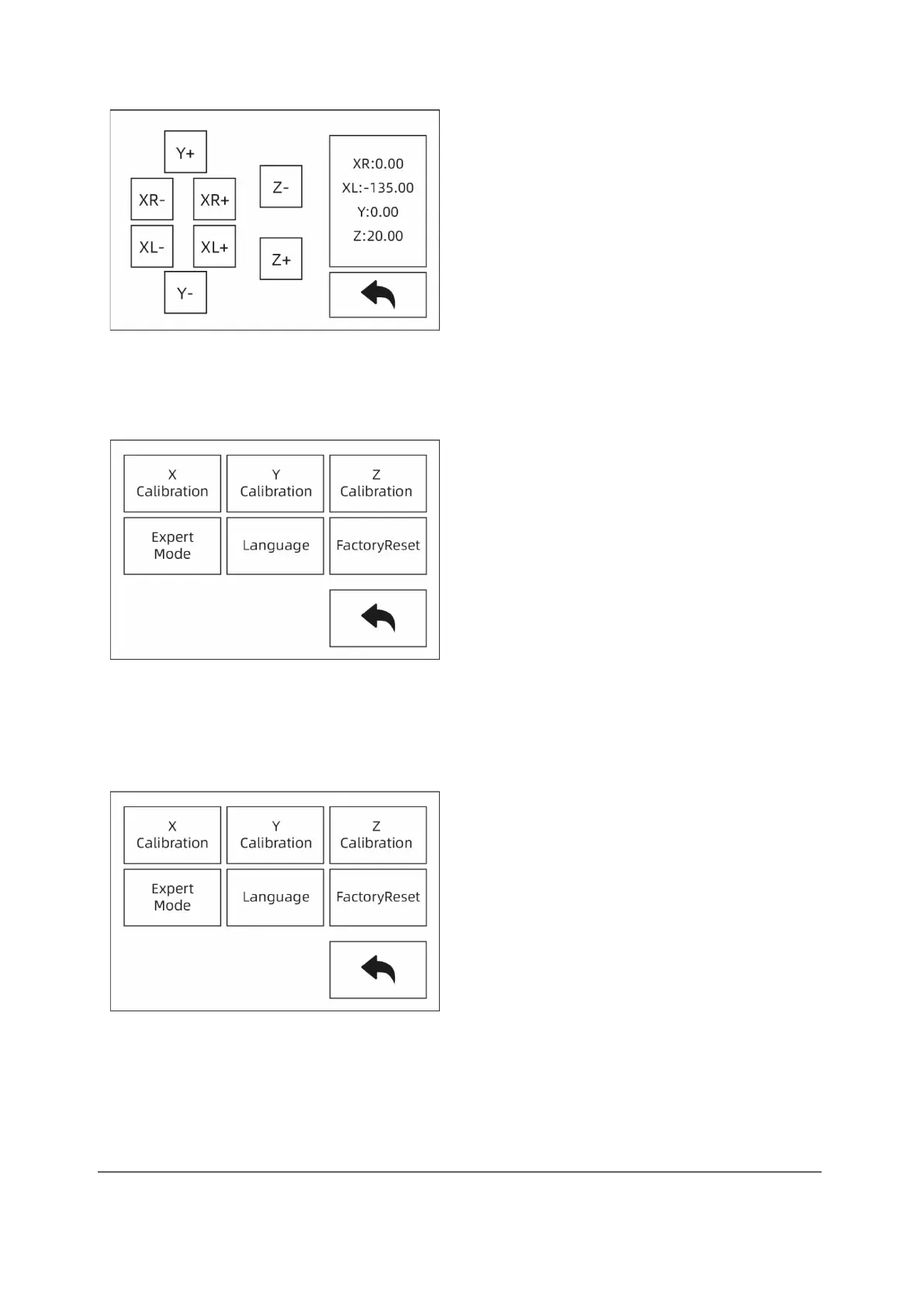
Touch the touch screen for XYZ axis movement control.
Setting
The "Setting" interface includes "X Calibration", "Y Calibration", "Z Calibration",
"Expert Mode", "Language" and "FactoryReset".
[X Calibration, [Y Calibration], [Z Calibration]
For further information, please refer to chapter 2.3.3.



 To Next Page