www.bresser.de
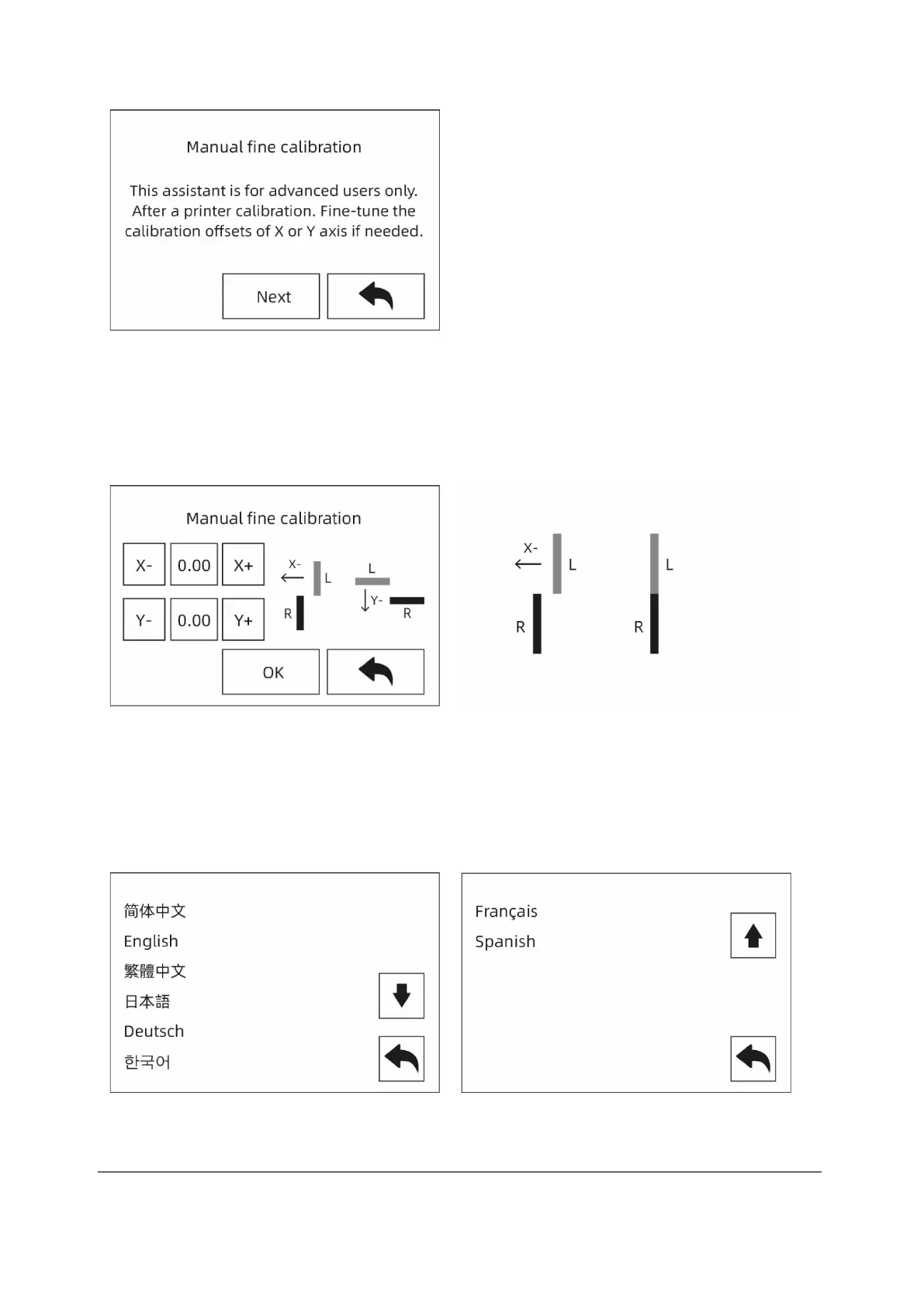
[Expert mode]
Simplified calibration for experienced users in expert mode. The placement of the
extruder on the X or Y axis can be adjusted according to the deviation value of the
model printed by two extruders on the same axis.
If the left extruder prints to the right on the X axis, touch [X-]. If the left extruder prints
to the left on the X axis, touch [X+].
When the right extruder is printing to the left on the Y axis, touch [Y-]. When the right
extruder prints to the right on the X axis, touch [Y+].
[Language:]
Support: Chinese, English, Japanese, German, French and Spanish.



 To Next Page