www.bresser.de
3.2.10 Supports
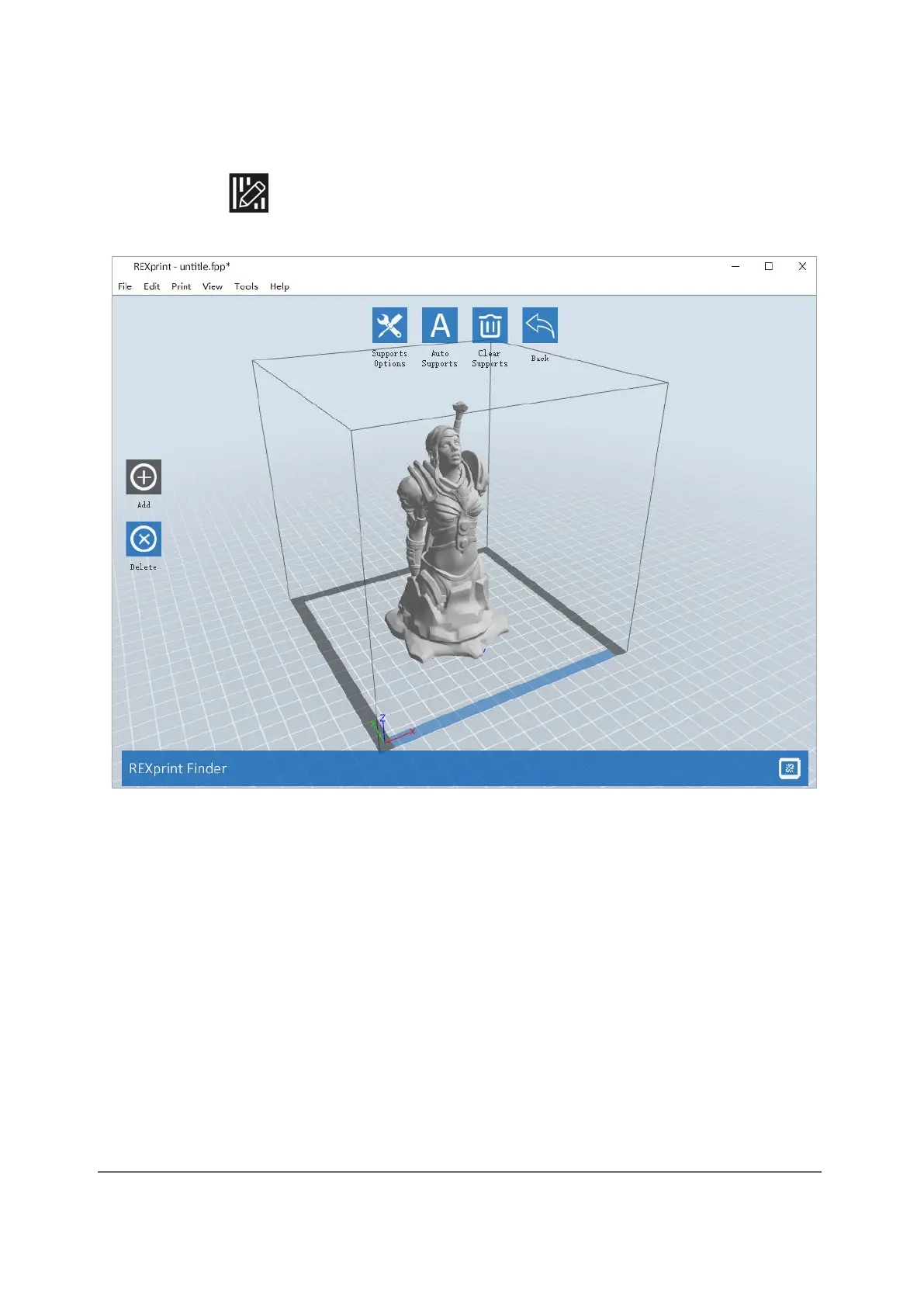
After you have loaded the model, click on [Edit] > [ Supports] or directly on the
Supports icon . You then switch to the editing mode for supports (as shown in
the figure below). Click [Back] to exit this mode when you have finished editing.
① Support options
When you click on "Support Options", a radio button is displayed listing the support
options "Treelike" and "Linear". If you select the "Treelike" option and click [OK], a
tree structure is created. However, if you select "Linear" and then click [OK], a linear
structure is created. If the model already has supports and you select one of the
support options, the software will assess whether the existing supports need to be
deleted. This decision is made on the basis of the type of support selected. You can
confirm this decision in a pop-up window.



 To Next Page