www.bresser.de
3.2.12 File menus
① New Project
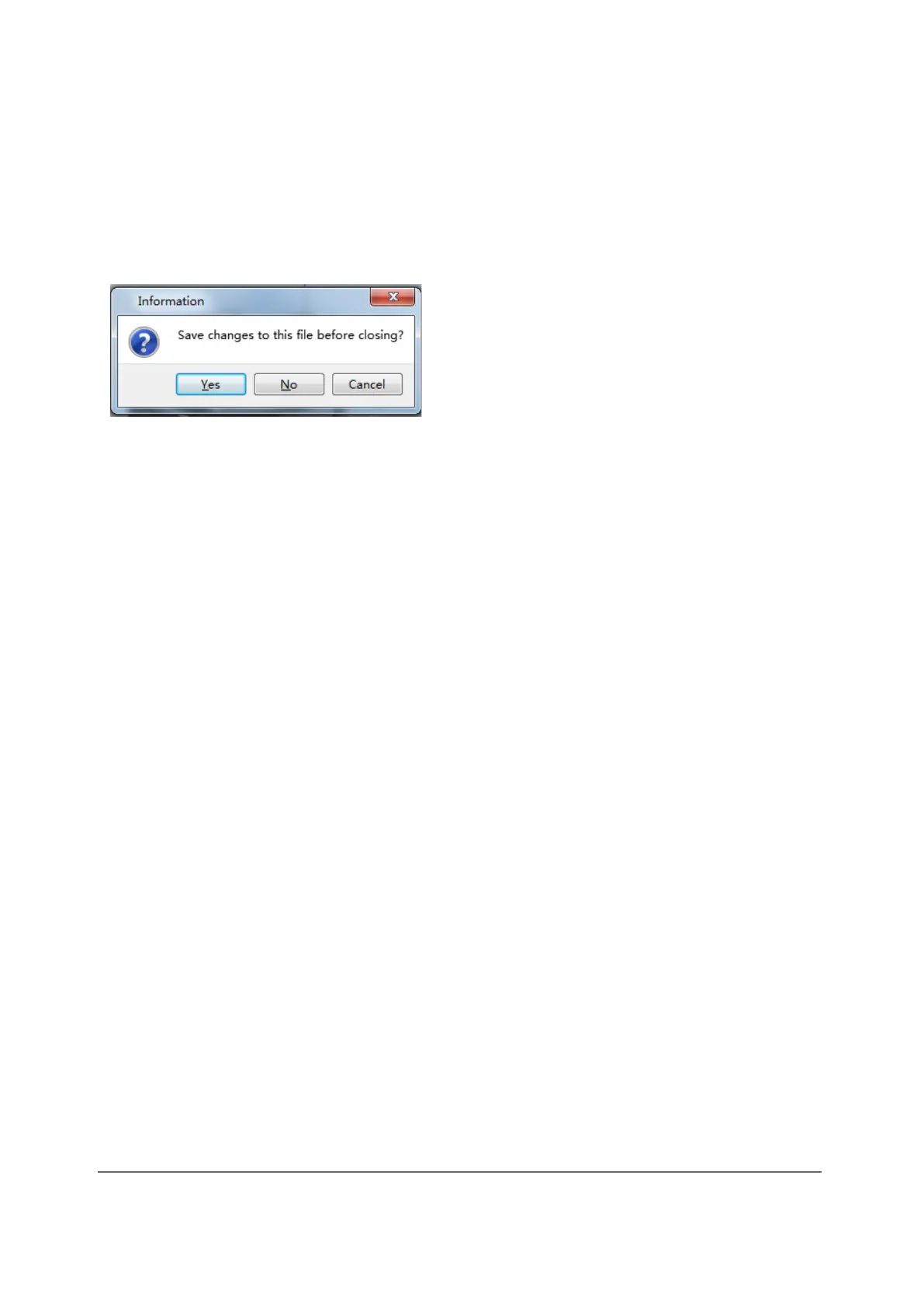
Click at [File] > [NewProject] to create an empty project. If a change has not yet
been confirmed for a previous project, you will be asked whether or not to save the
change. Click [Yes] to save the change or [No] to discard it. If you click [Cancel] or
close the tooltip, the new project is not created.
② Save
After the model has been edited and adjusted, there are two ways to save all the
models displayed.
Method 1: Click on [File]--[Save Project] to save the file as project file with the file
name extension FPP. All models shown (including supports) remain independent of
each other. When the file is re-loaded, the configuration information for the extruder
and model positioning will be the same as the configuration when the file is saved.
Method 2: Click [File] > [ Save as...] to save the model as a project file in FPP, STL
or OBJ format. With the STL and OBJ file formats, the models are integrated into a
single model (including the supports). When re-loading these file formats, only the
position of the model is saved, but not the print parametres.



 To Next Page