www.bresser.de
④ Select All
The following two methods can be used to select all models in the editing
environment. (If models are so small that you cannot see them, or are outside the
viewport, click the [Center] and [Scale] buttons to adjust the model)
Method 1: Click at [Edit] > [Select All].
Method 2: Press the key combination Ctrl+A.
⑤ Duplicate
Duplicate the object using one of the following two methods:
Method 1: Click on [Edit] > [Duplicate].
Method 2: Press the key combination Ctrl+D.
⑥ Delete
Delete object using one of the following two methods:
Method 1: Click on [Edit] > [Delete].
Method 2: Press the Del key.
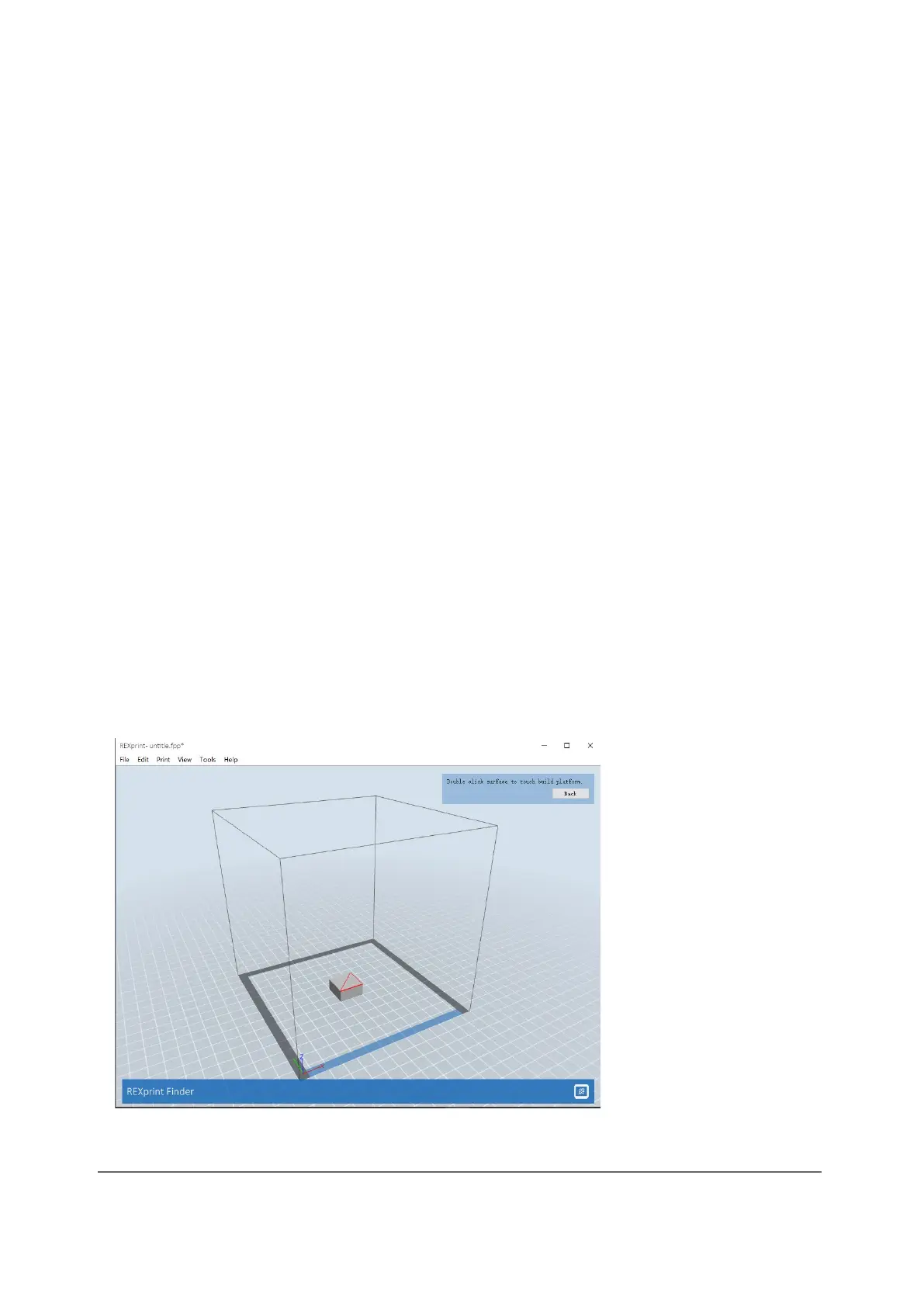
⑦ Surface to Platform
After you have selected the model, you can use the following procedure to place the
model surface on the platform.
Click [Edit] > [Surface to Platform] to switch to Surface to Platform mode
(as shown in the following figure).



 To Next Page