34
4.3.11.4 Combined Zones View
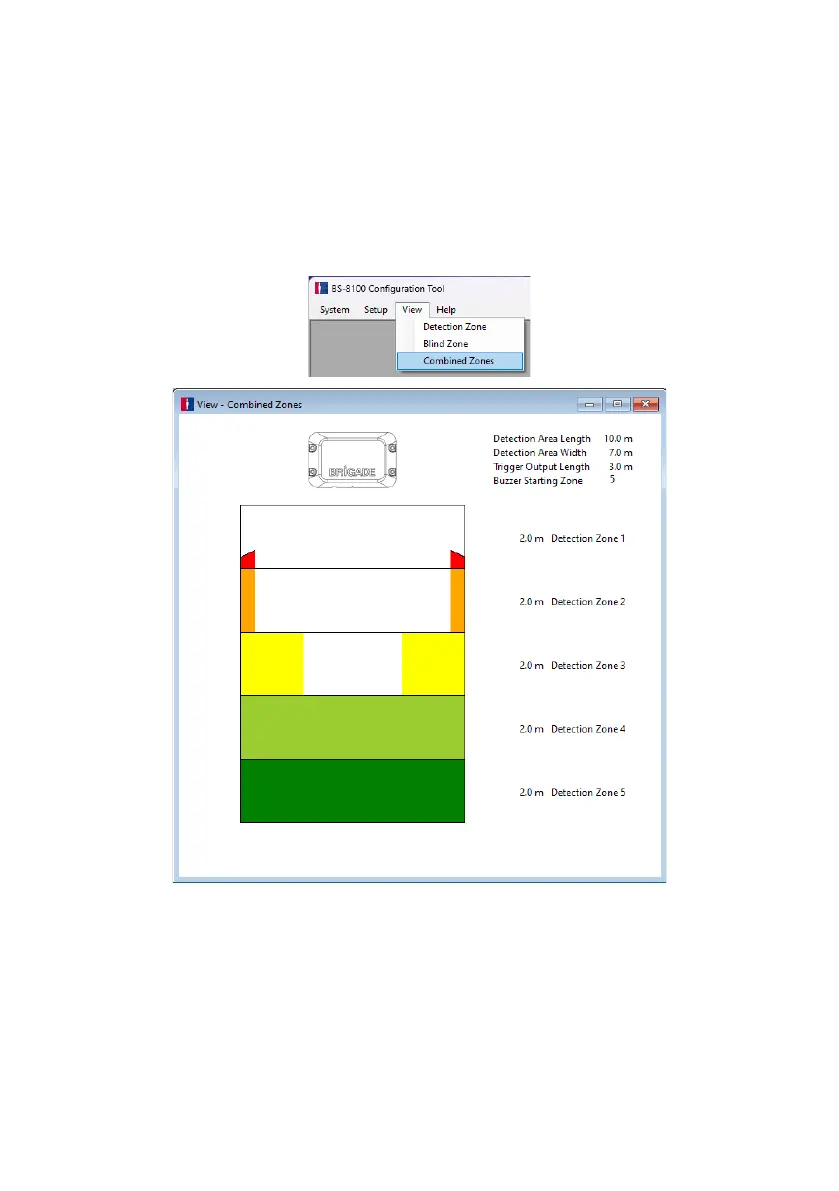
The BS-8100 Configuration Tool software offers a Combined Zones display, which shows the
Detection Area with the configured Blind Cells blanked out. In the menu area, click “View” then
“Combined Zones”.
The image below shows an example of the Combined Zones display using the previously
configured Detection Zone and Blind Zone parameters. Objects will be detected in the
coloured areas and will be ignored in the blank areas.



 To Next Page