ALTA EVOLUTION / EVOLUTION GT … User manual
ALTA EVOLUTION / EVOLUTION GT
ENTER A SHAPE 3.3.5.
3.3.5.1. GRAVITECH
TM
OPTICAL PLOTTER
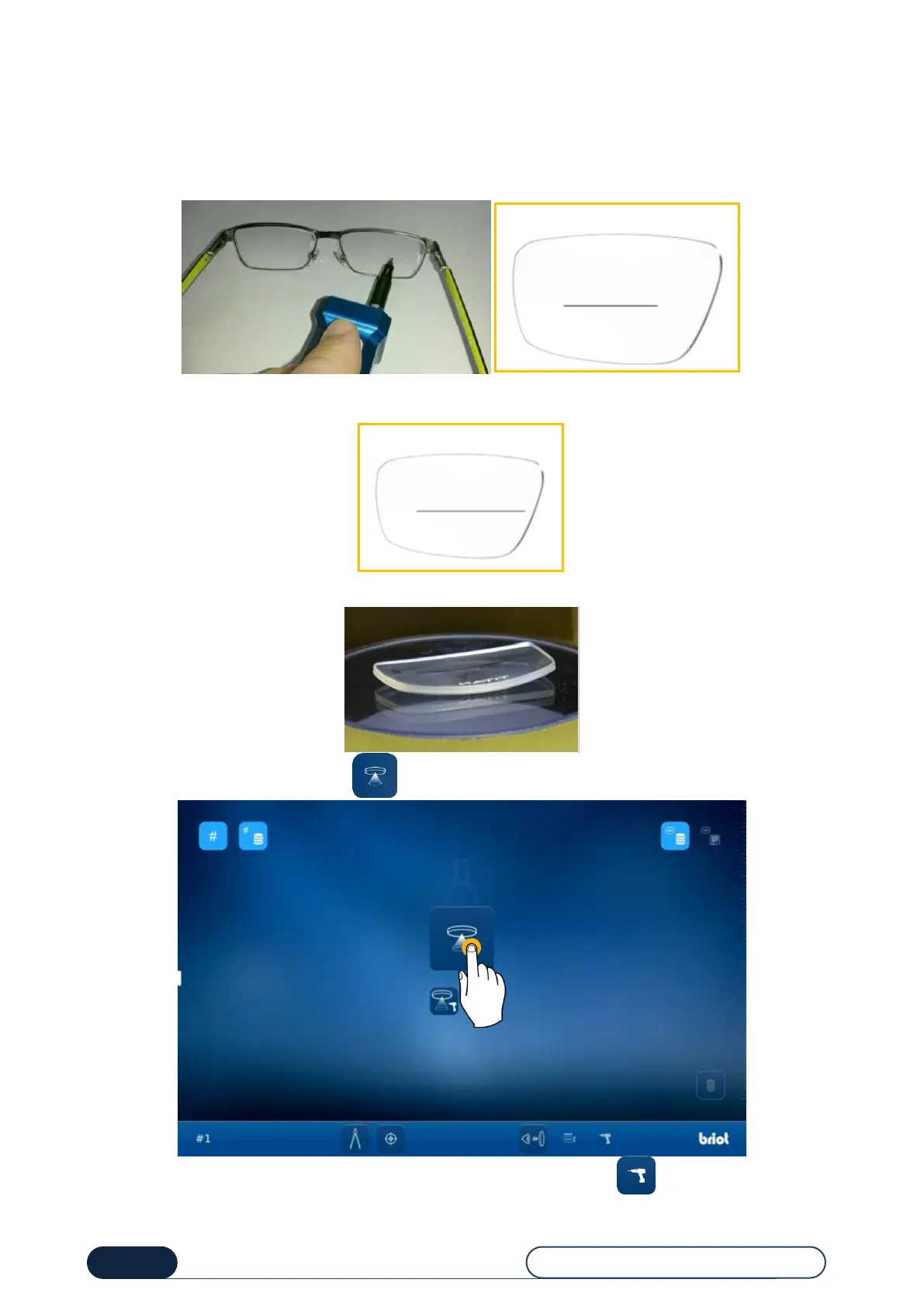
First draw frame axis on interior face using the tool and the felt-tip pen supplied in the accessory case. Refer to the
unpacking guide FC00868 supplied with your machine.
It is possible to configure the side's automatic detection. For that, make the longer line on the nose side.
The line must be offset on the nose side (see diagram), it must not touch the edge of the lens and the automatic
detection option must be activated (see chapter 4 Configuration).
Place the lens with the dished side on the lens holder to perform a capture in accordance with its center of gravity.
Press the Gravitech
TM
processing button to start the presentation lens or pattern measurement.
Tip! You can also start a measurement with detecting the drilling holes by pressing the button.



 To Next Page