ALTA EVOLUTION / EVOLUTION GT … User manual
1
ALTA EVOLUTION / EVOLUTION GT
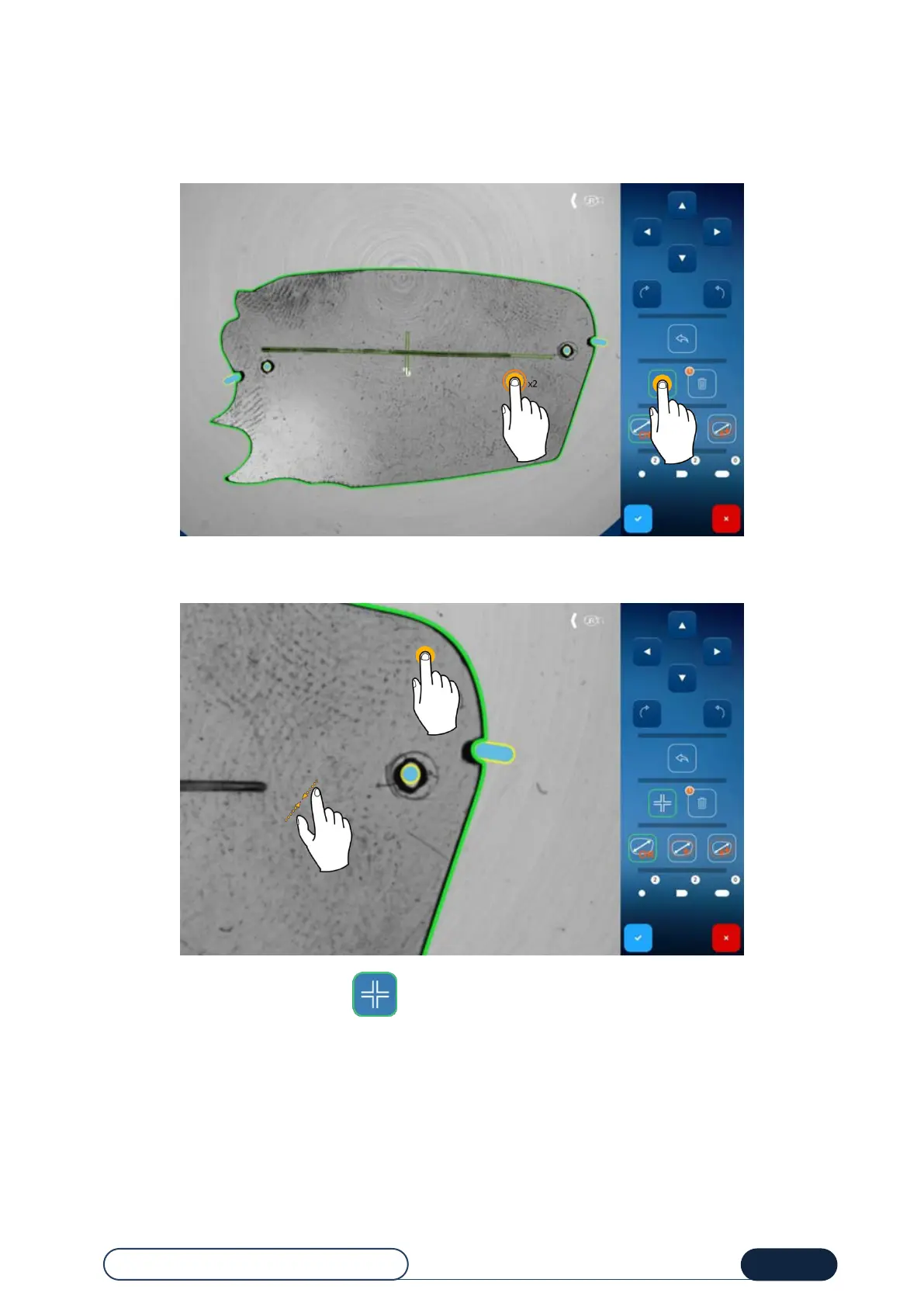
3.3.5.1.4. AXIS LOCKING
You can lock the axis (1) to check the detection of the lens outline in zoom mode (2). This action will avoid you moving
the axis accidentally when performing a zoom.
For this purpose, follow this procedure:
If you want, you can enlarge the shape on the screen by pinching the screen to zoom (1) and then moving by simply
pressing the screen (2).
You can unlock the axis by pressing the button again to change these characteristics.



 To Next Page