ALTA EVOLUTION / EVOLUTION GT … User manual
1
ALTA EVOLUTION / EVOLUTION GT
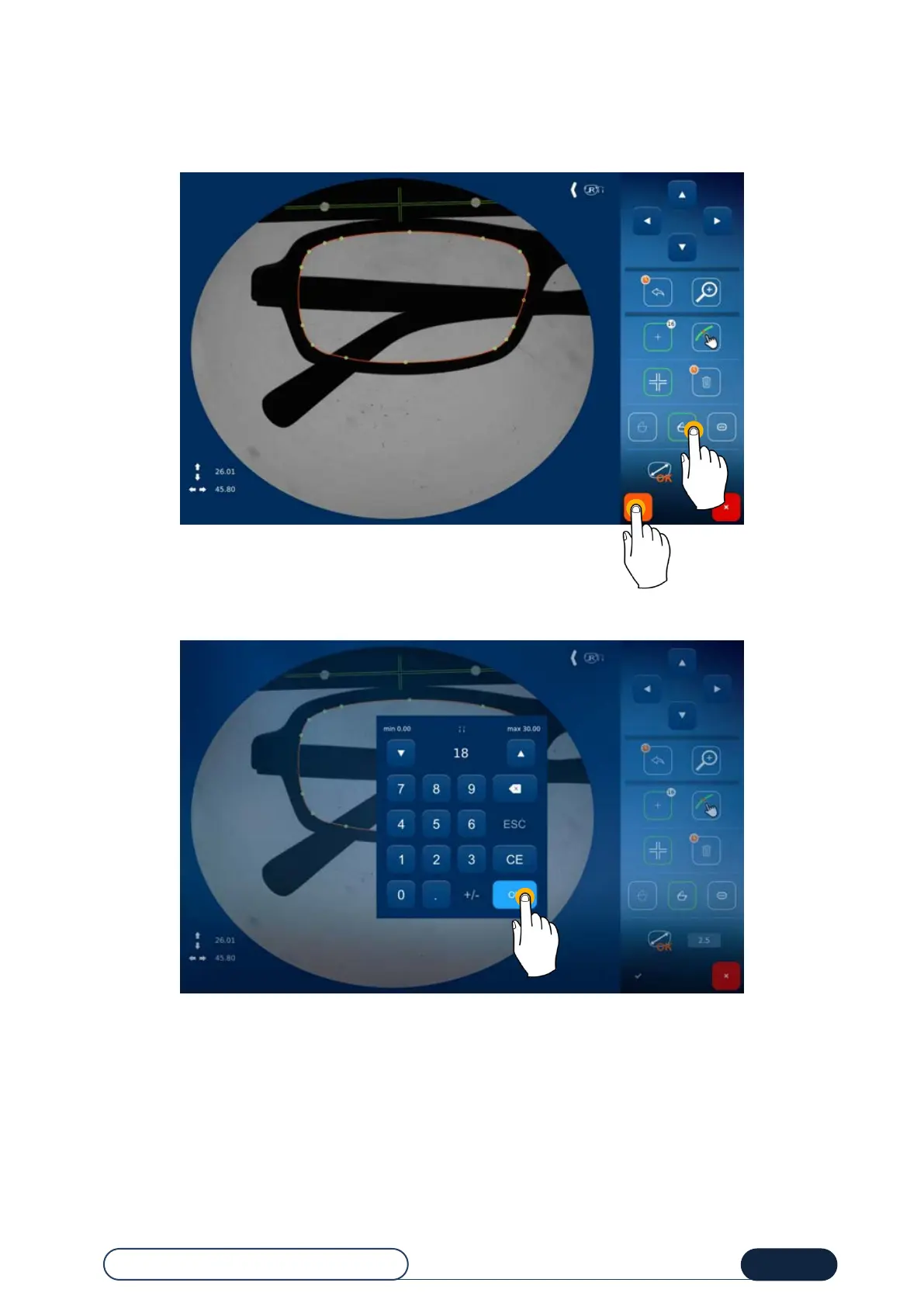
Choose your oversize value beforehand, among the three default values, according to the frame type (plastic, metal or
presentation lens).
Once your shape is done, you may validate it.
Validate the entered shape
Enter the value of the desired frame bridge, then validate.
Enter and validate the bridge value



 To Next Page