ALTA EVOLUTION / EVOLUTION GT … User manual
1
ALTA EVOLUTION / EVOLUTION GT
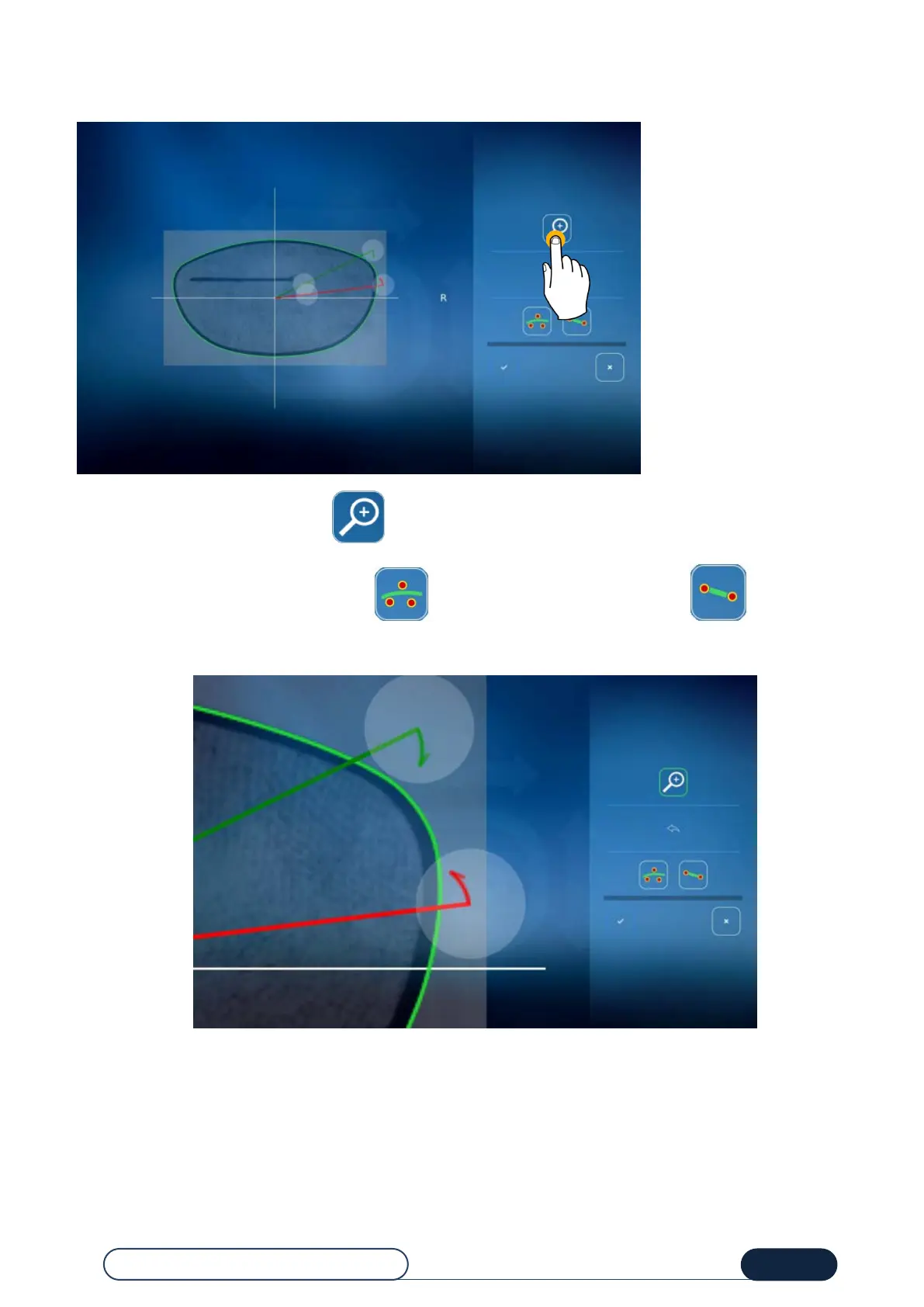
Select the portion of the lens to smooth using the 2 cursors (green and red).
You can zoom in at any time by pressing
Choose the desired smoothing type by pressing for SD smoothing (Bézier), or by pressing for straight
smoothing.
The change of the shape can then be displayed in orange.
Zoom



 To Next Page