Model 871A User’s Manual USING THE LASER WAVELENGTH METER
Bristol Instruments, Inc. 21
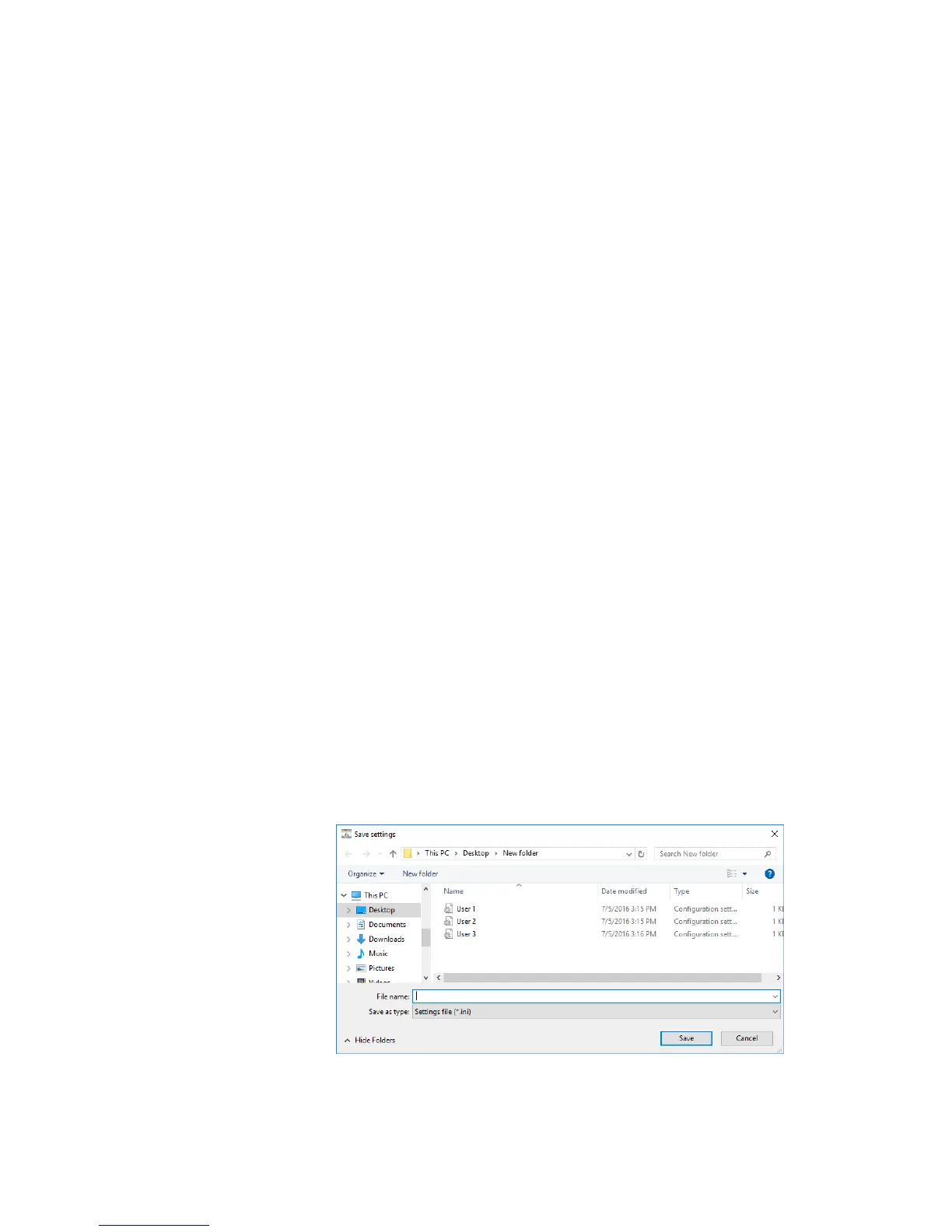
• Save Settings – Saves the current NuView software settings to a text-based
initialization (*ini) format file. The Settings file saves the following
parameters.
- Spectral Units – The units for the Wavelength Display in nanometers,
microns, gigahertz, terahertz, or wavenumbers.
- Logging Type – The type of measurement logging, specified as number
of measurements, measurement time, or continuous measurement.
- Logged Measurement Settings – The checklist of measurement
parameters (Instrument Status, Max Peak Wavelength, and Max Peak
Intensity).
- Save Location – The log file location.
- Averaging Status – Whether averaging is enabled or disabled.
- Number of Averages – The number of wavelength measurements
averaged.
- Input Laser Type – The type of laser being measured, specified as
pulsed or CW.
- Triggering Method – How the instrument is triggered to make a
measurement, specified as Internal, External Rising, or External Falling.
- Frame Rate – The internal measurement speed that the instrument is
triggered to make measurements, specified in Hz.
- Calibration Method – The type of event that triggers an instrument
calibration, specified as temperature, time, or at manual calibration
intervals.
- Time/Temperature Delta – The amount of time or temperature that
triggers an instrument calibration, specified in minutes or 1/10
th
degree
Celsius, respectively.
Click on Save Settings, enter the file name and folder location and click
Save.
• Exit - Exits out of the NuView software.



 To Next Page