Model 871A User’s Manual USING THE LASER WAVELENGTH METER
Bristol Instruments, Inc. 28
• Buffering – The 871 system allows the user to buffer up to 1 million
wavelength measurements in the instrument’s internal storage. The buffered
measurements can then be downloaded and saved to the user’s PC in a
Comma-Separated Value (*.csv) file format. The default file name is
“Data.csv.”
The columns of the CSV file are defined by the available measurement
parameters listed below. Each column is further explained in Chapter 5.
- Scan Index – The scan index is an integer whose value increases
by one with each measurement. The first scan index emitted by the
instrument is 0, and the maximum scan index is 4294967296, after
which the scan indexes values start over.
- Status – The status word is a 32-bit-wide bitfield. The hexadecimal
value of each status is listed in Appendix E.
- Wavelength – The measured wavelength in the currently selected
units.
- Power – The relative intensity on the detector on a scale of 0 to 1.
• Start – Begins the buffering of wavelength data. Once clicked, the Start
menu item changes to Stop. If the buffering is not ended prematurely by the
user, the buffering will automatically end once the buffer is full. Click once to
start buffering, and a second time to stop.
• Clear – Empties all of the wavelength data currently stored in the buffer.
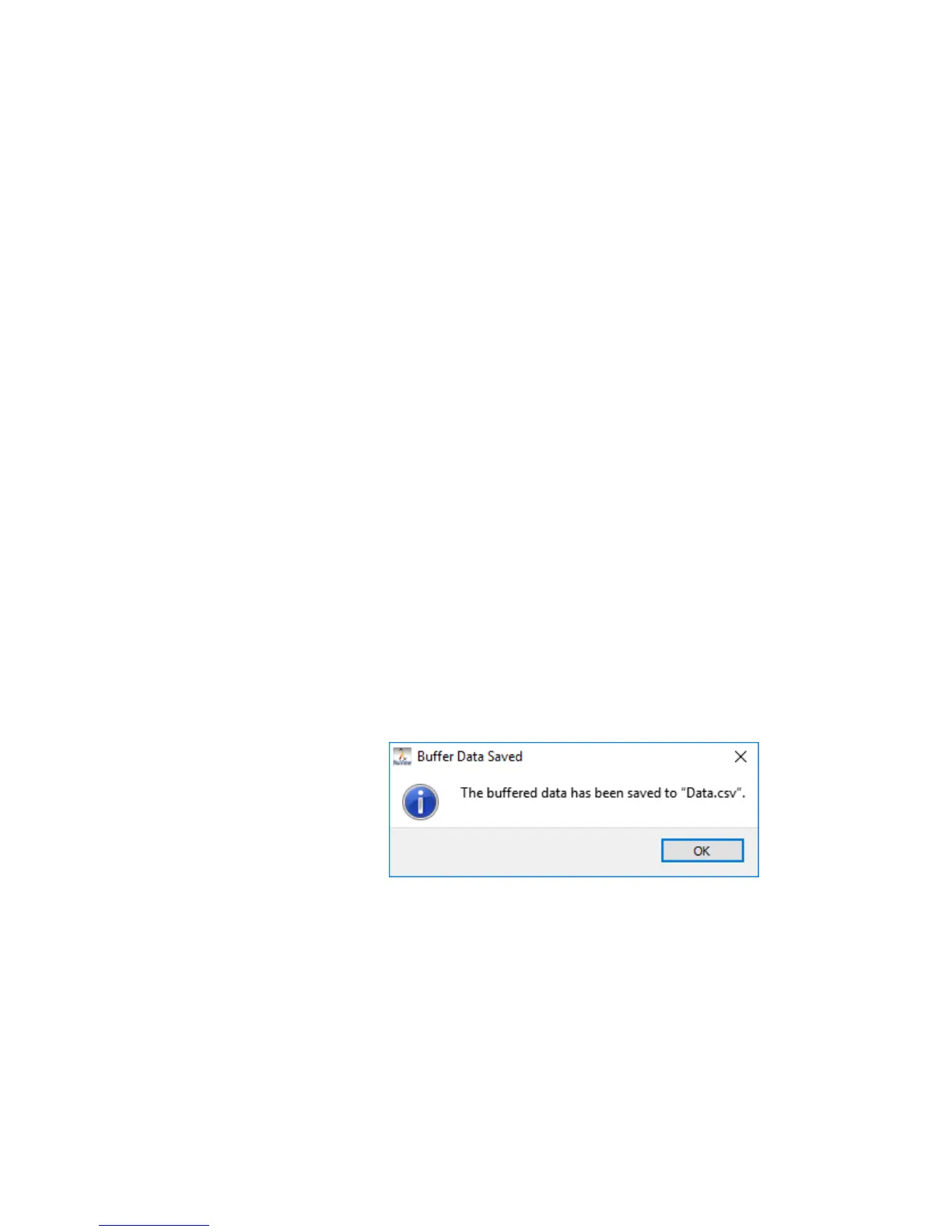
• Save to file – Saves the current buffered data to a *.csv formatted file on the
PC. Select the desired save location, enter a filename with the keyboard, and
click OK. Once the data has been transferred from the instrument to the PC,
a notification will appear to inform the user that the buffered data has been
saved.



 To Next Page