Model 871A User’s Manual REMOTE COMMUNICATIONS
Bristol Instruments, Inc. 39
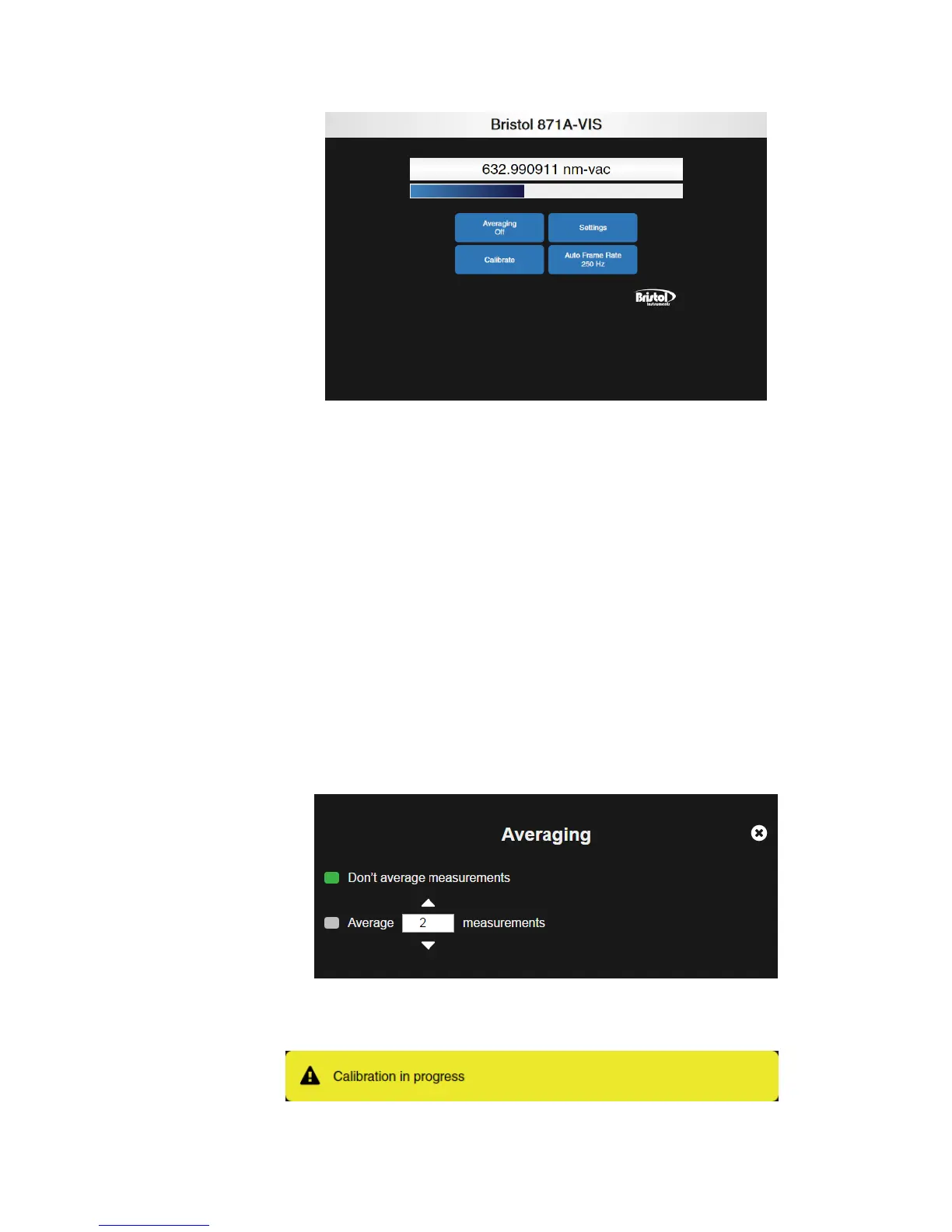
Figure 6.1: Web-Based Display Application
The display application shows the real-time wavelength and power measurements from
the connected 871 system. The display application also offers customizable settings for
displaying the measurement.
• Averaging – This function automatically calculates a running average of as many as
128 measurements. When averaging is selected, the wavelength display will display
a single measurement after the chosen number of measurements is collected and
averaged. The wavelength display will then be updated with each successive
measurement.
– Don’t average measurements – Clicking this button disables averaging.
– Average…measurements – Clicking this button enables averaging and allows
the user to enter a number of averages between 2 and 128. The number of
averages can be adjusted incrementally by using the up/down arrows, or by
highlighting the current numeric value and entering a new numeric value with the
keyboard or number-pad.
• Calibrate – Calibrates the instrument with the internal reference source. Calibration
takes approximately 2 seconds to complete, and temporarily interrupts the displayed
wavelength. A caution message is displayed while calibration is in process.



 To Next Page