44
© 2020 Brivo Systems LLC. All rights reserved. P-MAN-PUB-Panel Networking Guide
Panel Networking Guide
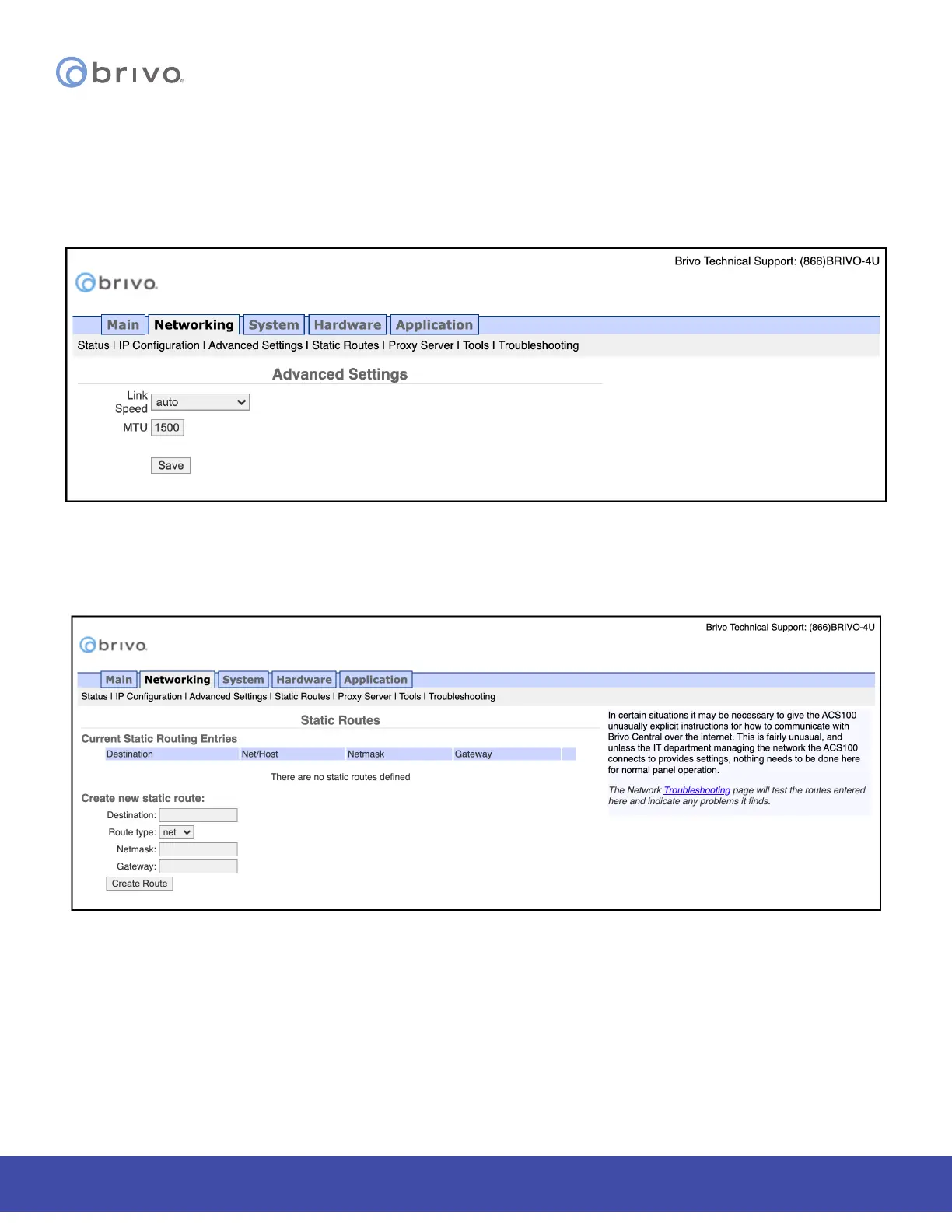
Advanced Settings
When conguring a network Link Speed, the Brivo control panel defaults to Auto when establishing a link speed
between the panel and the network.
1. Click Networking to access the Networking menu bar.
2. Click Advanced Settings to access the Advanced Settings page.
Figure 44: Advanced Settings
Static Routes
Establishing static routes is rarely required and should be performed only with the advice of the network
administrator for the site where the control panel is being installed.
Figure 45: Static Routes Conguration



 To Next Page