43
© 2020 Brivo Systems LLC. All rights reserved. P-MAN-PUB-Panel Networking Guide
Panel Networking Guide
Entering Networking Parameters
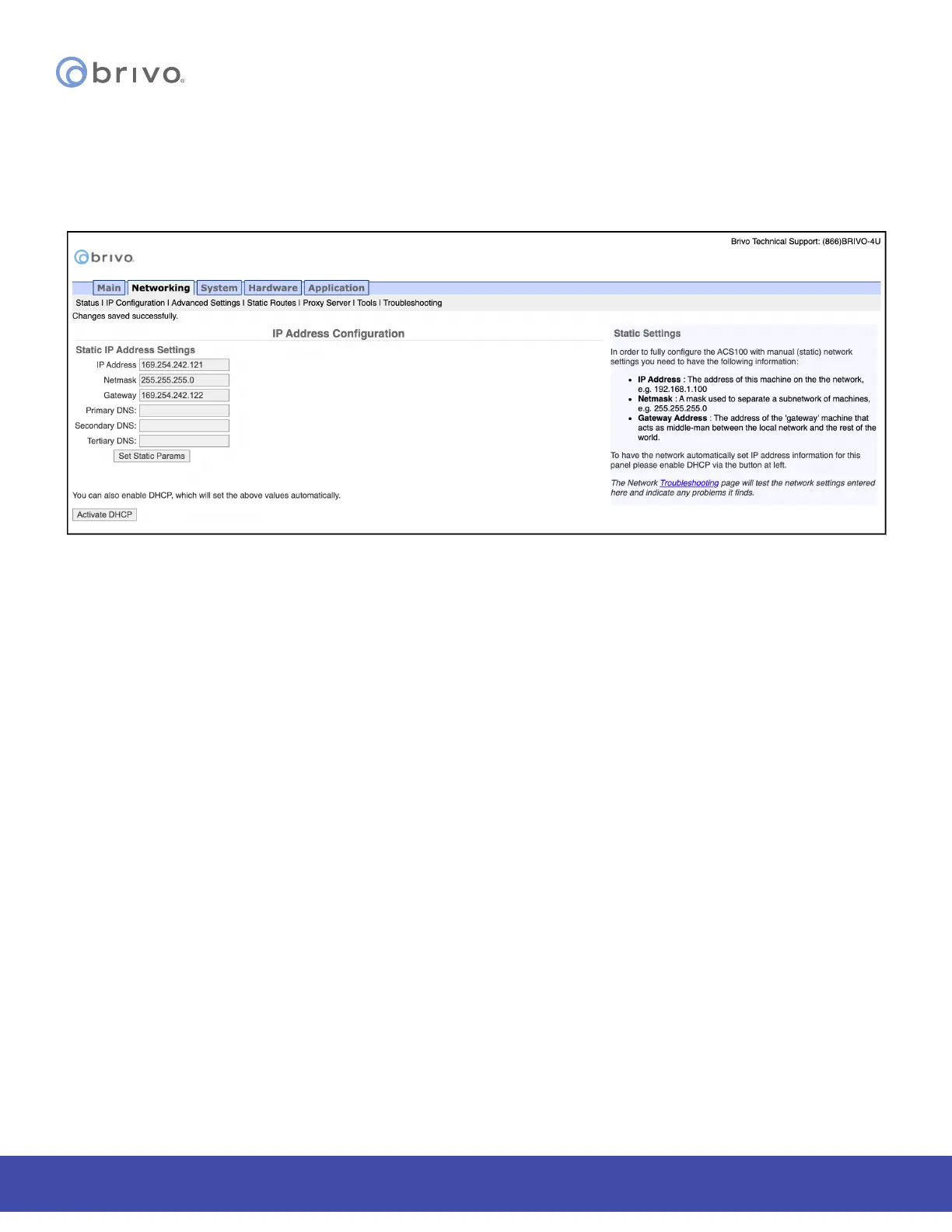
Once DHCP is deactivated, you can enter IP conguration information on the IP Address Conguration page.
1. IP Address, Netmask, Gateway, and Primary DNS are required elds on this page.
2. Secondary DNS and Tertiary DNS are optional.
3. After entering the data, click Set Static Params.
Figure 43: IP Address Conguration
NOTE: Incorrect parameters may prevent the control panel from communicating with the Brivo Onair Cloud Server.
Please conrm all settings with the LAN network administrator rst.



 To Next Page