3-6
Section 3 Operation
Models MT 3809 and 3819
Installation and Operation Manual
X-VA-MT3809-3819-eng
Part Number: 541B049AHG
September, 2008
Emerson Model 275 Communicator Functions
Action Keys and Hot Key
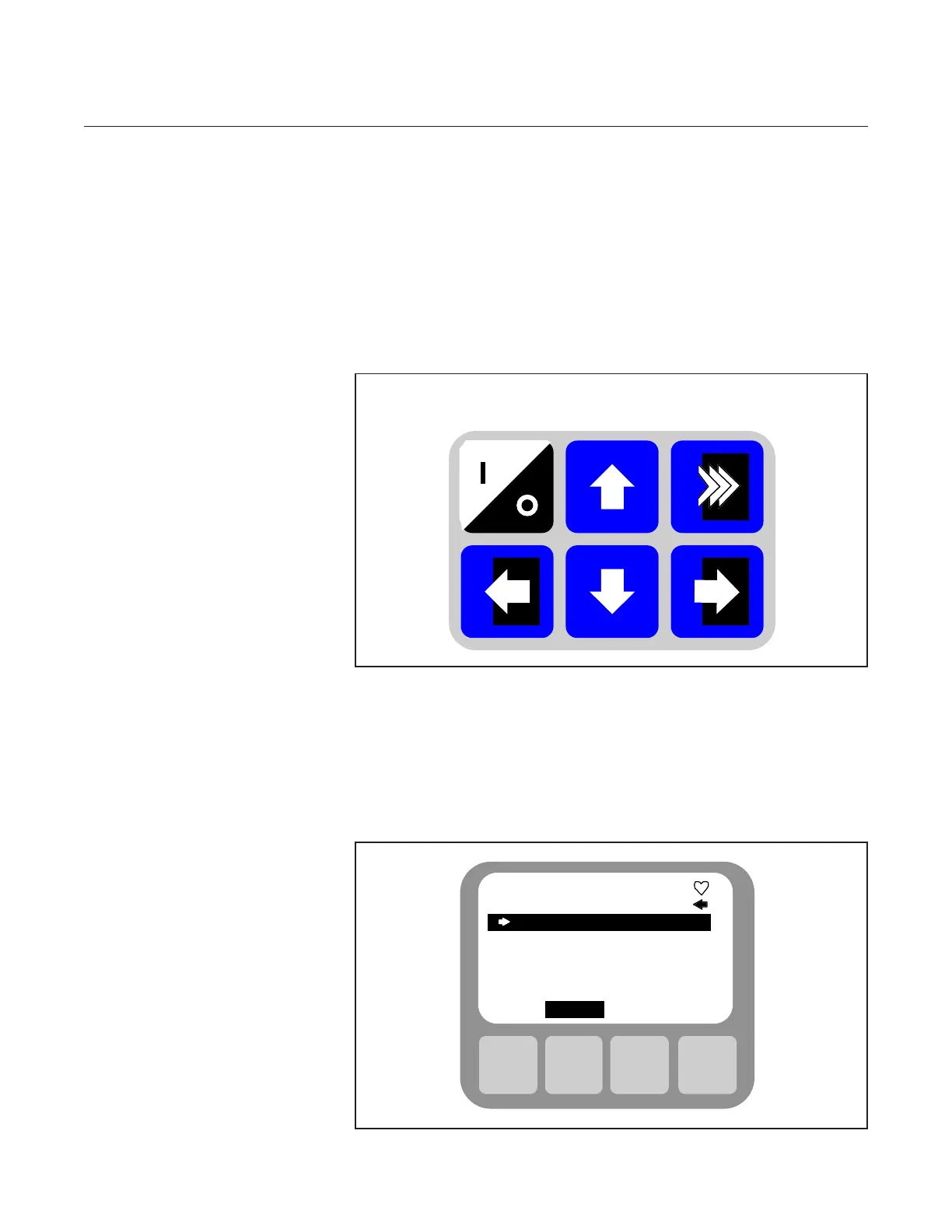
Six Action Keys promote easy navigation through the menu structure. You
may customize the Hot Key to quickly access a menu of your most
frequently performed on-line tasks. The Hot Key Menu is a user-definable
menu containing one permanent option, Range Values. Range Values
provides quick access to rearrange capability. Up to 19 frequently
performed tasks can also be added to this menu. These tasks are stored
even when the communicator is off, and are always readily available by
simply pressing the Hot Key.
On/Off Up Hot Key
Figure 3-5 HART Communicator Action / Hot Keys
LCD
The LCD is an eight-line by twenty-one character display that provides a
window to all the functions of a HART compatible device. When connected
to a HART compatible device, the top line of each menu displays the model
name of the device and its tag. The bottom line of each menu is reserved
for a dynamic label for each function key, F1 through F4.
F1 F2 F3 F4
Brooks MT 3809
On-line
1 Device setup
2 PV 0.86 gpm
3 AO 4.275 mA
4 LRV 0.00 gpm
5 URV 50.00 gpm
SAVE
Figure 3-6 HART LCD



 To Next Page