EasyManua.ls Logo

Brooks SLA5863 - User Manual

Default Icon
74 pages
Print Icon
To Next Page IconTo Next Page
Loading...
Installation and Operation Manual
X-TMF-SLA5800-Series-RevB-MFC-eng
Part Number: 541B187AAG
January, 2017
Brooks
®
Digital MFC's & MFM's
Brooks
®
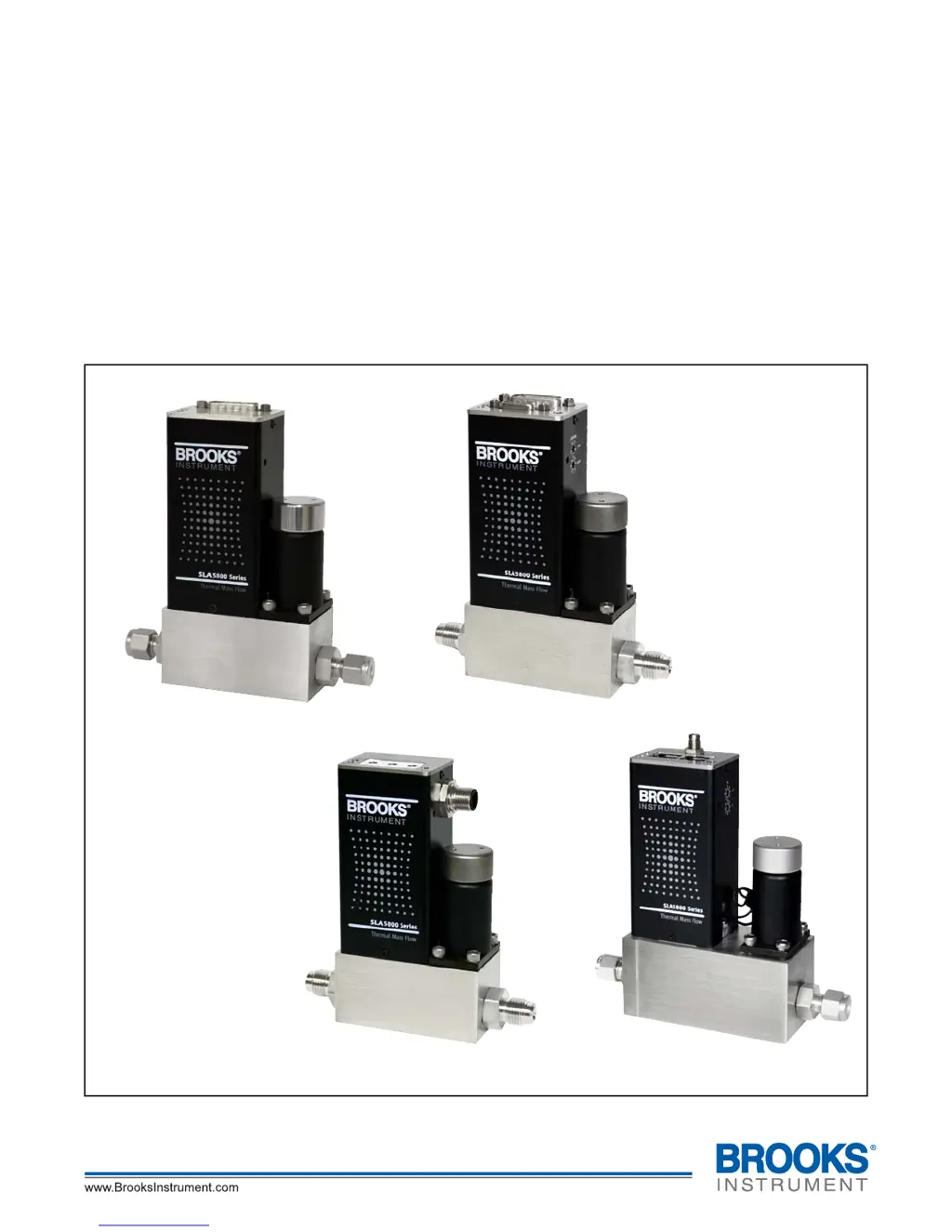
SLA5800 Series
Elastomer Sealed, Digital,
Thermal Mass Flow Meters and Controllers
Model SLA5850
with RS485 Communications
Model SLA5850
with DeviceNet
®
Communications
Model SLA5850
with Profibus
®
Communications
Model SLA5851
with EtherCAT
®
Communications

Table of Contents

Questions and Answers

  • J
    Johnny SmithAug 21, 2025
    Why Brooks SLA5863 flow cannot be achieved?
    • M
      Mia HurleyAug 21, 2025
      If you cannot achieve flow with your Brooks Measuring Instruments, regardless of the Setpoint, it might be due to a clogged control valve or the valve override input being grounded. Check the valve override input (Pin 12).
  • S
    Sherry TaylorAug 23, 2025
    What to do if Brooks SLA5863 Measuring Instruments controller oscillates?
    • H
      henry92Aug 25, 2025
      If your Brooks Measuring Instruments controller oscillates, the cause might be that the pressure drop or inlet pressure deviates from calibrated values. Adjust pressures to original specifications. Another reason may be unstable inlet pressure, so you should check the external pressure regulator.
  • E
    erin58Aug 26, 2025
    What to do if Brooks Measuring Instruments output signal follows Setpoint at lower Setpoints, but does not reach full scale?
    • G
      Gregory GriffinAug 26, 2025
      If the output signal of your Brooks Measuring Instruments follows the Setpoint at lower settings but doesn't reach full scale, it could be due to insufficient inlet pressure or pressure drop. Adjust pressures and inspect in-line filters, cleaning or replacing them as needed. Also, the sensor or valve might be partially clogged, so cleaning them is recommended.
  • K
    Kevin SolisAug 28, 2025
    What to do if Brooks SLA5863 output signal follows Setpoint at higher Setpoints but will not go below 2%?
    • S
      Shannon WoodsAug 28, 2025
      If the output signal of your Brooks Measuring Instruments follows the Setpoint at higher settings but won't go below 2%, it is possible that the control valve leaks or is stuck open. Clean the control valve.
  • S
    Sean LopezAug 30, 2025
    What to do if Brooks SLA5863 instrument is grossly out of calibration and flow is higher than desired?
    • A
      Allen LeeAug 30, 2025
      If your Brooks Measuring Instruments is grossly out of calibration and the flow is higher than desired, the sensor may be partially clogged. Clean the sensor.
  • S
    Shaun ClaySep 1, 2025
    What to do if Brooks Measuring Instruments output stays at zero?
    • J
      josephnavarroSep 1, 2025
      If the output of your Brooks Measuring Instruments remains at zero, regardless of the Setpoint, even with flow through the meter/controller, the sensor might be clogged. Clean sensor.
  • R
    rjimenezSep 3, 2025
    Why is the flow rate not achieving setpoint in my Brooks SLA5863?
    • H
      Heather BaileySep 3, 2025
      If the flow rate or flow signal of your Brooks Measuring Instruments fails to achieve the setpoint, it might be due to insufficient pressure drop across the MFCs. If necessary, increase the pressure.
  • R
    Robert BakerSep 5, 2025
    What to do if the output signal doesn't reach full scale on Brooks SLA5863?
    • M
      Marissa DavisSep 5, 2025
      If the output signal of your Brooks Measuring Instruments follows the setpoint at lower setpoints but doesn't reach full scale, it could be due to several reasons: * Insufficient inlet pressure or pressure drop: Adjust the pressures and inspect in-line filters, cleaning or replacing them as needed. * Partially clogged sensor: Clean the sensor. * Partially clogged valve: Clean the control valve.
  • A
    Austin SimsSep 7, 2025
    What to do if flow cannot be achieved regardless of setpoint on Brooks Measuring Instruments?
    • D
      davisnicholasSep 8, 2025
      If the flow cannot be achieved regardless of the setpoint in your Brooks Measuring Instruments, it could be due to a clogged control valve. In this case, you should clean the control valve.
  • M
    Marc BishopSep 9, 2025
    Why is the flow higher than desired on my Brooks Measuring Instruments?
    • D
      Dr. Tammy TurnerSep 10, 2025
      If the instrument is grossly out of calibration and the flow is higher than desired in your Brooks Measuring Instruments, a partially clogged sensor could be the cause. Clean the sensor to resolve this issue.

Summary

Section 1 Introduction

1-4 Specifications

References tables for detailed technical specifications of the SLA5800 Series, including performance ratings.

Section 2 Installation

2-9 Installation

Provides detailed CAUTIONS and recommended procedures for installing the MFC/MFM in a clean, dry environment.

Special considerations for high pressure installations

Discusses managing pressure during startup for high-pressure applications to prevent damage.

Special considerations to be taken when installing the SLA5853 MFC

Highlights specific installation advice for the SLA5853 model due to its dual-stage valve design.

2-11 Operation Check Procedure (Analog I;O)

Provides step-by-step instructions for verifying the proper operation of the MFC/MFM using analog I/O signals.

2-12 Operation Check Procedure (Digital I;O)

Outlines the procedure for checking the operation of MFC/MFM via digital I/O and network controllers.

Section 3 Operation

3-6 Alarms (Analog versions only)

Outlines alarm features for analog versions, including diagnostic and general alarms, and their configuration.

Section 4 Maintenance & Troubleshooting

4-1-1 Troubleshooting Analog or Digital

Offers guidance on diagnosing common MFC/MFM problems related to flow rate and signal issues.

Section A Essential Instructions

General Safety Instructions

Covers crucial safety warnings and precautions for installing and operating Brooks Instrument products.

European Pressure Equipment Directive (PED)

Explains the applicability of the PED directive to pressure equipment and compliance requirements.

European Electromagnetic Compatibility (EMC)

Details EMC directive compliance and requirements for signal cable quality and connectors.

Electrostatic Discharge (ESD)

Provides essential handling procedures for components sensitive to electrostatic discharge to prevent damage.

Brooks SLA5863 Specifications

General IconGeneral
ModelSLA5863
ManufacturerBrooks
TypeMass Flow Controller
Flow RangeDepends on model and configuration
Pressure RatingDepends on model and configuration
Operating Temperature0 to 50°C
Output Signal0-5 VDC, 4-20 mA
Power Supply15-24 VDC
MaterialsStainless steel
ApprovalsCE
Response Time< 1 second
Communication ProtocolAnalog
Flow Rate RangeDepends on model and configuration
Gas CompatibilityVarious gases (specific gases depend on configuration)

Related product manuals